What's New ✨ Ask Brainbox what's new! Get the latest Wavebox news without leaving your chat. In any Brainbox chat, just type: @settings what's new in Wavebox? ✨ New in Wavebox: Smart Note Checklists, New Look Navigator, Chat with Settings & More This week's release: tick things off in Smart Notes, meet the redesigned Navigator, chat your way through Settings, and add a Clock widget to your dashboards. 📬 Waveboxed 03: The Latest News from Wavebox HQ Spring/Summer roundup, Chat with Settings, new tab page options & more in the latest edition of our newsletter. 🧑💻 Your Browser Should Work Like Your Computer Wavebox brings operating-system-level organization to your browser: Spaces for each context, Groups for projects, and every account signed in at once. 🪐 New: Pick a Space When You Create a Group The '+ Add New Group' popover in the webdock now has a Space dropdown in the List and Explorer layouts. 🚀 Make the New Tab Page Yours: Every Option in Wavebox Your new tab page can be different for every Group, Space, or client. Every option in Wavebox, from search box to Dashboards. 🎬 Story: How WORLDS Turned Their Browser into a Multi-Company OS for the Web CEO Jon Cotton runs three entertainment companies in one Wavebox window: Spaces, Groups, and Desktop Web Apps replace profile juggling. ☀️ Round Up: Brainbox Redesign, On-Device AI, New Languages, Grammar Checking, Tab Groups & More Three months of Wavebox updates: the Brainbox redesign, on-device AI, a built-in grammar checker, Tab Groups, languages, and native Connect. 🦾 Brainbox Can Now Change Your Settings, Not Just Explain Them Brainbox now changes your Wavebox Settings for you. Ask in Chat with Settings to set up Spaces, add apps, and configure everything. ✍️ New: Grammar Suggestions That Never Leave Your Machine Wavebox now checks your spelling and grammar as you type, running on your device so your text never leaves it. 🌍 Speak Your Language: UI Language Support Comes to Wavebox Wavebox now supports 19 UI languages. Try localized menus and settings, help refine translations, and report issues today. 🤖 Meet the New Brainbox Brainbox now offers 11 built-in Skills, cross-account @mentions, file uploads, screenshots, voice input, pop-out panels, and Smart Notes. 🗂️ Tab Groups Come to Wavebox Wishing you could bundle tabs up? Try the new Tab Groups in the main Wavebox window. 📌 Tutorial: Build a Weekly Planner Dashboard Create a beautiful, customizable weekly planner that keeps all your tasks, notes, and links in one place—right in your browser. 📊 2025 Survey Results & Analysis We wanted to know more about how you use Wavebox and you didn't disappoint!
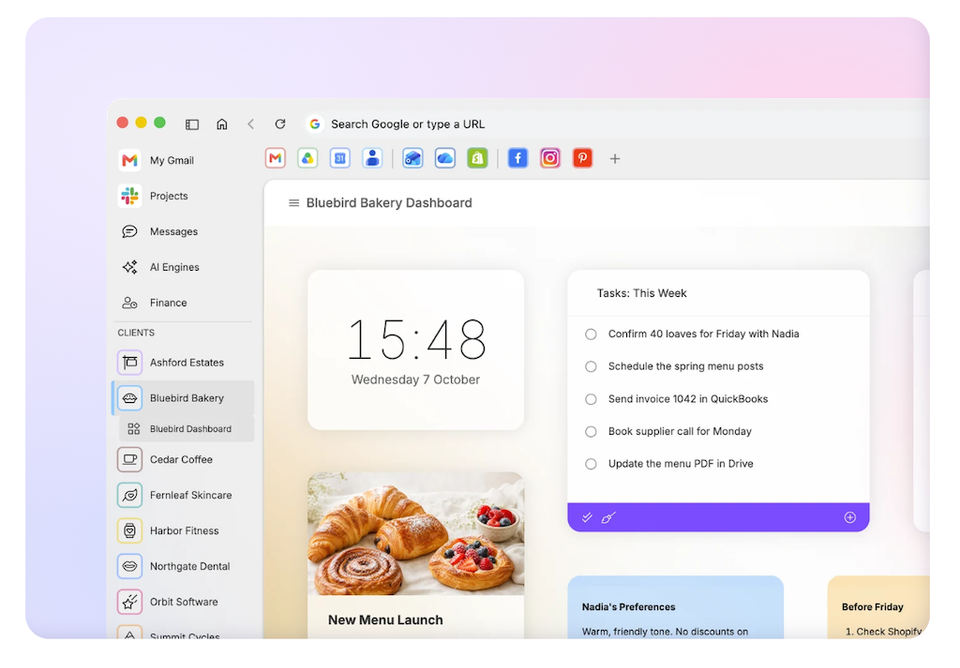
✨ New in Wavebox: Smart Note Checklists, New Look Navigator, Chat with Settings & More This week's release: tick things off in Smart Notes, meet the redesigned Navigator, chat your way through Settings, and add a Clock widget to your dashboards.
📬 Waveboxed 03: The Latest News from Wavebox HQ Spring/Summer roundup, Chat with Settings, new tab page options & more in the latest edition of our newsletter.
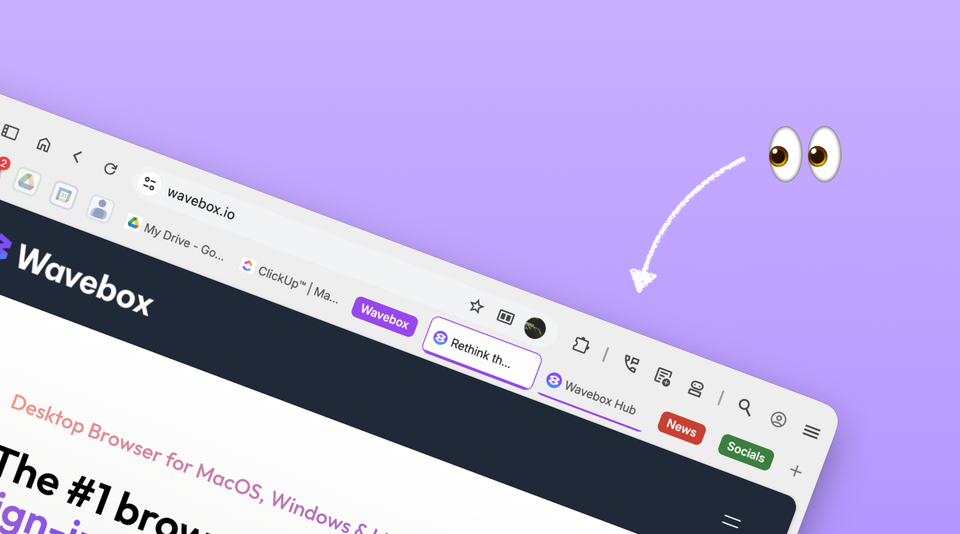
🧑💻 Your Browser Should Work Like Your Computer Wavebox brings operating-system-level organization to your browser: Spaces for each context, Groups for projects, and every account signed in at once.
🪐 New: Pick a Space When You Create a Group The '+ Add New Group' popover in the webdock now has a Space dropdown in the List and Explorer layouts.
🚀 Make the New Tab Page Yours: Every Option in Wavebox Your new tab page can be different for every Group, Space, or client. Every option in Wavebox, from search box to Dashboards.
🎬 Story: How WORLDS Turned Their Browser into a Multi-Company OS for the Web CEO Jon Cotton runs three entertainment companies in one Wavebox window: Spaces, Groups, and Desktop Web Apps replace profile juggling.
☀️ Round Up: Brainbox Redesign, On-Device AI, New Languages, Grammar Checking, Tab Groups & More Three months of Wavebox updates: the Brainbox redesign, on-device AI, a built-in grammar checker, Tab Groups, languages, and native Connect.
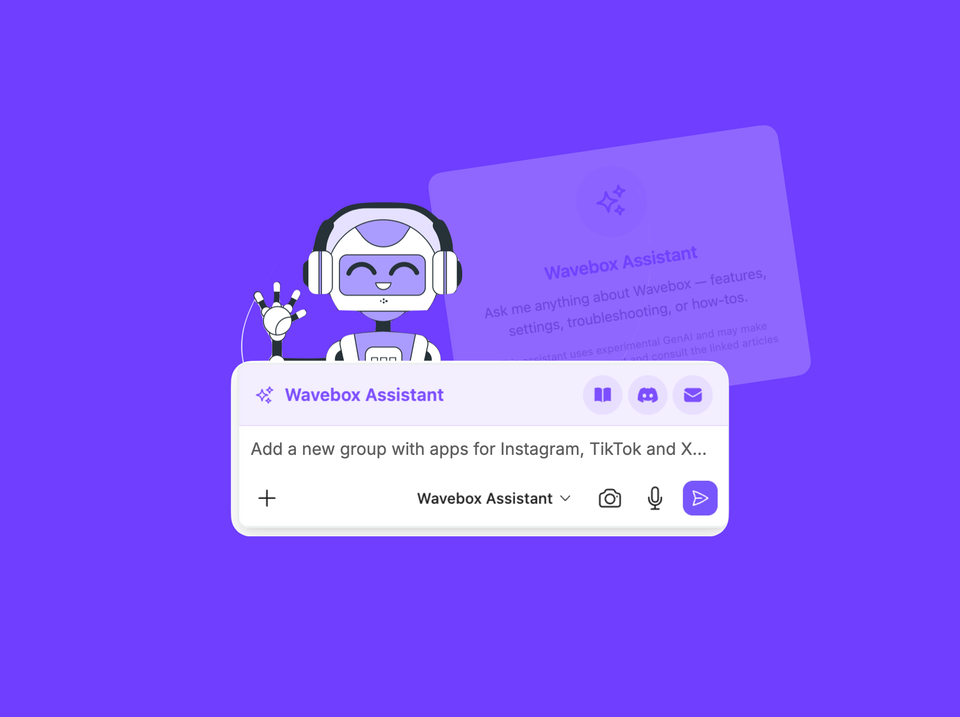
🦾 Brainbox Can Now Change Your Settings, Not Just Explain Them Brainbox now changes your Wavebox Settings for you. Ask in Chat with Settings to set up Spaces, add apps, and configure everything.
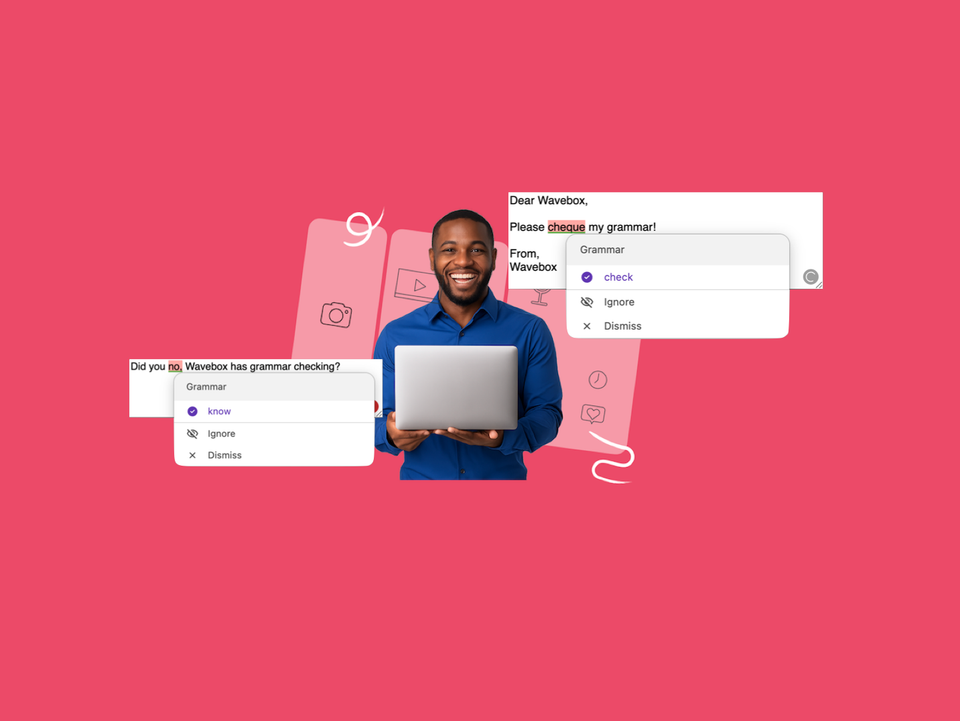
✍️ New: Grammar Suggestions That Never Leave Your Machine Wavebox now checks your spelling and grammar as you type, running on your device so your text never leaves it.
🌍 Speak Your Language: UI Language Support Comes to Wavebox Wavebox now supports 19 UI languages. Try localized menus and settings, help refine translations, and report issues today.
🤖 Meet the New Brainbox Brainbox now offers 11 built-in Skills, cross-account @mentions, file uploads, screenshots, voice input, pop-out panels, and Smart Notes.
🗂️ Tab Groups Come to Wavebox Wishing you could bundle tabs up? Try the new Tab Groups in the main Wavebox window.
📌 Tutorial: Build a Weekly Planner Dashboard Create a beautiful, customizable weekly planner that keeps all your tasks, notes, and links in one place—right in your browser.
📊 2025 Survey Results & Analysis We wanted to know more about how you use Wavebox and you didn't disappoint!
🍋 Story: How SEO Agency Pearl Lemon uses Wavebox For an agency with over 1,000 five-star reviews built on fast results, browser chaos was killing productivity.
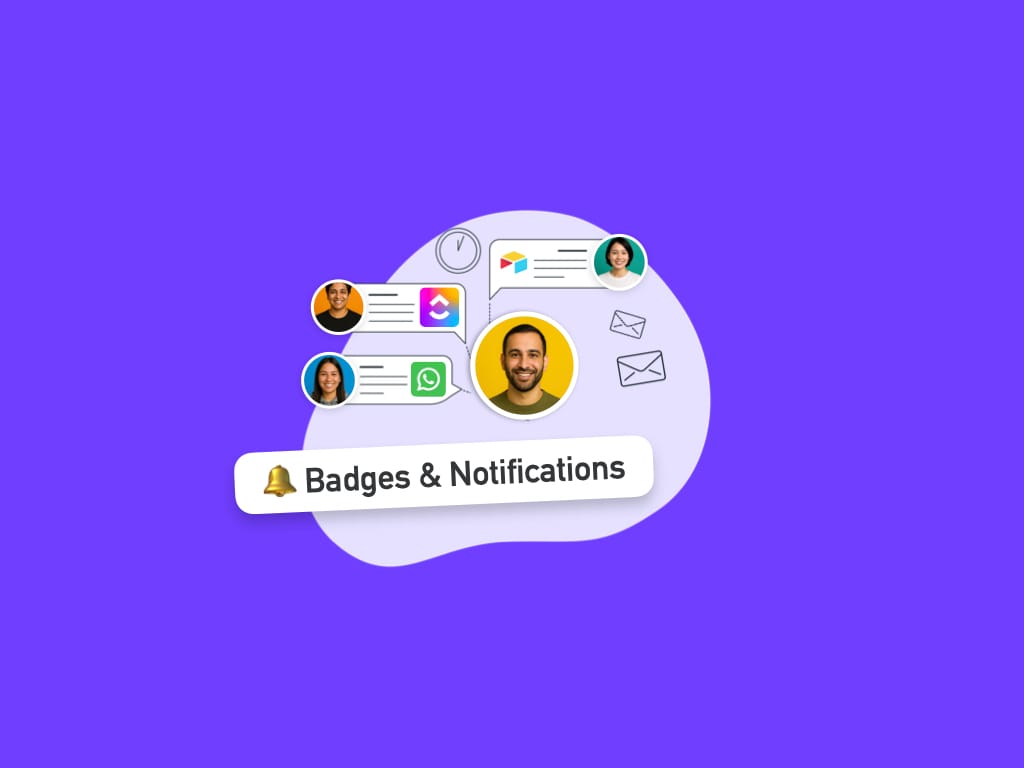
🍎 Tutorial: Enable Notifications & Badges for Social Apps. We walk you through how to enable notifications and badges for TikTok, and other social apps in Wavebox.
🌟 New: On-Page AI Translation, plus Updates to Quick Switch and Spaces Manager Our latest release is a major productivity boost for Wavebox — faster navigation, smarter workspace controls, and more.
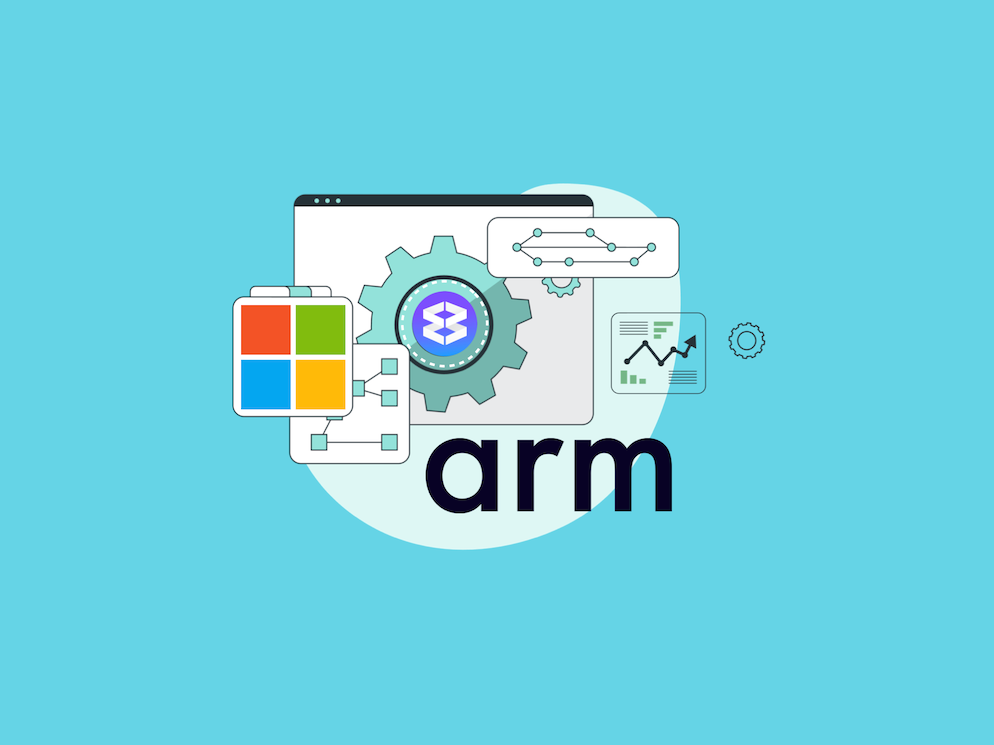
💪 Beta: Wavebox for ARM on Windows If you're using a Windows device with an ARM processor, you can now experience the full power of Wavebox—optimized specifically for your hardware.
🧑🎨 Give your Wavebox a macOS Tahoe Make-Under! I tried recreating macOS Tahoe’s fresh, timeless look in Wavebox. It took about 15 minutes, and I’m delighted with the result!
⭐️ New: Dock & Split View Split-screen has had a major upgrade. Update to the latest version to try 'Dock' and 'Split' and multi-task across 2+ views simultaneously.
✅ User Survey 2025. Win Exclusive Merch! Complete our survey for a chance to win exclusive Wavebox tees and laptop stickers!
✨ New: Brainbox, GPT5 and Claude We're excited to announce an upgrade to Brainbox with the integration of newly released AI engines, plus 1 million free tokens per month.
🎨 New: Color Tints for Spaces and Groups Use background tint to brighten up your day and easily distinguish between Groups and Spaces.
🎯 Complete Beginners Guide to Wavebox A quick guide to Wavebox that's useful for new and existing users alike. Incudes essential features every beginner should know.