Catch up with the latest new, releases and tutorials.
Other Browsers Are Learning to Spot What Needs Your Attention - Wavebox Already Knows
Attention triage is becoming a browser feature. Wavebox has been building it on apps and badges for years, and the Mini takes it to your new tab page.
New: Pick a Space When You Create a Group
The "+ Add New Group" popover in the webdock now has a Space dropdown when in List and Explorer layouts.
How to Stay Signed In to Every AI Account You Have
Work ChatGPT, personal ChatGPT, a client's Claude seat. How to keep every AI account signed in at once, in one window.
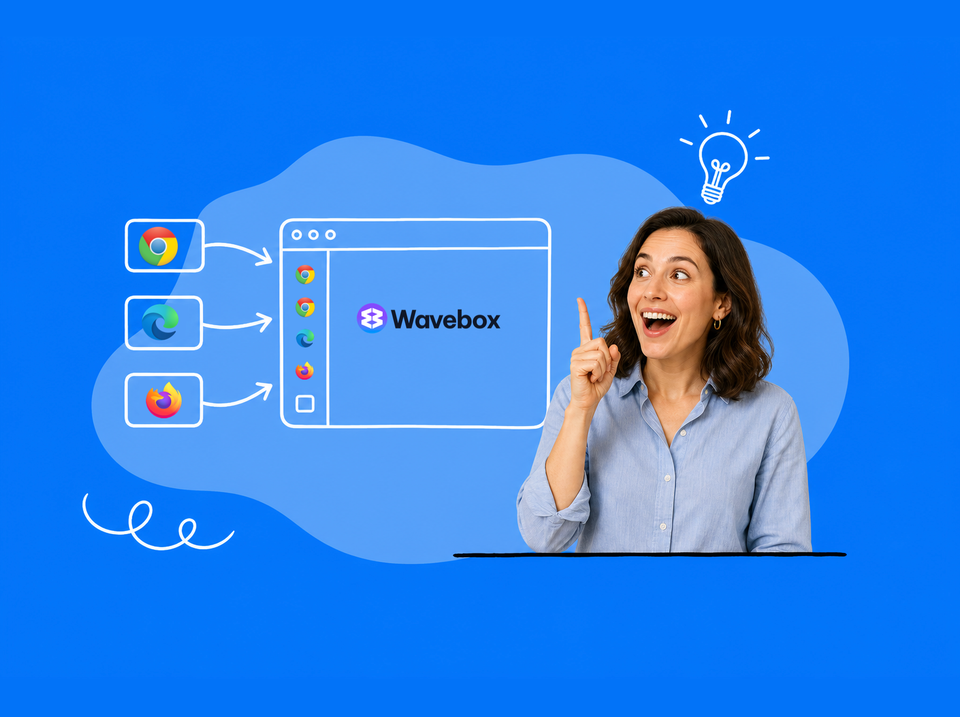
Looking for an App That Fits a Multi-Account Workflow? Ten Questions, Answered
Separate cookies per account, per-Space extensions, synced setups, and routed notifications. Ten multi-account browser questions, answered for Wavebox.
🚀 Make the New Tab Page Yours: Every Option in Wavebox
Your new tab page can be different for every Group, Space, or client. Every option in Wavebox, from search box to Dashboards.
🎬 Story: How WORLDS Turned Their Browser into a Multi-Company OS for the Web.
CEO Jon Cotton runs three entertainment companies in one Wavebox window: Spaces, Groups, and Desktop Web Apps replace profile juggling.
🍪 What are Browser Containers (and What is a Container-first Browser)?
Browser containers let you stay signed in to multiple accounts of the same site at once. Here's how they work, and what container-first means.
Browser Containers Just Went Mainstream!
Native browser containers just went mainstream. Here's what they do, and how Wavebox Spaces put a whole workflow inside each one.
Round Up: Brainbox Redesign, On-Device AI, New Languages, Grammar Checking, Tab Groups & More.
Three months of Wavebox updates: the Brainbox redesign, on-device AI, a built-in grammar checker, Tab Groups, languages, and native Connect.
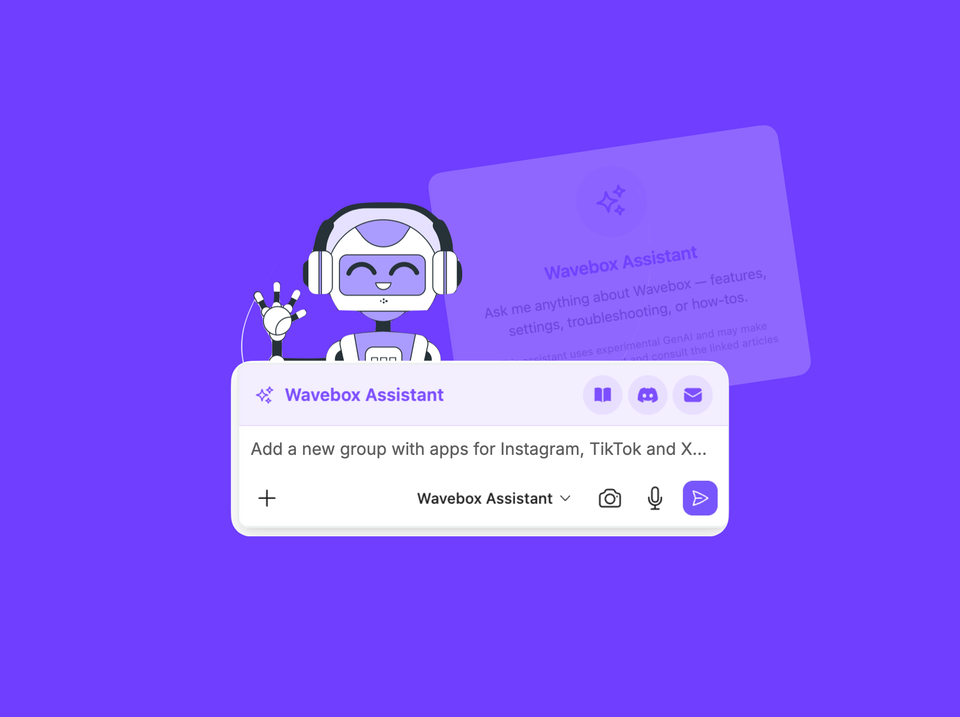
Brainbox Can Now Change Your Settings Not Just Explain Them.
Brainbox now changes your Wavebox Settings for you. Ask the Wavebox Assistant to set up Spaces, add apps, and configure everything.