
Waveboxed 03
Welcome to Waveboxed, a roundup of what's new in our productivity browser, plus fresh tutorials, user stories, handy guides and tips!
In this edition:
- 😎 New: Summer 2026 Roundup
- 🦾 New: Use Brainbox to chat with settings
- ✍️ New: Free built-in spelling & grammar checker
- 🎓 Tutorials: New Tab Pages, Profile Sync &Wavebox Live
- 🔥 Pro Tips: Tabstrip Layouts and Snapshots
- 🚀 Story: How WORLDS run 3 companies in one window
🆕 Latest from the Wavebox Hub

😎 New: Roundup: Brainbox Redesign, On-Device AI, New Languages, Grammar Checking, Tab Groups & More
The last few months have brought a stack of improvements and time-saving new features. Skip the changelog, these are the ones worth trying now.
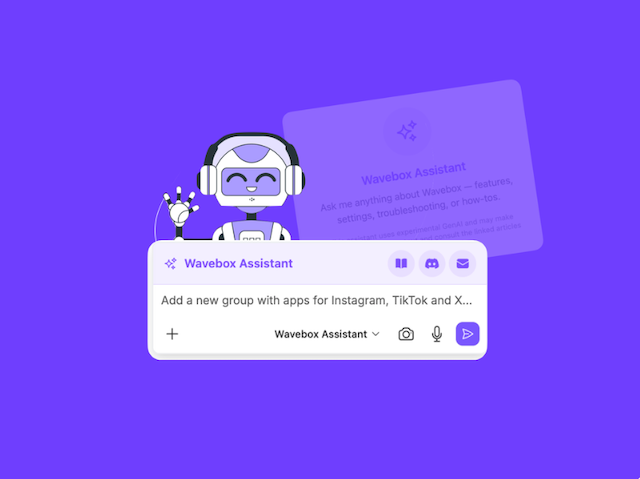
🦾 New: Brainbox Can Now Change Your Settings, Not Just Explain Them
Pop out the Brainbox panel, choose Wavebox Assistant from the AI engine dropdown, then ask it to set up Spaces, create Groups, add Apps, and configure everything while you sip your morning coffee.
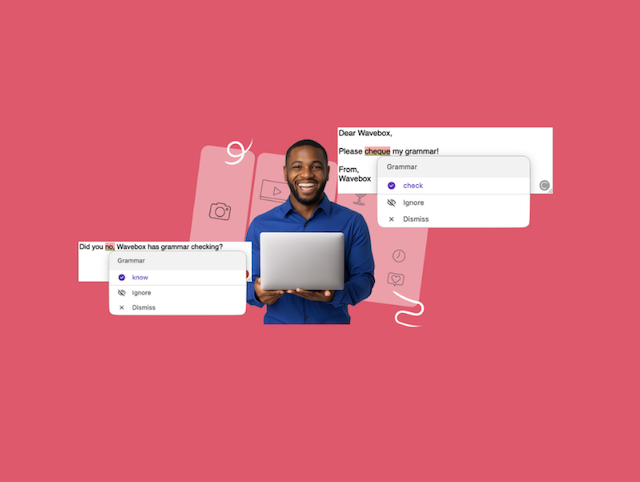
✍️ New: Grammar Suggestions That Never Leave Your Machine
Wavebox now has its own on-page spelling and grammar checker built-in. It runs locally on your computer, so your text never leaves it, and there's no extension or subscription. Switch it on under Settings > Language.
🎓 Tutorials & Guides
 Susan Davies
 Susan Davies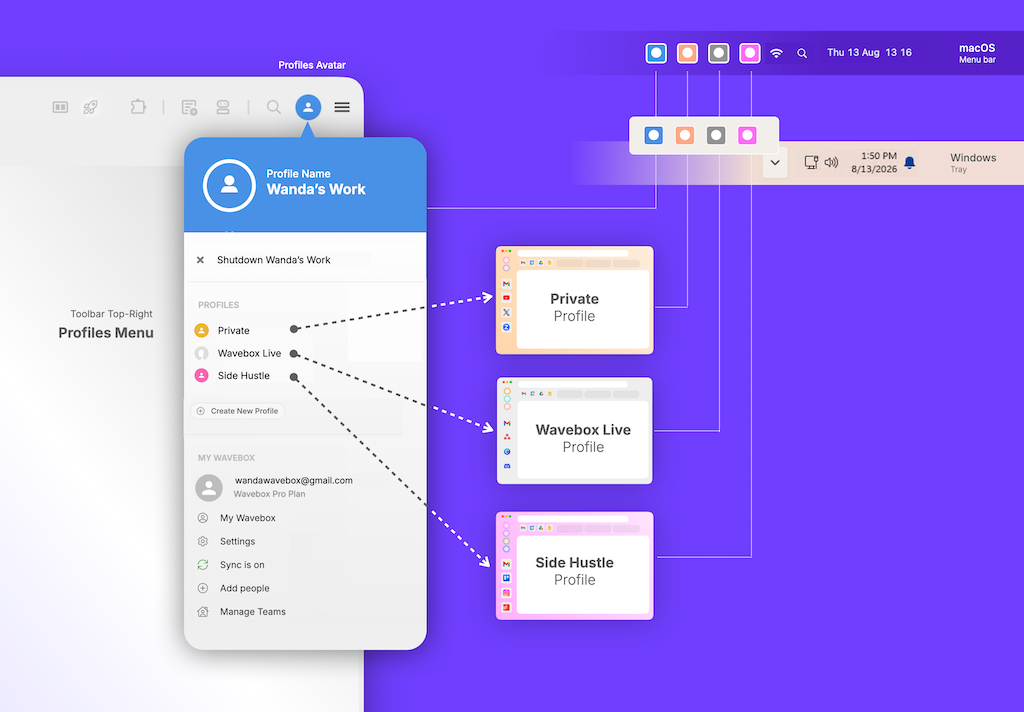
🔥 Pro Tips
💡 Spotlight: Group Tabstrip Layouts
🗂️ Right-click the tabstrip to see layout options per group, which include: choosing which tabs to display (all tabs in the group or only the parent app), positioning of the tabs next to the group apps, and enabling tab count badges. You can also toggle on tab scrolling and tab color indicators in Settings > General > Tabs.
Group Tabs and Tabstrip →
💎 Hidden Gems: Snapshots
💾 Rest assured that you always have a recent backup of your Wavebox profile thanks to Snapshots! About every 24 hours, a copy of your profile is sent securely to the cloud, just in case you need to roll back your setup to how it was, or use it as a starting setup on another computer. You can also create a manual Snapshot any time by going to Settings > General > Data & Sync and clicking the Create Snapshot button.
More about Snapshots →
📚 Stories
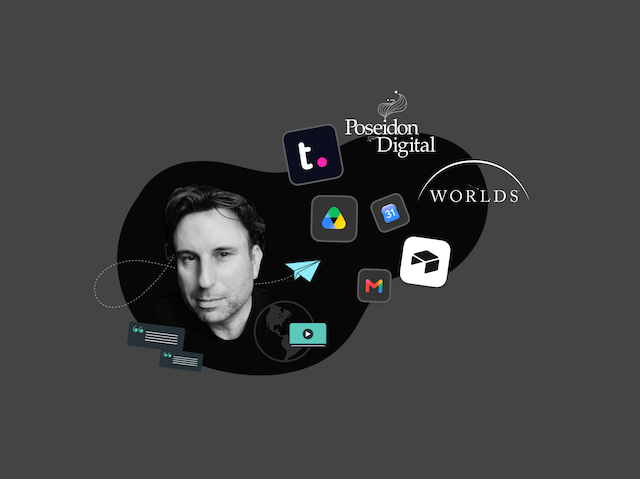
🎬 Story: How WORLDS Turned Their Browser into a Multi-Company OS for the Web
CEO Jon Cotton runs three entertainment companies in one Wavebox window: Spaces, Groups, and Desktop Web Apps replace logging in and out and tab chaos.
🎯 Community & Socials

Join our Discord Community
Chat with Waveboxers from across the globe. Share tips, ideas and get answers to common questions.

Looking for Wavebox Training?
Visit our online Directory to contact a consultant for training and support.

Need On-the-Go Help?
Don't know your tooltips from your widgets? Our AI assistant is ready to help. Click the Brainbox icon in the toolbar top-right, then select 'Wavebox Assistant' from the AI engine dropdown.
👋 That's all for this edition!
Next time: New AI onboarding flow and and upgrade to teams and Wavebox Live. Until then, happy Waveboxing! 🌊📦
Everyone at Wavebox HQ 🫶