🚀 Make the New Tab Page Yours: Every Option in Wavebox
Your new tab page can be different for every Group, Space, or client. Every option in Wavebox, from search box to Dashboards.
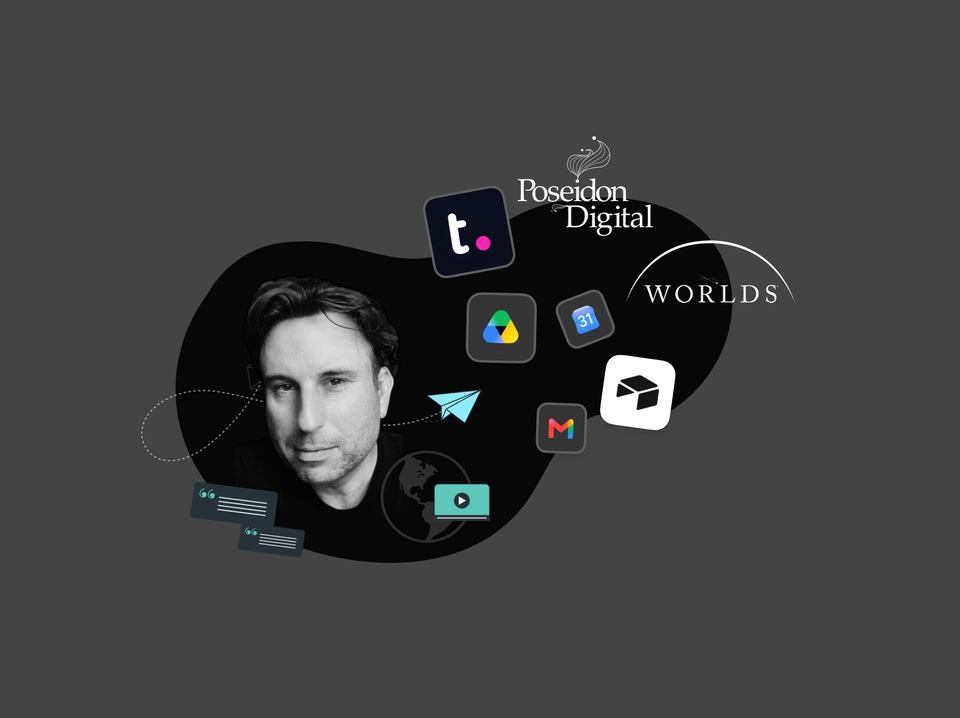
🎬 Story: How WORLDS Turned Their Browser into a Multi-Company OS for the Web.
CEO Jon Cotton runs three entertainment companies in one Wavebox window: Spaces, Groups, and Desktop Web Apps replace profile juggling.
🍪 What are Browser Containers (and What is a Container-first Browser)?
Browser containers let you stay signed in to multiple accounts of the same site at once. Here's how they work, and what container-first means.
Browser Containers Just Went Mainstream!
Native browser containers just went mainstream. Here's what they do, and how Wavebox Spaces put a whole workflow inside each one.
Round Up: Brainbox Redesign, On-Device AI, New Languages, Grammar Checking, Tab Groups & More.
Three months of Wavebox updates: the Brainbox redesign, on-device AI, a built-in grammar checker, Tab Groups, languages, and native Connect.
Languages
Everything Wavebox does in your language: UI translations, page translation for 100+ languages, grammar suggestions, voice-to-text, and one settings panel.
Brainbox: Attaching Content
Click the + button in Brainbox to attach files, screenshots, clipboard text, recent tabs, or all tabs—snapshots that won’t update.
Brainbox: Using @Mentions and Cross-Tab Conversations
@ mentions let you pull content from another tab directly into
Brainbox: Token Usage and Managing Your Allowance
Tokens are the units that AI models use to process
Brainbox: Pop-Out Panels and Multi-Window Workflows
Pop-out panels allow you to detach the Brainbox panel from