Looking for an App That Fits a Multi-Account Workflow? Ten Questions, Answered
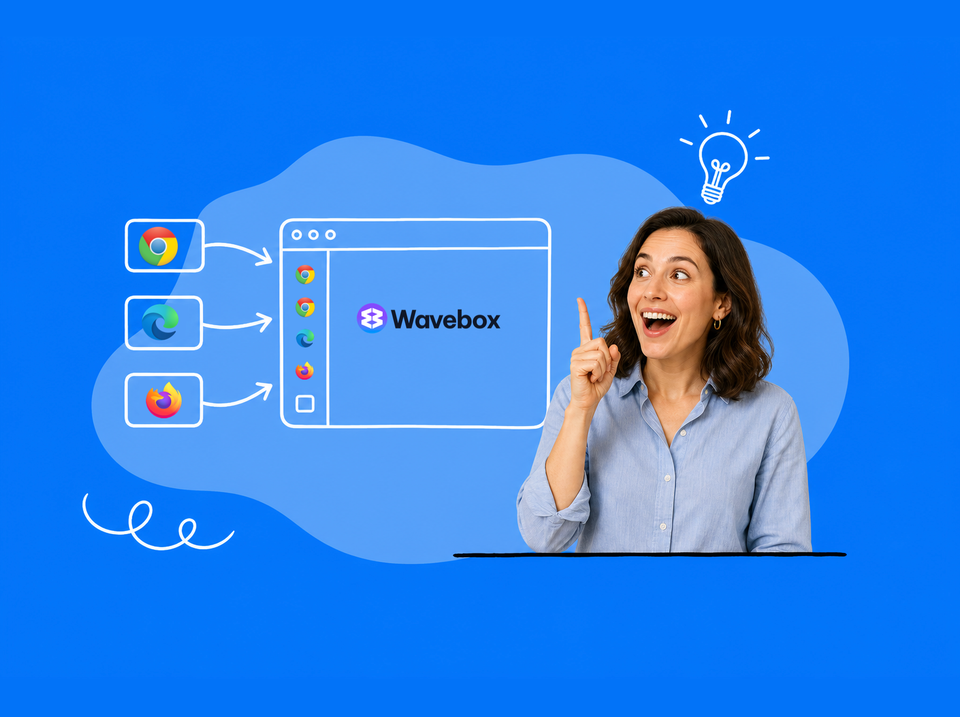
Several business Gmails, a personal inbox, client logins, and a browser that makes you pick one at a time. Here are the ten questions worth asking of any browser, answered for Wavebox.
If you run your day across several accounts, you know the routine. A separate browser window for each Chrome profile, and other browsers for your own work and personal stuff. Signing out of one Gmail to get into another. The wrong calendar open in the wrong tab, an invoice nearly sent from a personal address, and a chunk of every morning lost to shuffling windows before any real work happens. It's a mess, and it's a slow mess.
Wavebox was built to solve exactly this. Every account gets its own Space with its own logins, they all stay signed in side by side in one window, and the browser keeps track of which you is which.
If you're weighing up a switch from your current browser nightmare, these are the ten questions worth asking, answered honestly.
10 Top Questions Answered
1. Can each Space stay signed in to a different Gmail account, with separate cookies?
Yes. Each Space keeps its own cookies and sessions, fully isolated from the others. A Gmail signed in inside your 'Client A' Space has no idea your 'Client B' exists. That's the core of how Wavebox was built, and it applies to every tab, not just email. (Note that Wavebox itself is aware of all isolated Spaces so you can search across them and view them side by side etc).
2. Can I use several accounts from the same Google Workspace organization without login conflicts?
Yes. Because each account lives in its own Space with its own cookies, Google treats them as completely separate browsers (like Chrome Profiles). Multiple accounts under one Workspace admin sit side by side without signing each other out, which is one of the most common Wavebox setups.
3. Can each Space have its own Gmail, Calendar, Drive, and other apps?
Yes. Inside each Space you add the apps that belong to that account: Gmail, Calendar, Drive, Slack, ClickUp and anything else that account uses. The pattern that works: a Space for each separate sign-in (each client, your business account, your personal life), then Groups inside each Space to organize that account's apps by job. So your business Space might hold Groups for operations, finance, and projects, all signed in as the business account, while each client gets a Space of their own. Our typical customer runs about 10+ Spaces, usually one per client plus work and home, so the model scales as far as your accounts do.
How you lay it all out is up to you. The webdock (the sidebar) has multiple views: see one Space at a time, or switch to List Layout to see every Group from every Space in a single list. Agencies and VAs often keep one Group per client Space and run List Layout, so all their clients sit in one scrollable sidebar.
4. Does Wavebox support Chrome Web Store extensions?
Yes. Wavebox is a full Chromium browser, so the 150,000+ extensions on the Chrome Web Store install and run just as they do in Chrome, alongside 23+ built-in ones.
5. Can extensions and their accounts be configured per Space?
Yes, and this is where Wavebox goes further than Chrome. Every extension has a Space mode: run it in all Spaces, lock it to one, or run multiple instances across selected Spaces, each signed in to its own account. For example, you can use a different Hubspot login per client.
6. Are there extensions that work differently in Wavebox?
No. They behave as they do in Chrome; the difference is the added per-Space control above. If you ever find one misbehaving, tell support, that's what we're here for.
7. Do Spaces, settings, and extensions sync across computers?
Yes. Cloud Sync mirrors your Profile across machines, so your Spaces, Groups, apps, and settings follow you from the office desktop to the laptop at home.
8. Do badges, notifications, and links route to the right account?
Yes, and this is the part that quietly saves the most time. Unread badges sit on each app's icon per account, Wavebox Mini gathers every account's notifications in one place, and the Link Opening Engine routes links to the right Space automatically, so a Drive link from a client email opens signed in as that client. Even links clicked outside the browser arrive in the right account.
9. Are there limits on Spaces, apps, extensions, or devices?
On the free Basic plan, yes: two Spaces, two Groups with two apps each, and one extension. Pro removes those limits, and one subscription works across your computers via Cloud Sync. The Teams plan adds shared setups, built-in audio/video calls and screenshare, consolidated billing, and admin controls on top.
10. What about security and privacy?
Space isolation is itself a security feature: business sessions can't leak cookies into personal browsing. On top of that there's Privacy Lock (PIN, password, or biometrics), a built-in password manager, and Chromium's security updates underneath. Wavebox is ad-free and privacy-respecting: our income is subscriptions, so your browsing is not the product.
Switching from another browser or workspace app?
Wavebox imports bookmarks and passwords from your current browser, a Space-per-account setup takes about 15 minutes to build, and Brainbox can now do the building for you: describe your accounts and it creates the Spaces and apps as you chat. Support is friendly and human if you'd like a hand planning the move.
Every new account starts with a 7-day free Pro trial, no card needed, with everything above included, so you can run a full evaluation before deciding anything. Try Wavebox free →
 Susan Davies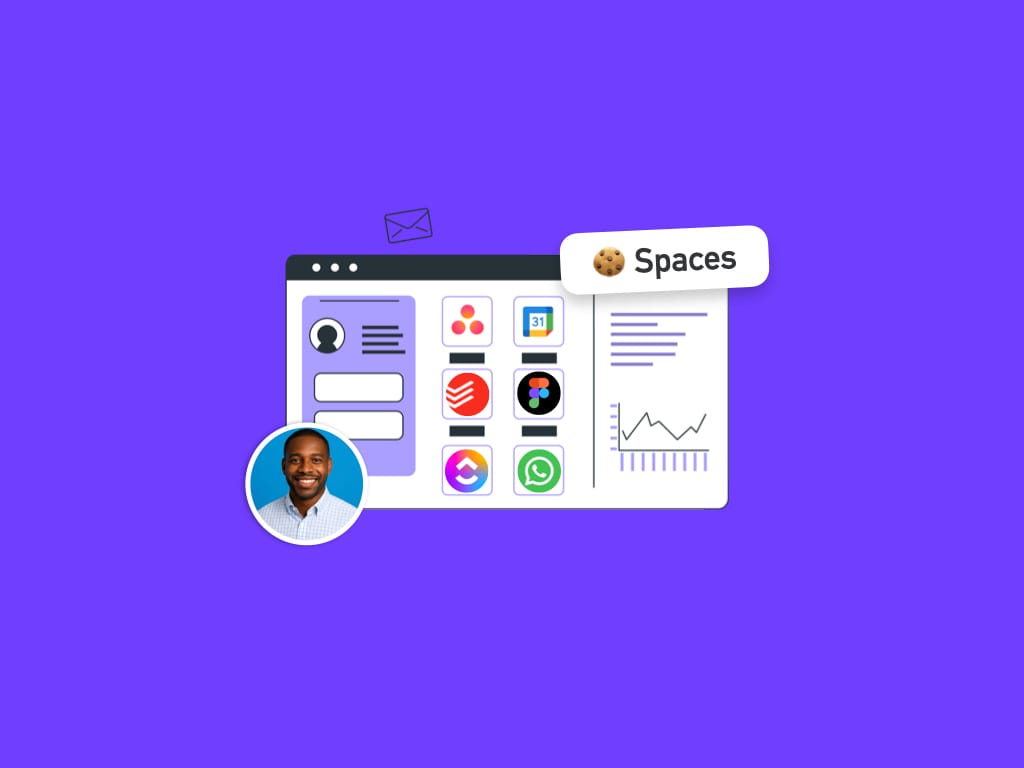
 Susan Davies
 Susan Davies
 Susan Davies