🤖 Meet the New Brainbox Brainbox now offers 11 built in Skills, cross account @mentions, file uploads, screenshots, voice input, pop out panels, Smart Notes.
📸 Changed something by mistake? Use Snapshots to restore your Wavebox setup. Restore your Wavebox setup to a previous version with Snapshots — automatic, timestamped backups you can revert to in a few clicks.
🤔 How Do I Set Up Wavebox for Someone Else? Learn when to use Wavebox Live Profiles for ongoing team control versus Profile Templates for one-time independent VA setups.
Too Many Tabs? How to Start Your Workday in Under a Minute. Start your day focused. Wavebox restores context, organizes accounts, eliminates browser hunting.
🤔 Is Wavebox Right for You? 11 Honest Answers from the Co-Founder. Wavebox co-founder Susan answers the most common questions about Wavebox, from getting started to why it's worth paying for.
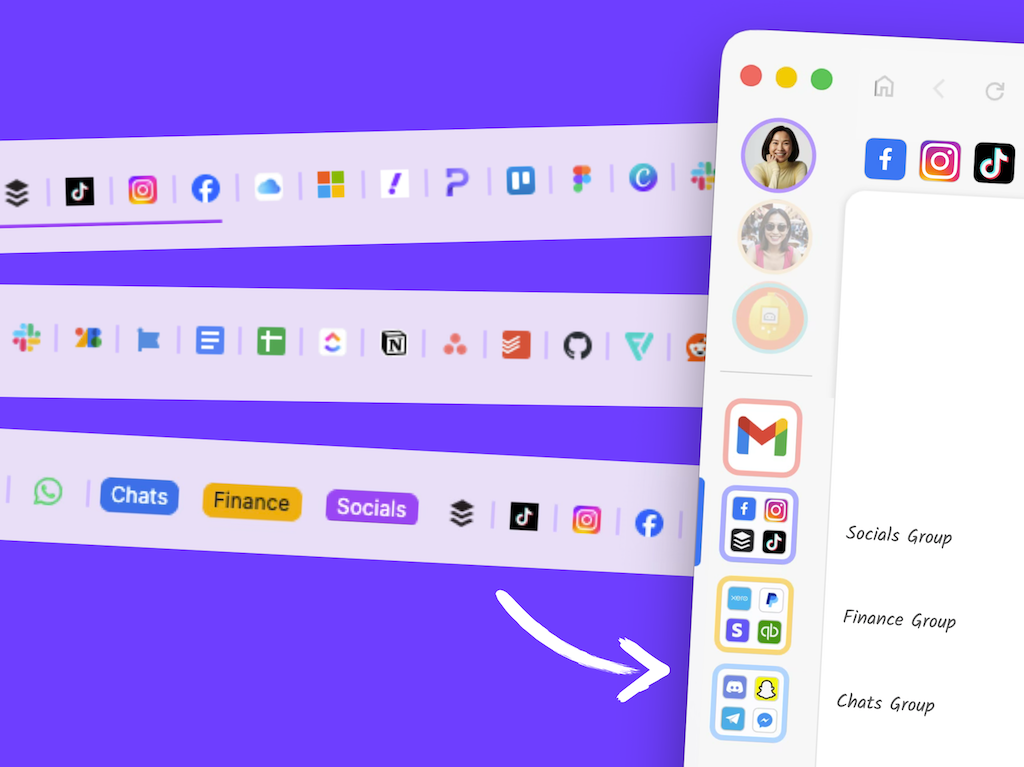
🗂️ Tutorial: From Chaos to Clarity: How to Organize your Chrome Tabs in Wavebox. Transform Chrome tab chaos into organized productivity. Map profiles to Spaces, tab groups to Groups, and pinned tabs to Apps in 6 simple steps.
Tutorial: 3 Ways to Move Things Between Spaces. Here are 3 easy ways to move groups, apps, and tabs between Spaces in Wavebox — drag and drop, manager, or manual settings.
Voice to Text Lots of websites and extensions support voice-to-text. Here's how to use them in Wavebox.