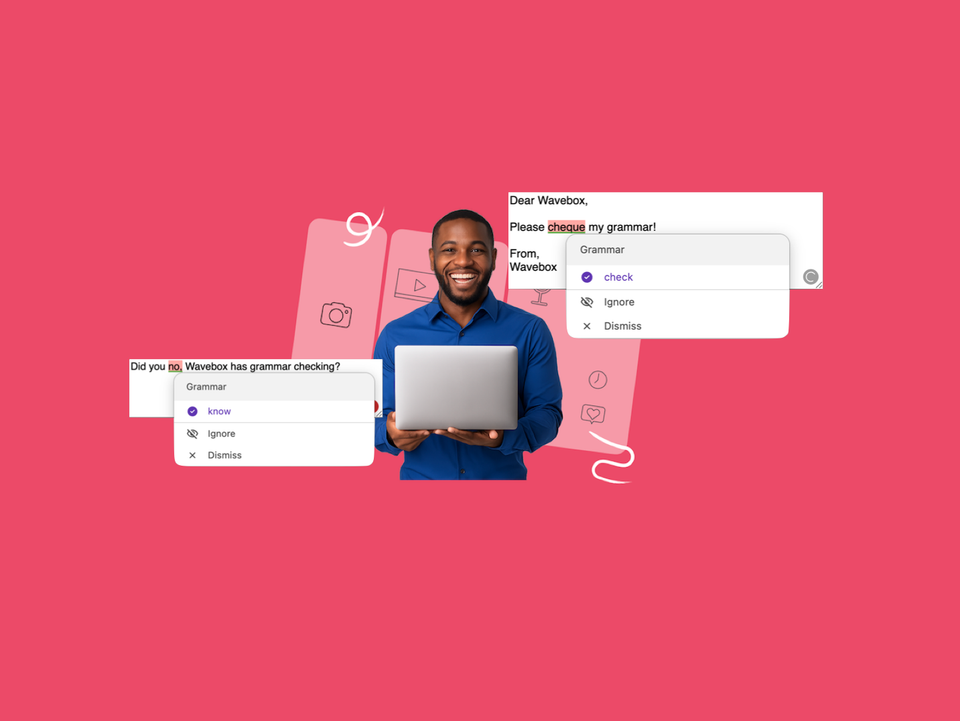
New: Grammar Suggestions That Never Leave Your Machine. Wavebox now checks your spelling and grammar as you type, running on your device so your text never leaves it.
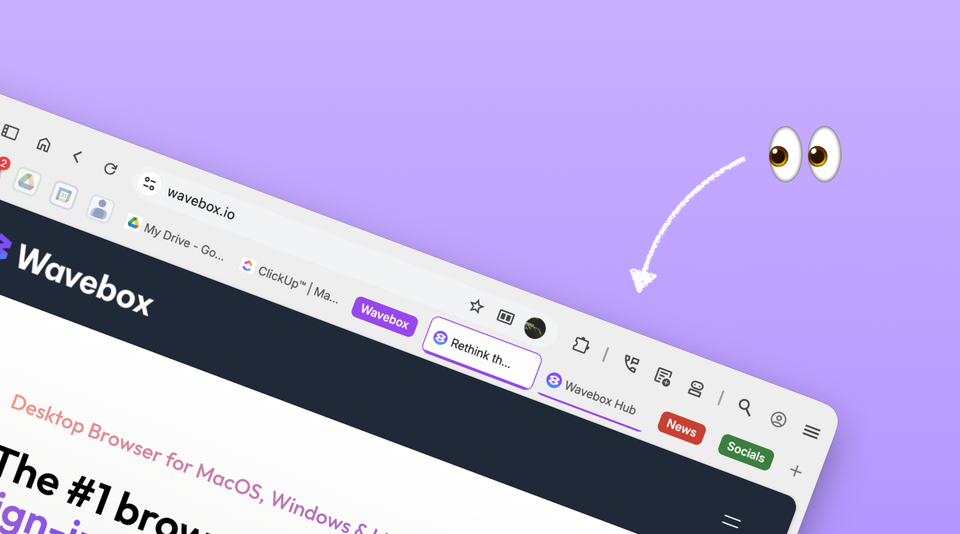
🌍 Speak Your Language: UI Language Support Comes to Wavebox Wavebox now supports 19 UI languages on Beta. Try localized menus and settings, help refine translations, and report issues today.
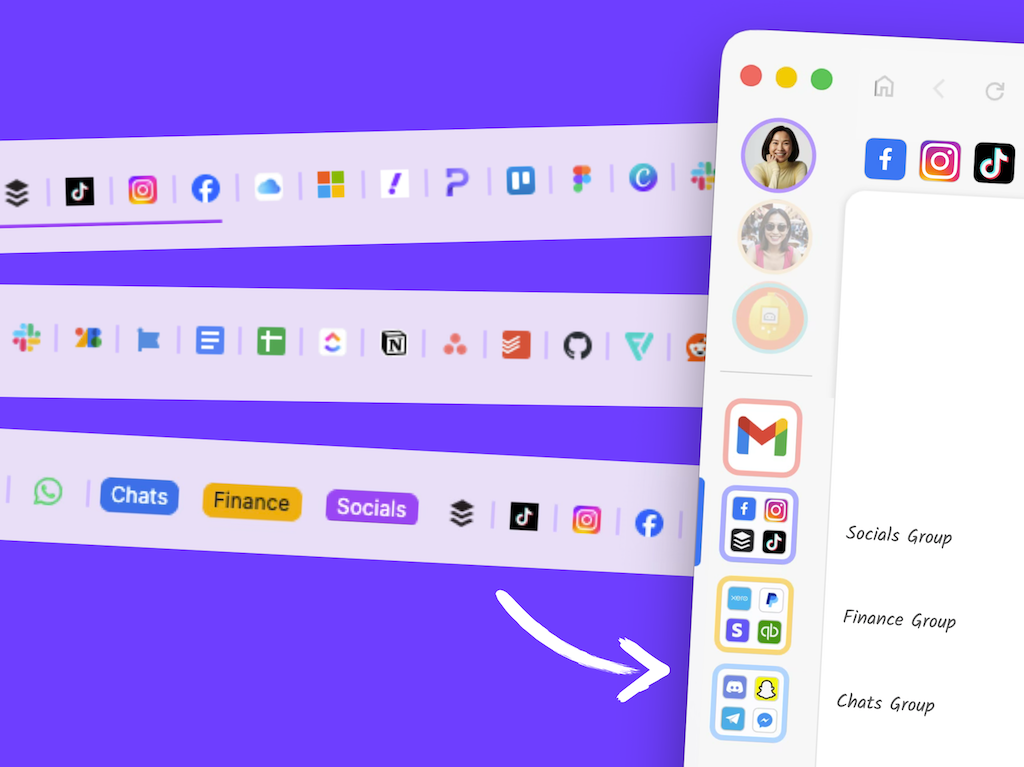
Tab Groups Come to Wavebox Wishing you could bundle tabs up, try the new tab groups in the main Wavebox window
🤖 Meet the New Brainbox Brainbox now offers 11 built in Skills, cross account @mentions, file uploads, screenshots, voice input, pop out panels, Smart Notes.
🚀 Eleven Clients, One Workspace: How I setup Wavebox for VA Agency byFriday Fractional CTO Kerri helps VA firm byFriday replace chaotic Chrome profiles with Wavebox Spaces—streamlined onboarding, reduced mental load, scalable system.
🤔 Is Wavebox Right for You? 11 Honest Answers from the Co-Founder. Wavebox co-founder Susan answers the most common questions about Wavebox, from getting started to why it's worth paying for.
🗂️ Tutorial: From Chaos to Clarity: How to Organize your Chrome Tabs in Wavebox. Transform Chrome tab chaos into organized productivity. Map profiles to Spaces, tab groups to Groups, and pinned tabs to Apps in 6 simple steps.
🚀 2025 User Survey Analysis: Wavebox App Usage Trends. From the dominance of Gmail to surprising correlations between tools, here's what productive professionals are actually using every day.
📌 Tutorial: Build a Weekly Planner Dashboard in Wavebox Use Dashboards and widgets to create a fully customized new tab page.
🏅2025 User Survey Analysis: Wavebox by the Numbers. We asked Wavebox users to tell us everything about how they work. Here are the fascinating patterns that emerged.