Explore Wavebox's general Settings—the ultimate customization guide.
The Wavebox Hierarchy: What Sits Inside What
The seven levels Wavebox organizes work into, from Spaces down to sleeping tabs, and how the same structure looks in each of the three webdock layouts.
Passkeys
Passkeys live in a wallet, not in your browser. Which wallets Wavebox can use out of the box, and what to do about passkeys saved inside Chrome.
What's the Difference Between Snapshots, Profile Sync, and Wavebox Live (Teams)?
Three features, three jobs: Snapshots back you up, Profile Sync follows you to your other computers, and Wavebox Live is your team's shared setup.
Brainbox Tool Calling
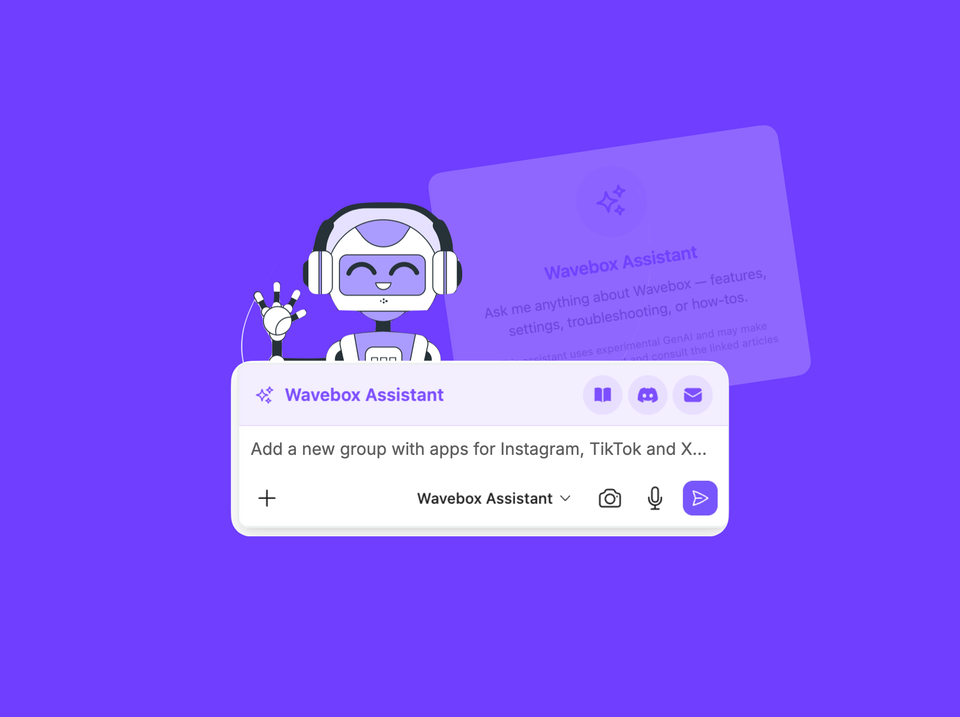
The Wavebox Assistant can now take actions in Wavebox for you — switch to dark mode, change your theme, add an app, create a space — just by asking in plain language.
Brainbox Can Now Change Your Settings Not Just Explain Them.
Brainbox now changes your Wavebox Settings for you. Ask the Wavebox Assistant to set up Spaces, add apps, and configure everything.
Languages
Everything Wavebox does in your language: UI translations, page translation for 100+ languages, grammar suggestions, voice-to-text, and one settings panel.
How to Change the Wavebox Language
Wavebox now supports its interface in multiple languages. Learn how to change the Wavebox display language on Mac, Windows and Linux
New! Lock an App to its Site or Domain
Lock a Wavebox app to a specific site or domain so links open in new tabs
Voice to Text
Lots of websites and extensions support voice-to-text. Here's how to use them in Wavebox.
PDF Files
Choose to open PDFs in Wavebox or download to your computer.