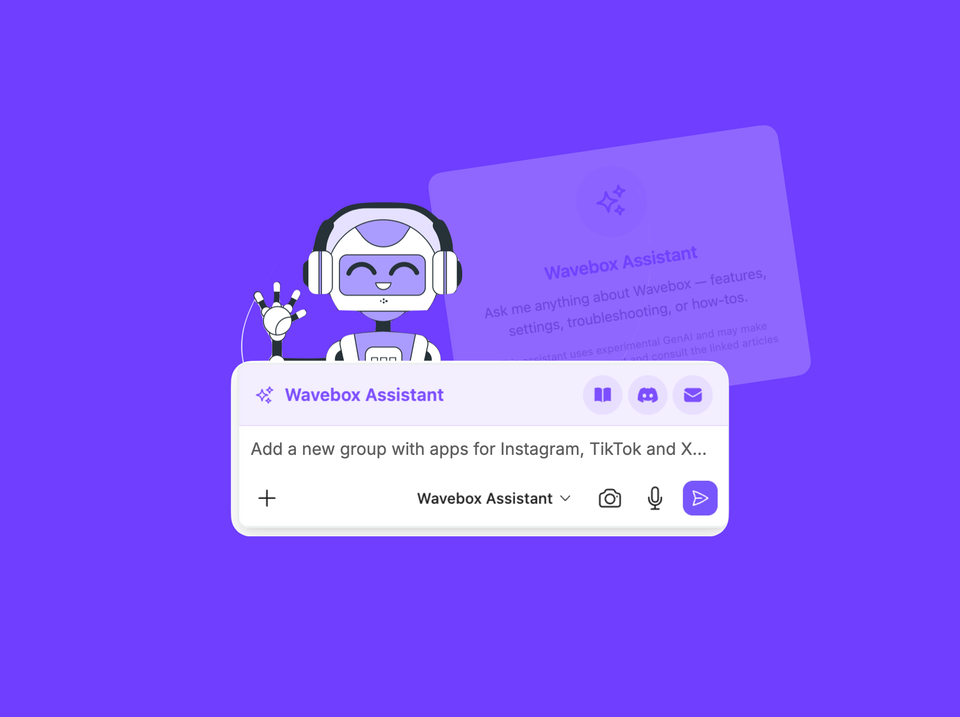
Built-in AI tool you can use in-context on any tab/page.
How to Stay Signed In to Every AI Account You Have
Work ChatGPT, personal ChatGPT, a client's Claude seat. How to keep every AI account signed in at once, in one window.
Brainbox Tool Calling
The Wavebox Assistant can now take actions in Wavebox for you — switch to dark mode, change your theme, add an app, create a space — just by asking in plain language.
Brainbox Can Now Change Your Settings Not Just Explain Them.
Brainbox now changes your Wavebox Settings for you. Ask the Wavebox Assistant to set up Spaces, add apps, and configure everything.
Grammar Suggestions
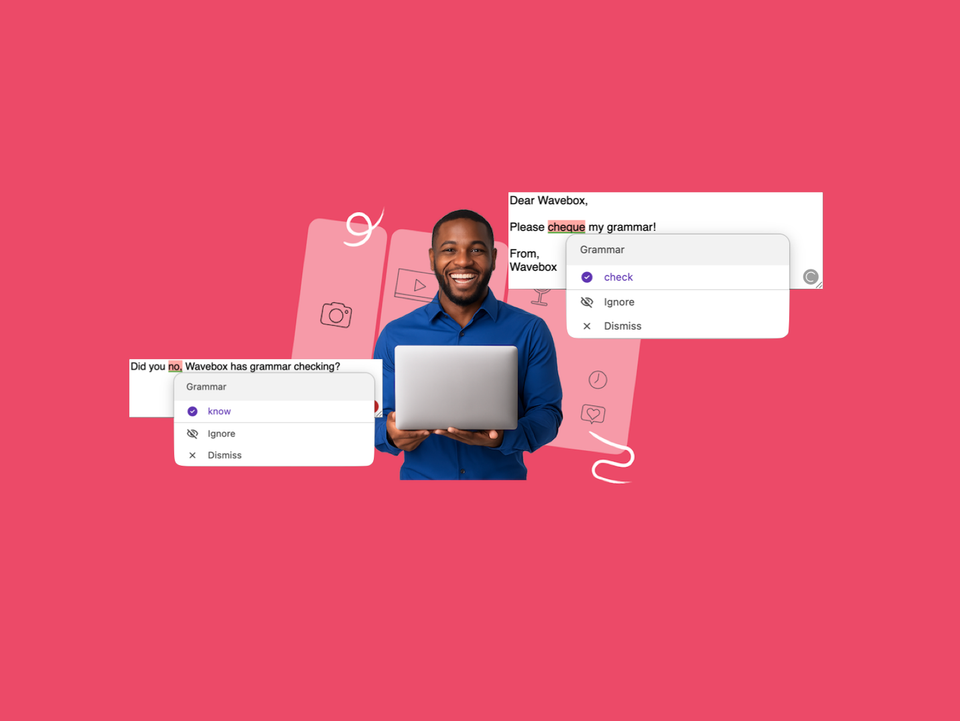
How to turn on Wavebox grammar suggestions, use and manage them, plus hardware requirements and troubleshooting. Everything runs on your device.
Brainbox: Attaching Content
Click the + button in Brainbox to attach files, screenshots, clipboard text, recent tabs, or all tabs—snapshots that won’t update.
Brainbox: Using @Mentions and Cross-Tab Conversations
@ mentions let you pull content from another tab directly into
Brainbox: Token Usage and Managing Your Allowance
Tokens are the units that AI models use to process
🤖 Meet the New Brainbox
Brainbox now offers 11 built in Skills, cross account @mentions, file uploads, screenshots, voice input, pop out panels, Smart Notes.
Brainbox: Quick Start Guide
Get AI help on any page, in any tab, across
Brainbox Overview (New 2026)
Brainbox is your AI assistant, built right into Wavebox. Summarize