What's the Difference Between Snapshots, Profile Sync, and Wavebox Live (Teams)?
Three features, three jobs: Snapshots back you up, Profile Sync follows you to your other computers, and Wavebox Live is your team's shared setup.
Languages
Everything Wavebox does in your language: UI translations, page translation for 100+ languages, grammar suggestions, voice-to-text, and one settings panel.
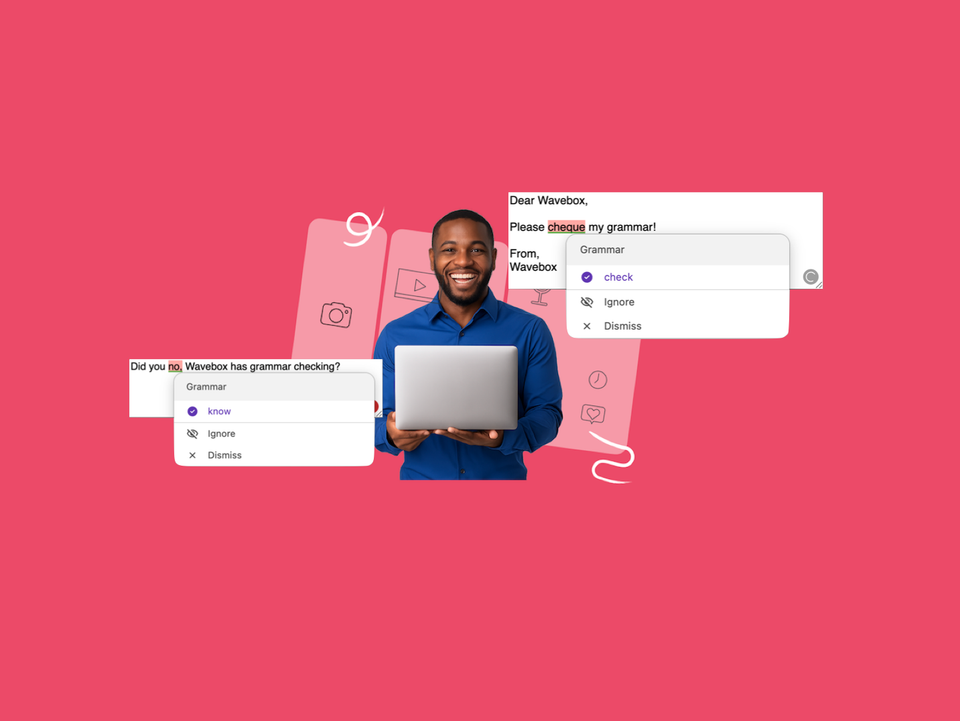
📝 New: Grammar Suggestions That Never Leave Your Machine.
Wavebox now checks your spelling and grammar as you type, running on your device so your text never leaves it.
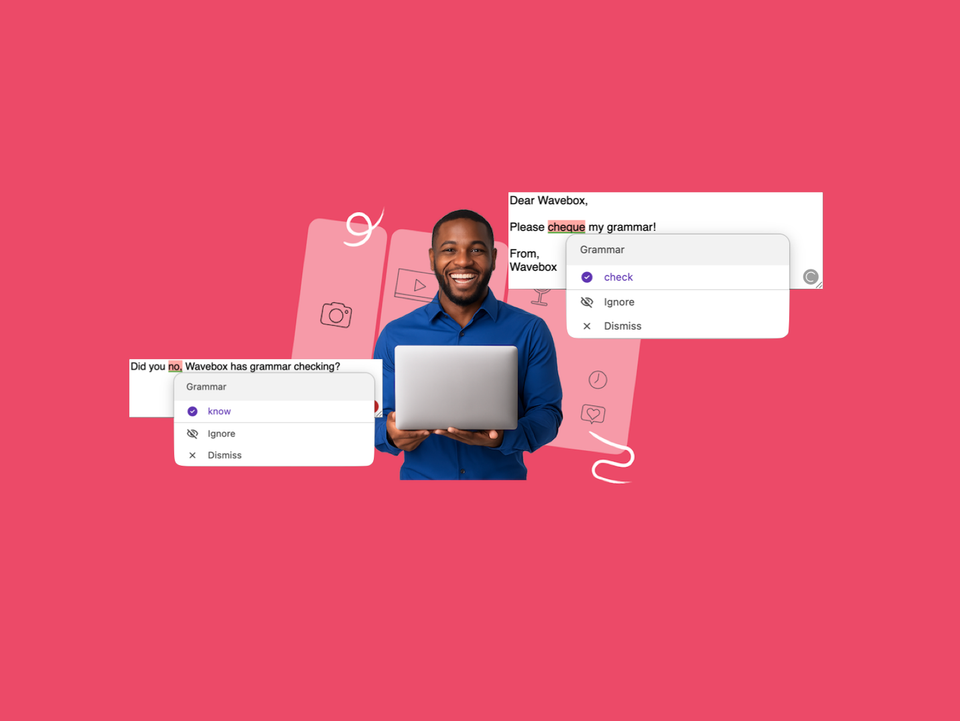
Grammar Suggestions
How to turn on Wavebox grammar suggestions, use and manage them, plus hardware requirements and troubleshooting. Everything runs on your device.
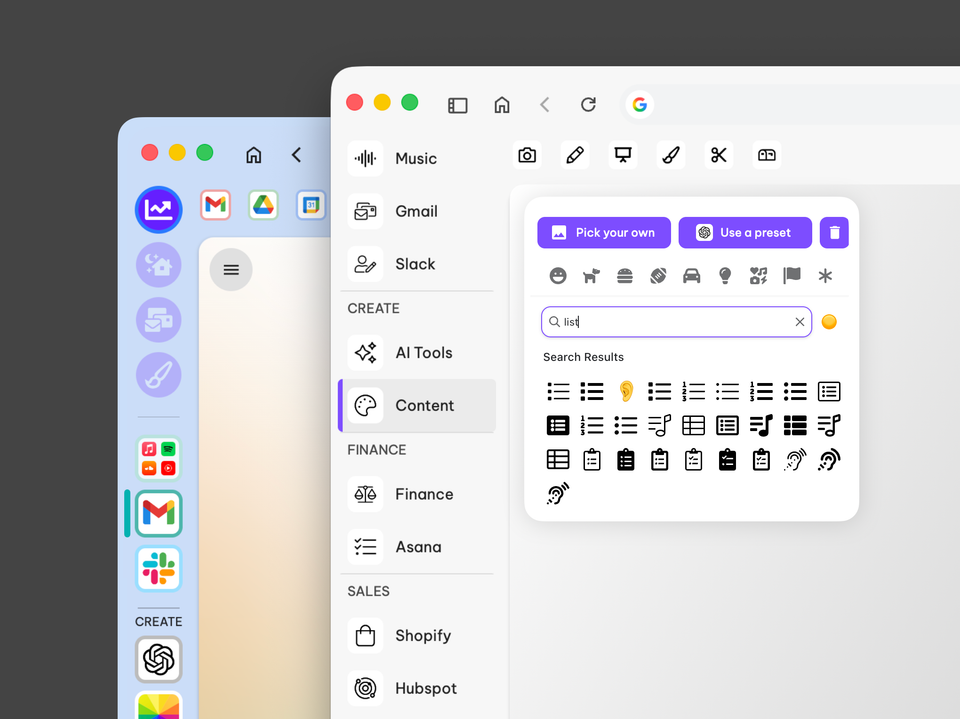
How to Give your Wavebox a macOS Tahoe Makeover
Give Wavebox a Tahoe-inspired minimalist refresh in 20 minutes. Switch to list layout, simplify group icons and refine indicators for a clearer workspace.
🎨Tutorial: Brighten up your Browser with Color Tints for Spaces and Groups.
Brighten up your day with Window Background Tint for Spaces and Groups.
📌 What's the Difference Between Apps, Saved Items, Tabs & Pinned Tabs?
Wavebox gives you the flexibility to organize your work exactly as you want. Start exploring different setups today to find what works best for you!
Side Panel (Right)
Pop-out panel on the right-hand side of the main and
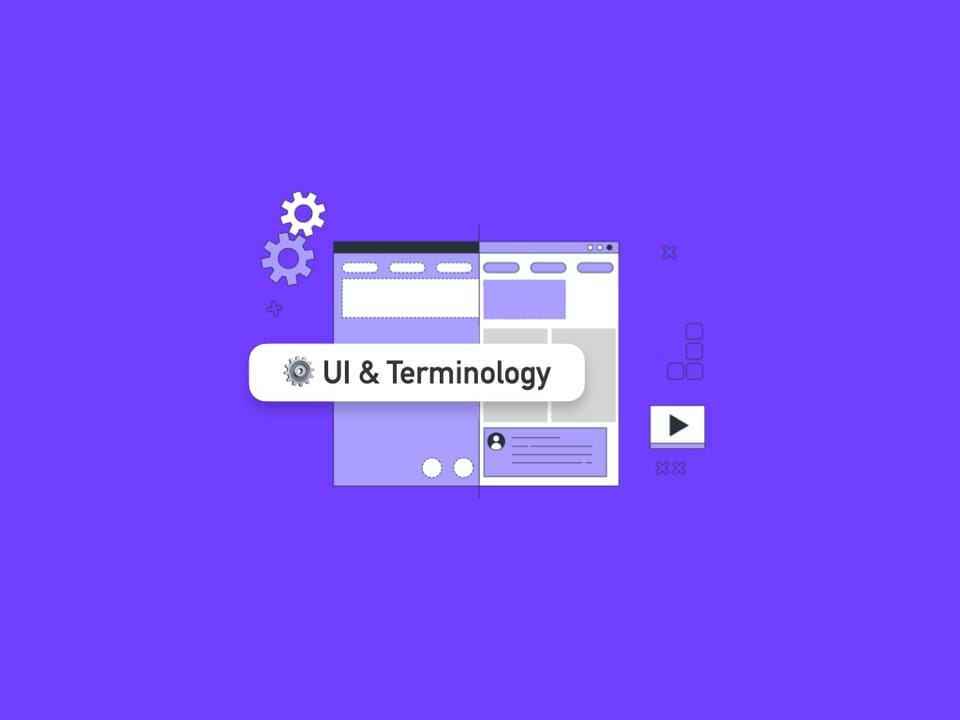
Wavebox Workspace: Interface & Terminology
Watch this 90-second video to familiarize yourself with the Wavebox workspace.
Incognito Window
Browse privately in Wavebox using Incognito Windows—your history, cookies, and site data are wiped when you close the window.