Don't know where to begin? Articles with this tag are a good place to start!
Getting Started with Wavebox: Set up your Browser by Chatting
Just installed Wavebox? Chat with Settings can set up your Spaces, Groups and Apps for you. Seven quick steps to get you working, with prompts to copy.
Passkeys
Passkeys live in a wallet, not in your browser. Which wallets Wavebox can use out of the box, and what to do about passkeys saved inside Chrome.
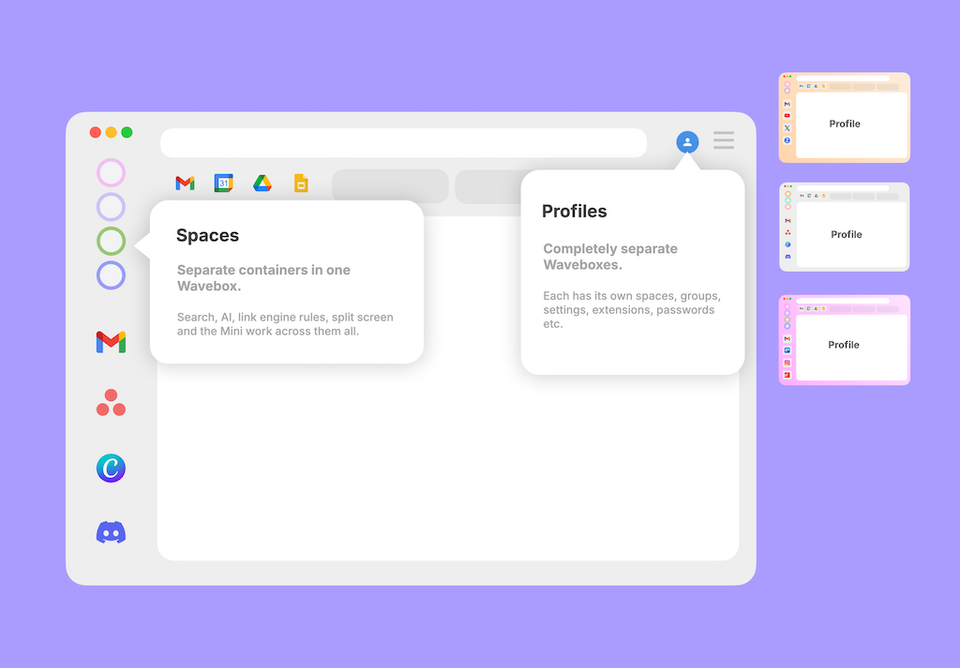
Spaces vs Profiles: Which One Should You Choose?
Both keep things separate, but differently. Spaces are drawers in one filing cabinet; a Profile is a whole second cabinet. When to reach for each.
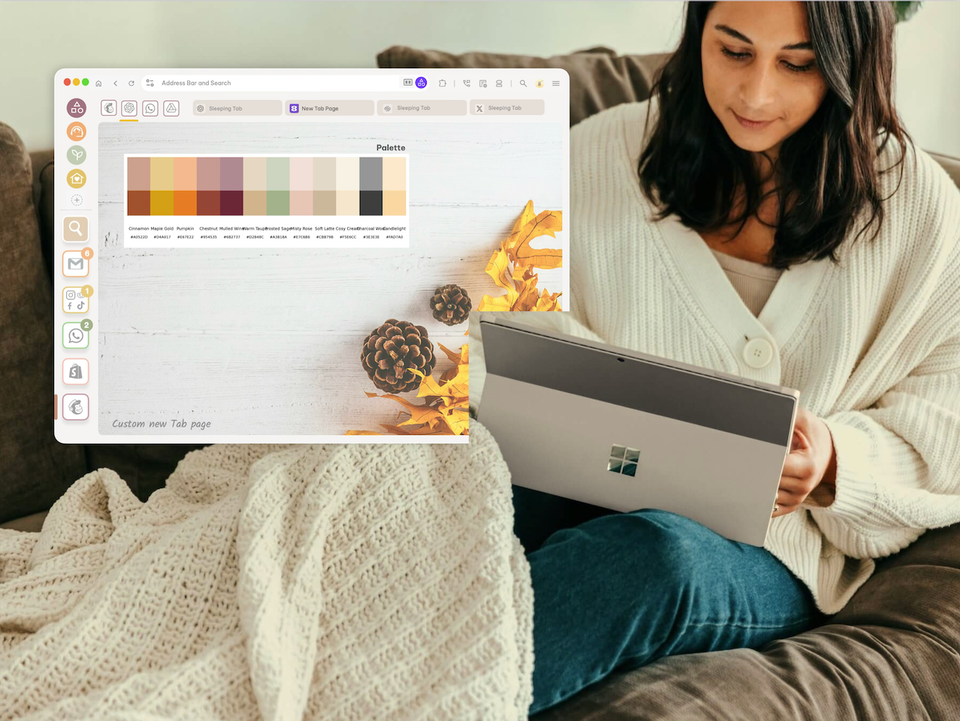
🚀 Make the New Tab Page Yours: Every Option in Wavebox
Your new tab page can be different for every Group, Space, or client. Every option in Wavebox, from search box to Dashboards.
🤖 Brainbox Tool Calling: Change Your Wavebox Just by Asking
Ask Brainbox to add apps, create Spaces, change your theme or switch your layout, and it does the work for you in Chat with Settings.
Brainbox Overview (New 2026)
Brainbox is your AI assistant, built right into Wavebox. Summarize
Too Many Tabs? How to Start Your Workday in Under a Minute.
Start your day focused. Wavebox restores context, organizes accounts, eliminates browser hunting.
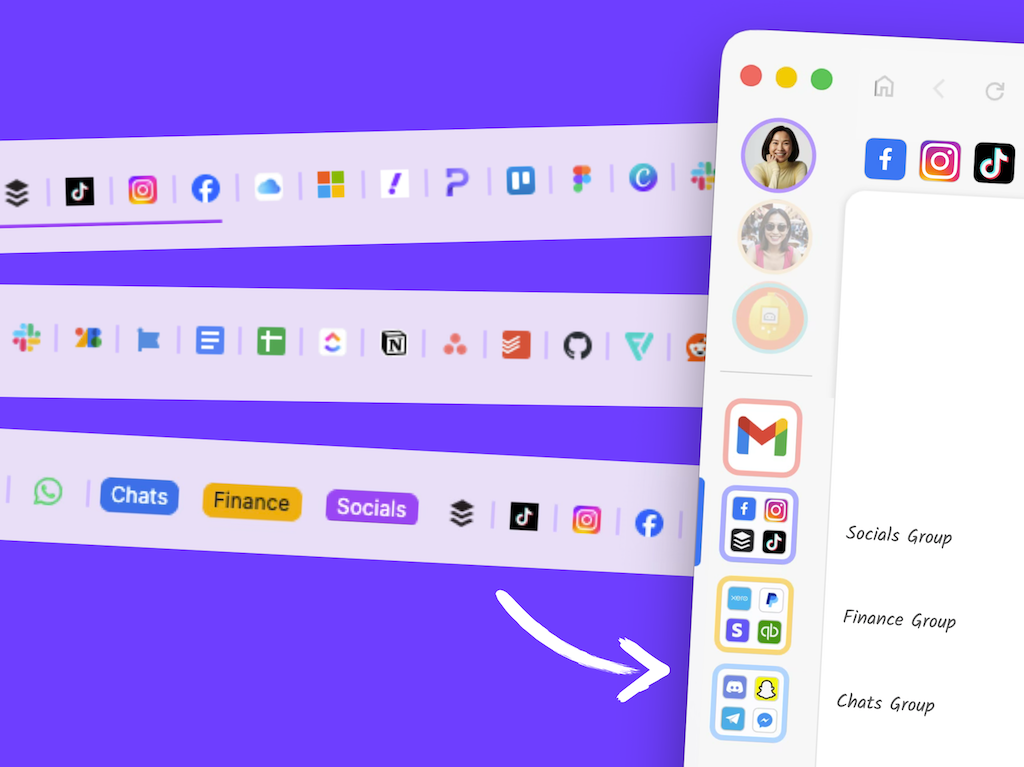
🗂️ Tutorial: From Chaos to Clarity: How to Organize your Chrome Tabs in Wavebox.
Transform Chrome tab chaos into organized productivity. Map profiles to Spaces, tab groups to Groups, and pinned tabs to Apps in 6 simple steps.
Tab Boosting
Learn how to boost any browser tab into a permanent Wavebox app with persistent logins, notifications, and a dedicated icon.
How to Cosymaxx Your Chaotic Digital World with Wavebox.
Ever feel like your browser is working against you instead of for you? You're not alone!