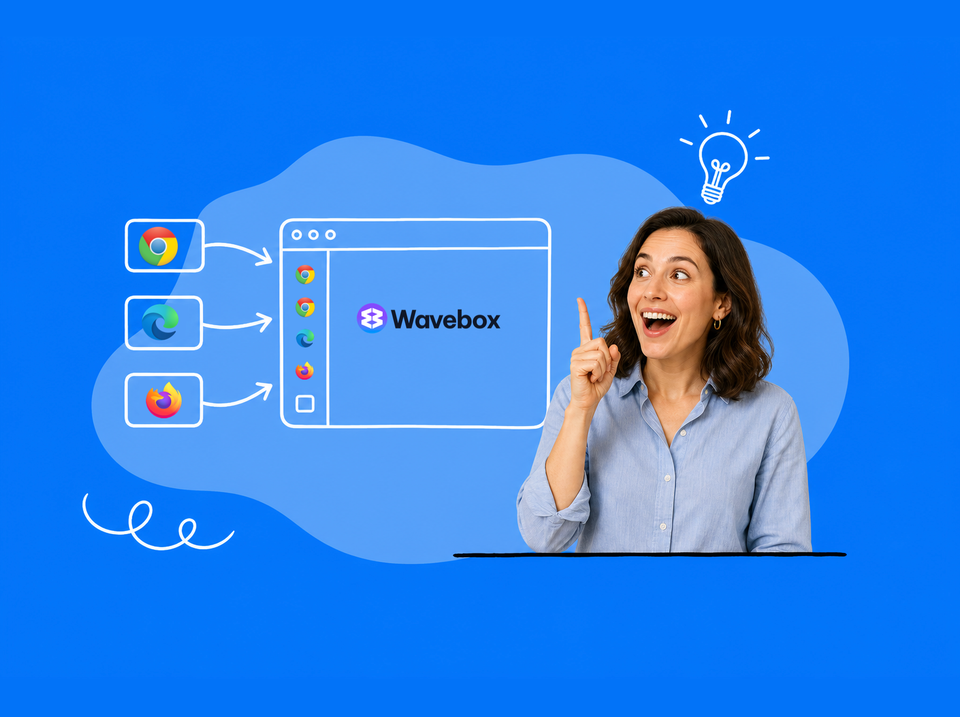
Looking for an App That Fits a Multi-Account Workflow? Ten Questions, Answered
Separate cookies per account, per-Space extensions, synced setups, and routed notifications. Ten multi-account browser questions, answered for Wavebox.
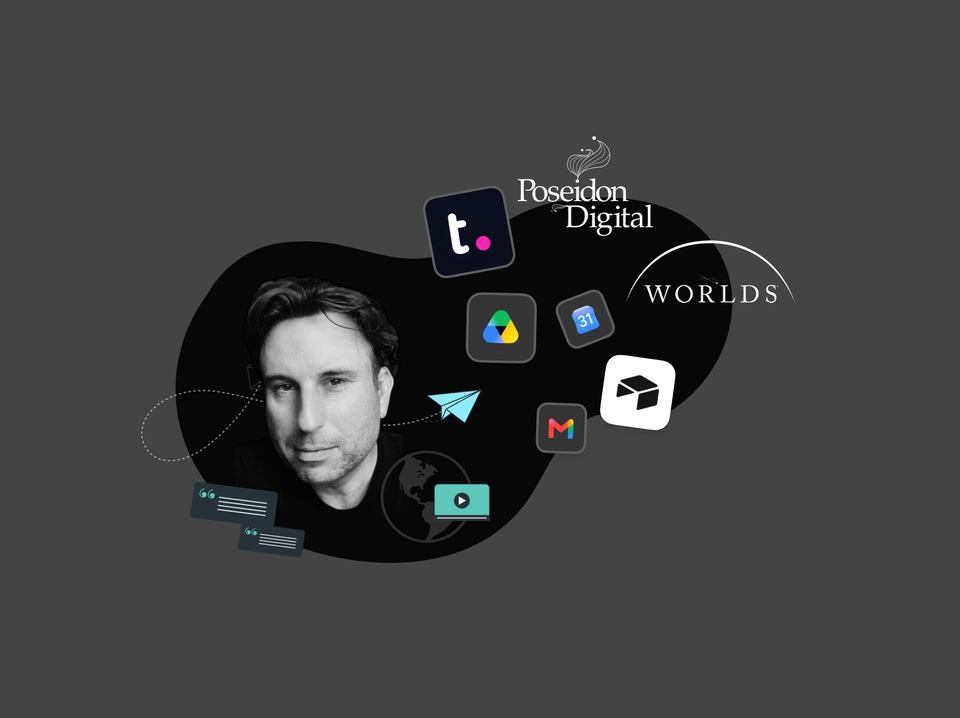
🎬 Story: How WORLDS Turned Their Browser into a Multi-Company OS for the Web.
CEO Jon Cotton runs three entertainment companies in one Wavebox window: Spaces, Groups, and Desktop Web Apps replace profile juggling.
🍪 What are Browser Containers (and What is a Container-first Browser)?
Browser containers let you stay signed in to multiple accounts of the same site at once. Here's how they work, and what container-first means.
Browser Containers Just Went Mainstream!
Native browser containers just went mainstream. Here's what they do, and how Wavebox Spaces put a whole workflow inside each one.
Too Many Tabs? How to Start Your Workday in Under a Minute.
Start your day focused. Wavebox restores context, organizes accounts, eliminates browser hunting.
🤔 Is Wavebox Right for You? 11 Honest Answers from the Co-Founder.
Wavebox co-founder Susan answers the most common questions about Wavebox, from getting started to why it's worth paying for.