
Brainbox (Skill Variables)

Brainbox includes skills that can be accessed via the right-click menu within a page. By default Wavebox ships with a number of useful skills, however you can add your own for your specific use case.
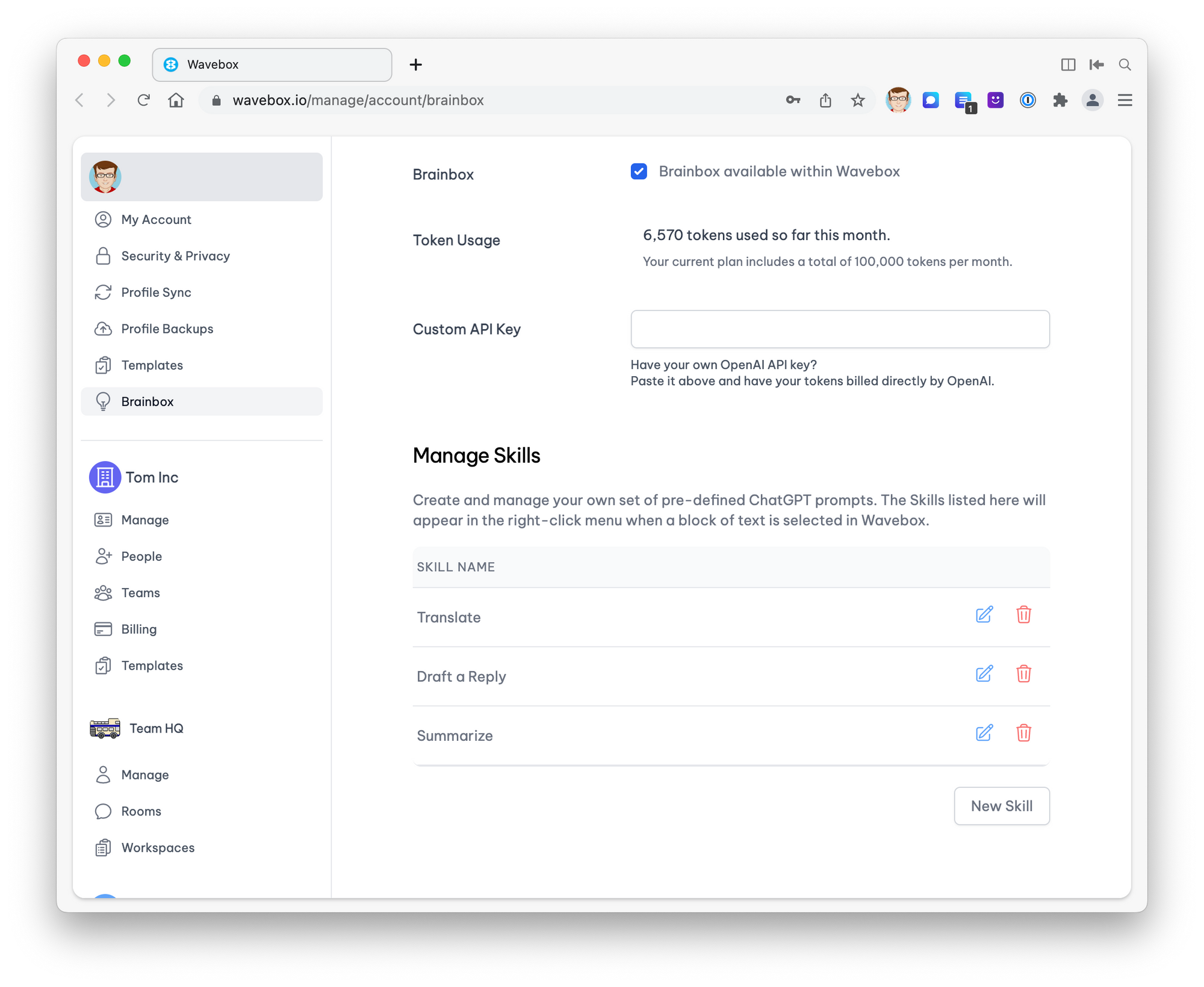
Skills can either be a static prompt, or include some variables that Wavebox will pre-fill before sending the skill to Brainbox. To edit skills...
- Open the Brainbox panel and click the sliders icon in the top right to open the Brainbox Controls.
- Choose the Skills tab
- From here you can edit, delete and create skills. For the full guide, see Brainbox Skills: Create & Manage.
Available variables
The prompt field accepts the following variables which will be substituted for the available values. Variable substitutions are always enclosed in braces, such as {{variable}}
{{language}}The current language of the machine- Prompt:
Translate this page to {{language}} - Example: Translate this page to english
- Prompt:
{{name}}The name of the current user- Prompt:
Reply to this email as {{name}} - Example: Reply to this email as Tom
- Prompt:
{{email}}The email of the current user- Prompt:
Always finish the reply with {{emai}} - Example: Always finish the reply with support@wavebox.io
- Prompt:
Conditional variable substitution
There are instances where certain variables are not available (e.g a user hasn't provided a name when setting up Wavebox). If you are building queries that can be used within a team, we recommend conditional substitutions.
Conditional substitutions are always enclosed in a brace question mark such as {? ... }. Inside the substitution are three separate variables
- The variable to check
- The string to place if the check succeeded
- The string to place if the check failed
Take the following example that will print if the name variable exists or not...{?["name", "we have a name", "we don't have a name"]}
The most common use case also includes placing the variable in the success case. To this, you can include a dollar $ character to substitute the name. For example...
{?["name", "the name is $", "we don't have a name"]}
With this, you can now build a more complete example.
- Prompt:
You're an email writing bot. {?["name", "Reply as $.", "Reply politely."]} - Example with name: You're an email writing bot. Reply as tom.
- Example with no name: You're an email writing bot. Reply politely.