Direct External Links into the Correct Space, Group and App.
Configure Wavebox so that external links opened from desktop apps are routed correctly into a specific Space, Group and App.
🗞️ Waveboxed Subscription
This page gives you everything you need to manage the email newsletters you receive from us.
Survey 2025: Win Exclusive Tees and Laptop Stickers!
Whether you’re a power user or just getting started, let us know what you think about Wavebox so we can do better!
⭐ Boost vs Regular Tabs - When and How to Choose.
Learn when to keep tabs regular or boost them into apps for a faster more seamless workflow.
Tutorial: How to Add an App to the Same Space Twice
What if you want to add ClickUp as an app in multiple groups in a Space. Read this article to find out how.
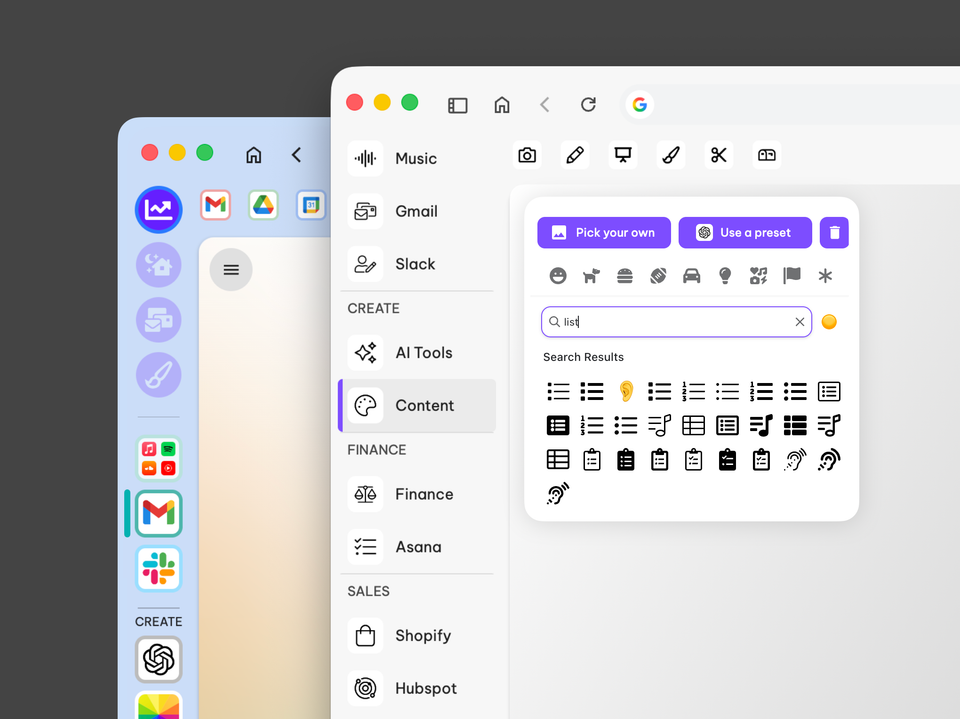
How to Give your Wavebox a macOS Tahoe Makeover
Give Wavebox a Tahoe-inspired minimalist refresh in 20 minutes. Switch to list layout, simplify group icons and refine indicators for a clearer workspace.
↔️ 🎉 Level Up Your Multitasking: Say Hello to Dock & Split View 🚀
Exciting news! The way you multitask in Wavebox just got a major upgrade.
Split & Dock
Dock & Split View are powerful multitasking features that let you view multiple apps and tabs simultaneously in the same window.
Dock (Apps & Tabs)
Dock lets you pin any app or tab view to the left/right/top/bottom of your window while you work in other apps, groups and spaces.
Split View (Tabs only)
View two tabs side-by-side in a Group. Perfect for comparing documents and referencing information while working!