🗞️ Waveboxed Newsletter Stay in the loop with Waveboxed, our new bi-monthly newsletter designed to keep you updated on everything happening in the Wavebox ecosystem.
🚀 Wavebox for ARM on Windows — Now in Beta! If you're using a Windows device with an ARM processor, you can now experience the full power of Wavebox by joining our Beta release.
Install Wavebox on ARM for Windows The ARM version is now in Beta and we'd love for you to try it out!
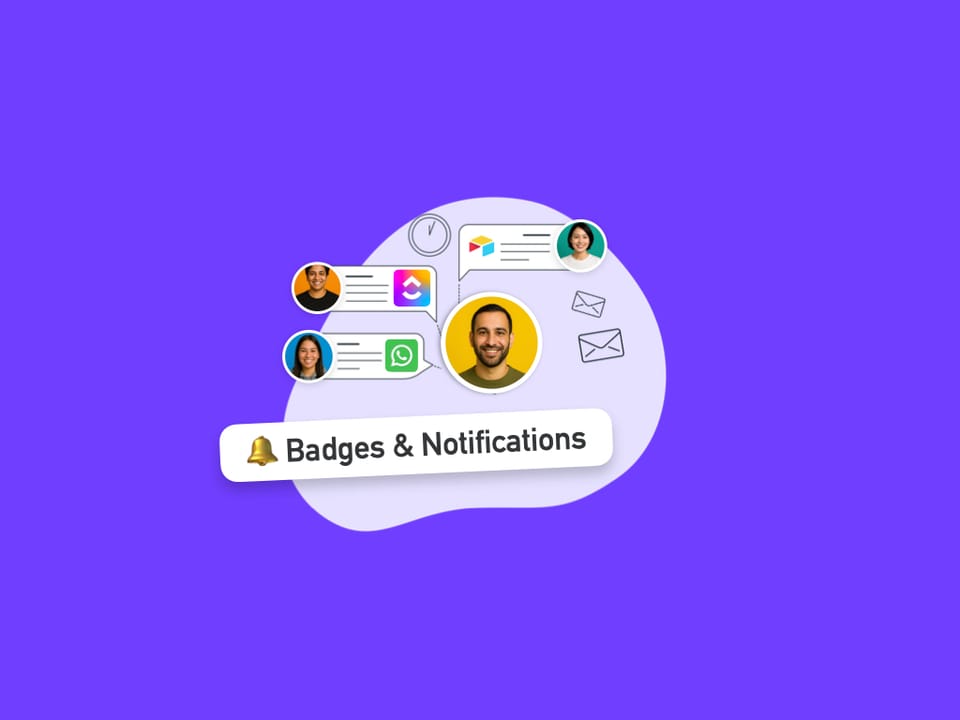
Tutorial: How to Stay Signed-In to Multiple WhatsApp Web Accounts. This tutorial shows you how to use two WhatsApp accounts side-by-side in the same browser window, with real-time unread badges and notifications.
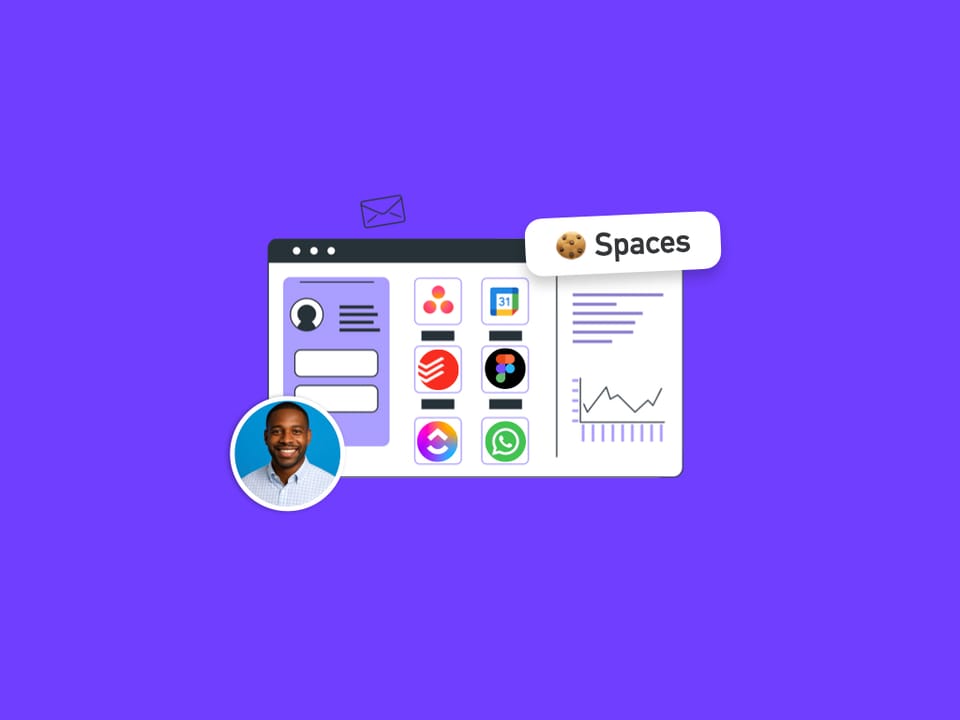
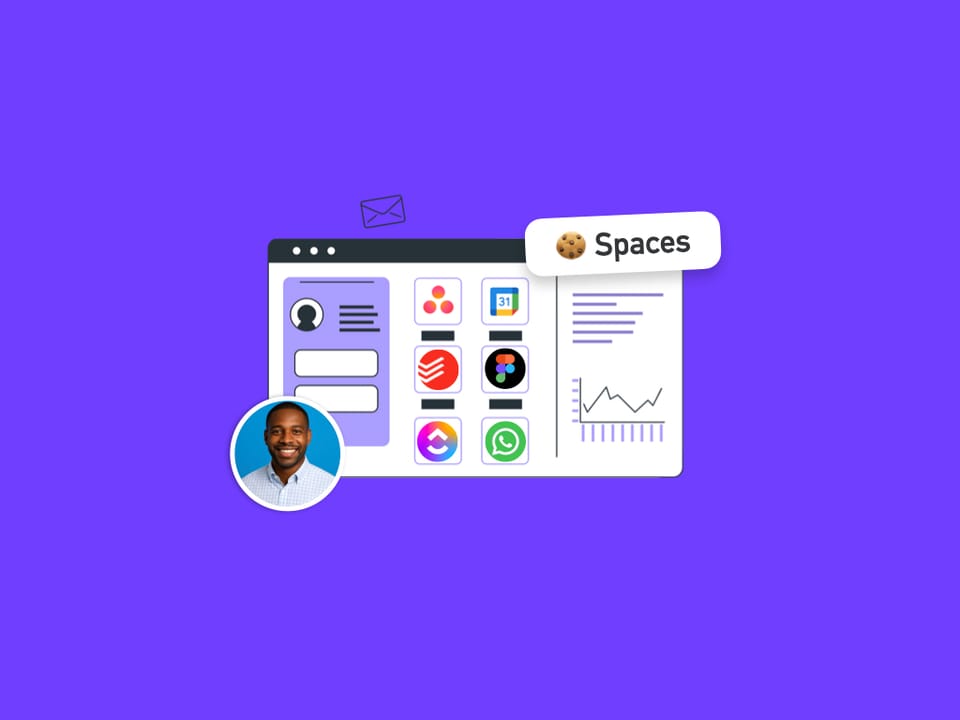
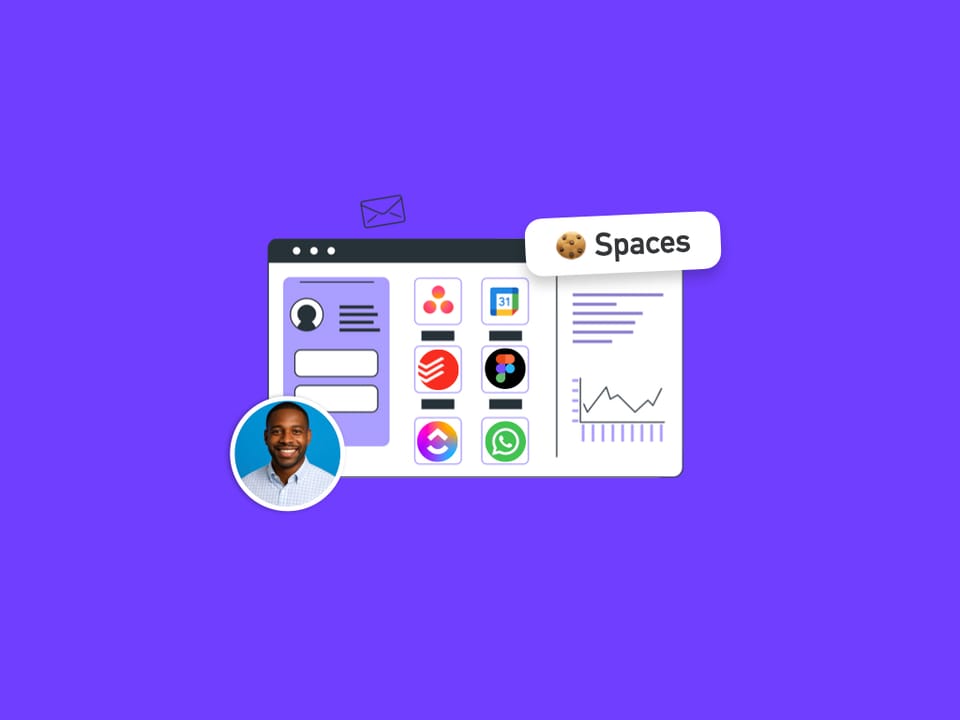
Groups Using Multiple Spaces A Group can hold apps and tabs from more than one Space. Here is where it shows in the webdock.
Webdock Guide: Switching Between Spaces and List Layout. When switching layouts, try both before moving groups/apps/tabs around to decide which works best for your workflow.
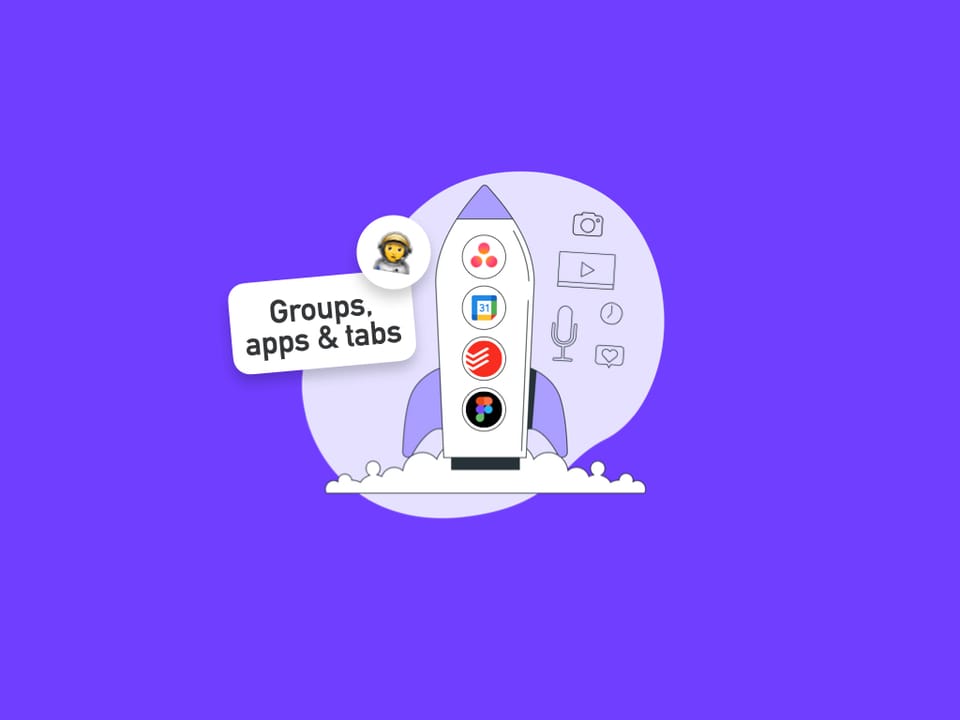
Organize the Webdock using the Drag & Drop Spaces Manager. If you're using List Layout, there's an easy way to organise groups using the Drag & Drop Space Manager and dividers.
📢 How to Enable Notifications & Badges for Social Apps in Wavebox e.g. TikTok In this guide, we’ll walk you through how to enable notifications and badges for TikTok in Wavebox.