General Troubleshooting Check List A quick list of things to try if Wavebox isn't working as expected.
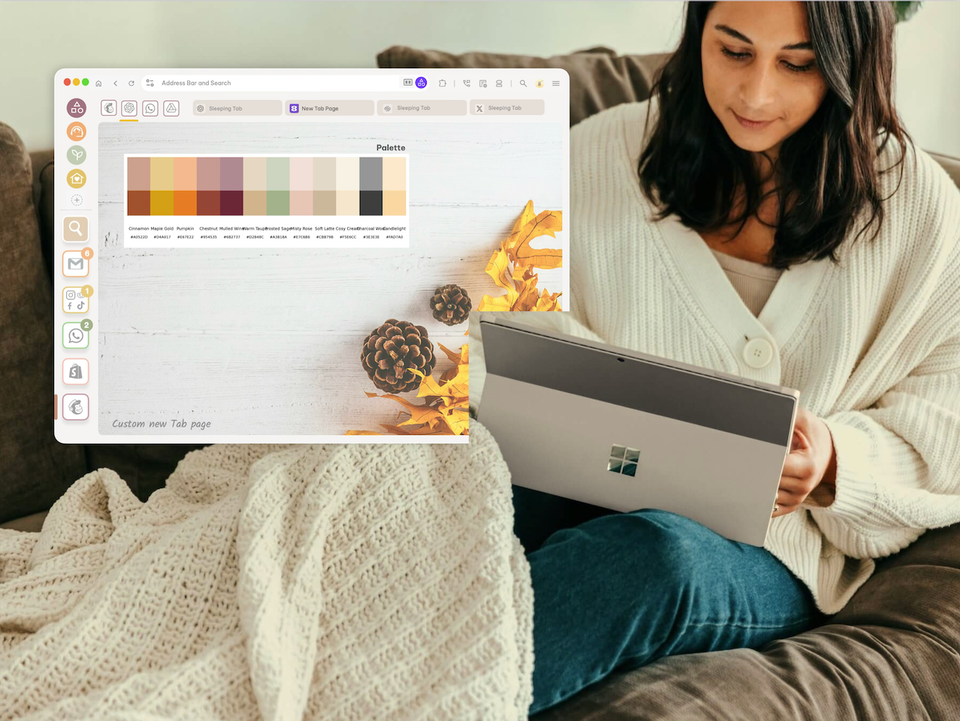
How to Cosymaxx Your Chaotic Digital World with Wavebox. Ever feel like your browser is working against you instead of for you? You're not alone!
🍎 Tutorial: 3 Easy Ways to Share a Group of Web Apps with Your Team. Wavebox offers several ways to share groups with your team. Here’s how you can do it.
New: On-Page AI Translation, plus Updates to Quick Switch and Spaces Manager. This release brings on-page translation, plus updates to quick switch and the spaces drag and drop manager.
Tutorial: How to use Wavebox Translate on any web page. Learn how to translate directly on the page, or using the Brainbox panel and skills.
Wavebox Translate 🆕 Wavebox supports instant on-page translation for 100+ languages—no extensions needed.