Groups Using Multiple Spaces
In Wavebox, each app and tab belongs to a Space, which keeps its logins and cookies separate. A Group usually sits inside a single Space, so everything you open in it stays in that Space. But because isolation happens at the tab level, a single Group can hold apps and tabs from more than one Space. This article explains where that Group shows up in the webdock, and what the small indicators on its apps and tabs mean.
How the Spaces webdock shows your Groups
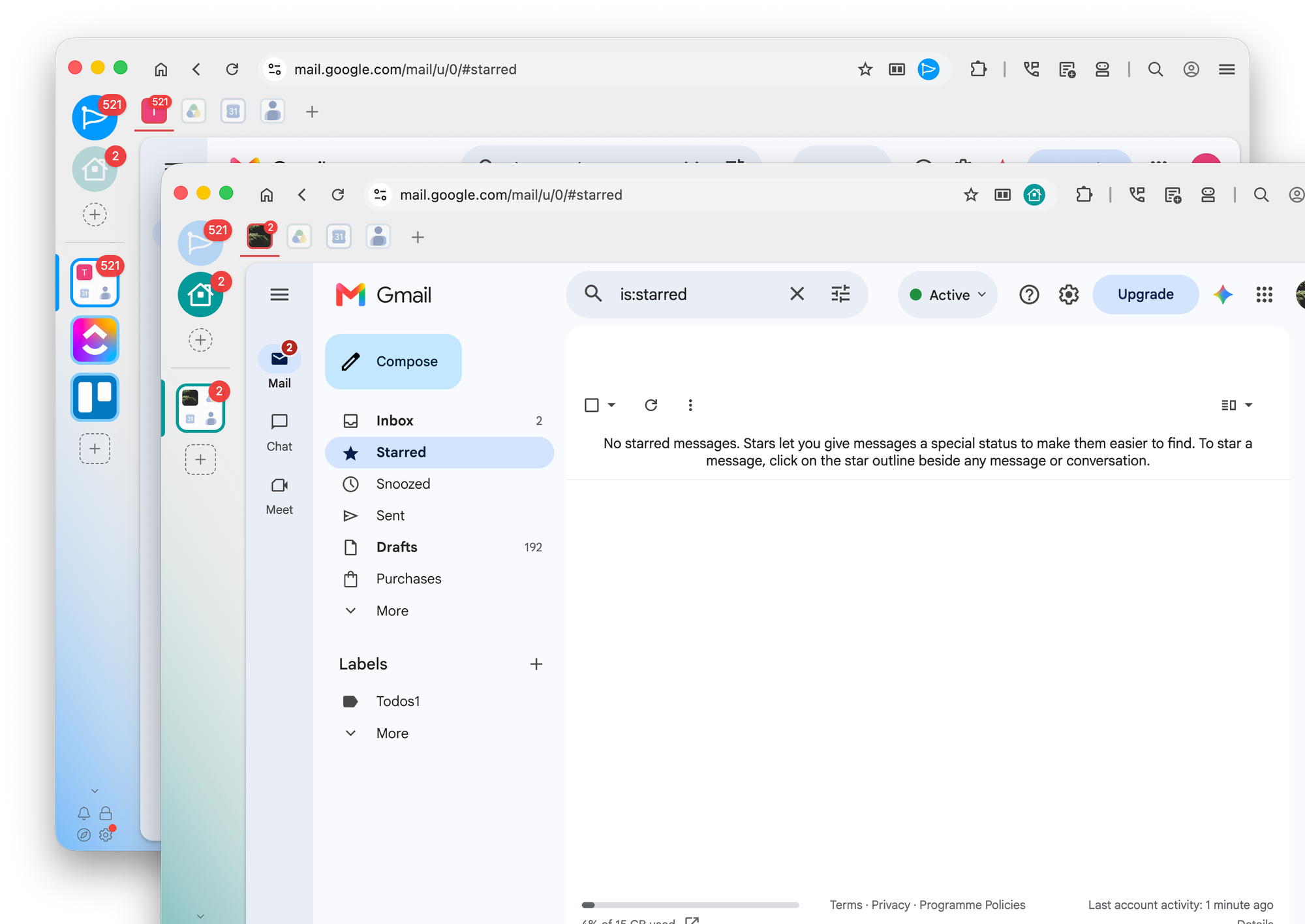
When you use the Spaces layout for the webdock (sidebar), Wavebox only shows the Groups in the Space you are currently in. Spaces appear at the top of the webdock as circle icons (top-left), and the Groups in the selected Space appear as rounded squares below them.
Take this setup, for example:
- The blue Space called Work contains Groups for Gmail, ClickUp, and Trello.
- The green Space called Personal contains a Group for your personal email.
Click the Work Space and you see the Work Groups. Click Personal and you see the Personal Group. Each Space shows only its own Groups, which keeps the webdock tidy and focused on the task in front of you.
What happens when a Group uses more than one Space
Sometimes a Group ends up holding apps or tabs from a different Space. For example, you might drag an app into another Group, or open a tab and choose Open in Space to load it with a different Space's login.
When that happens, the Group stays in its own Space in the webdock. It does not jump into, or get duplicated across, the other Spaces it borrows from. Instead, the apps and tabs that belong to a different Space show a small Space Indicator Icon on them, so you can always see at a glance that they are visiting from another Space.
You may see a short message the first time this happens, letting you know that the Group has apps or tabs from more than one Space, and that those items now show an indicator of their Space.
See every Group at once
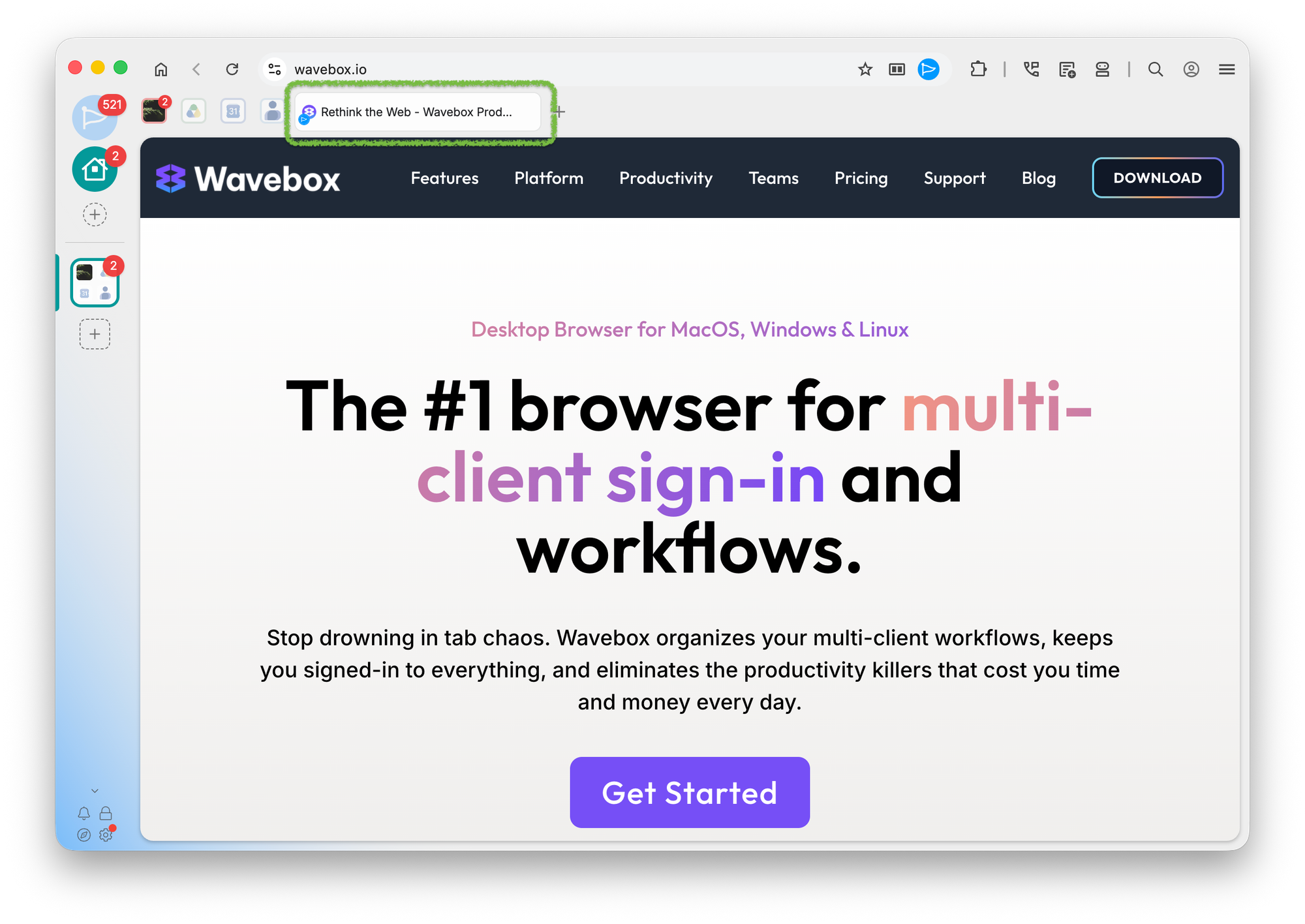
If you would rather see all of your Groups together, regardless of Space, switch the webdock to List or Explorer layout. Both show every Group from every Space in one view, so nothing is hidden. You can switch layouts at any time by right-clicking the webdock and choosing a layout.
 Susan Davies
 Susan Davies