Know your groups from your spaces...and what Navigator and the Wavebox Mini are
🧑💻 Your Browser Should Work Like Your Computer
Wavebox brings operating-system-level organization to your browser: Spaces for each context, Groups for projects, and every account signed in at once.
The Wavebox Hierarchy: What Sits Inside What
The seven levels Wavebox organizes work into, from Spaces down to sleeping tabs, and how the same structure looks in each of the three webdock layouts.
Spaces vs Profiles: Which One Should You Choose?
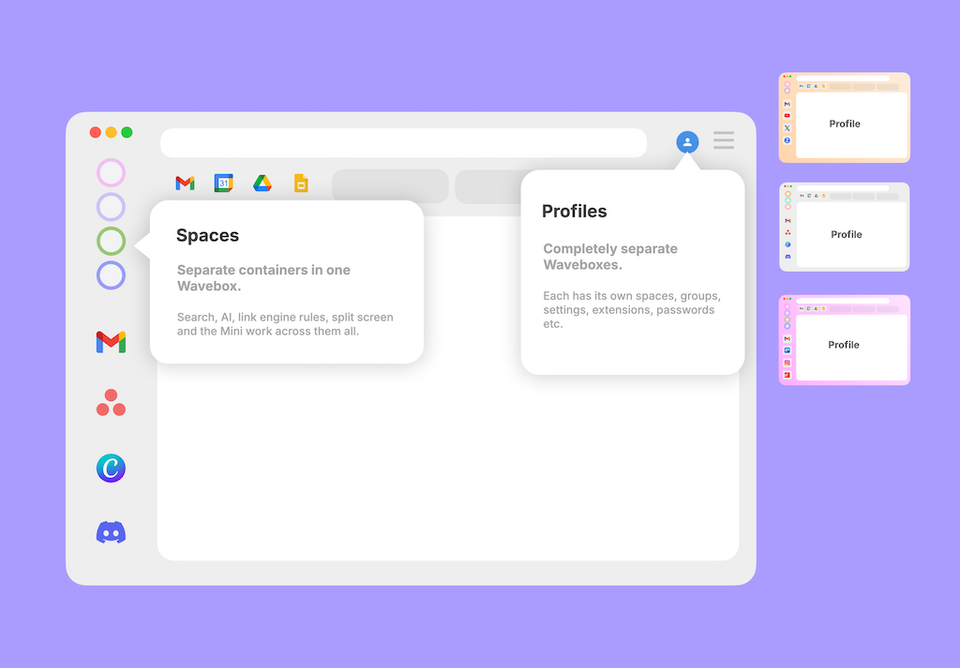
Both keep things separate, but differently. Spaces are drawers in one filing cabinet; a Profile is a whole second cabinet. When to reach for each.
What's the Difference Between Snapshots, Profile Sync, and Wavebox Live (Teams)?
Three features, three jobs: Snapshots back you up, Profile Sync follows you to your other computers, and Wavebox Live is your team's shared setup.
🍪 What are Browser Containers (and What is a Container-first Browser)?
Browser containers let you stay signed in to multiple accounts of the same site at once. Here's how they work, and what container-first means.
Browser Containers Just Went Mainstream!
Native browser containers just went mainstream. Here's what they do, and how Wavebox Spaces put a whole workflow inside each one.
🤔 Is Wavebox Right for You? 11 Honest Answers from the Co-Founder.
Wavebox co-founder Susan answers the most common questions about Wavebox, from getting started to why it's worth paying for.
Tab Boosting
Learn how to boost any browser tab into a permanent Wavebox app with persistent logins, notifications, and a dedicated icon.
Discover
Use these links to learn more about Wavebox's unique features.
Wavebox Workspace: Interface & Terminology
Watch this 90-second video to familiarize yourself with the Wavebox workspace.