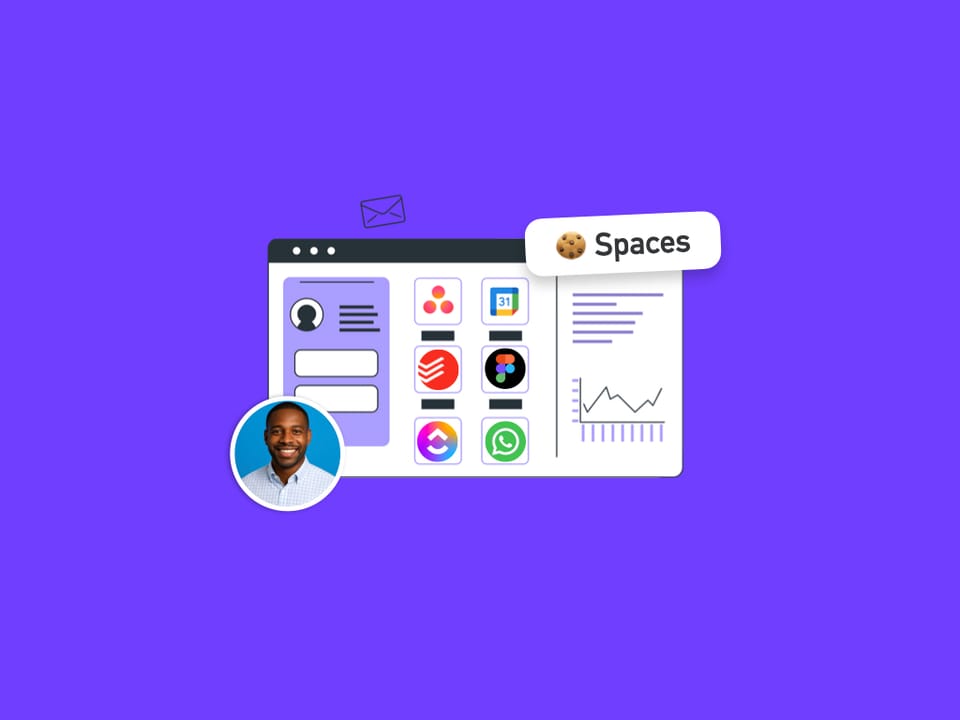
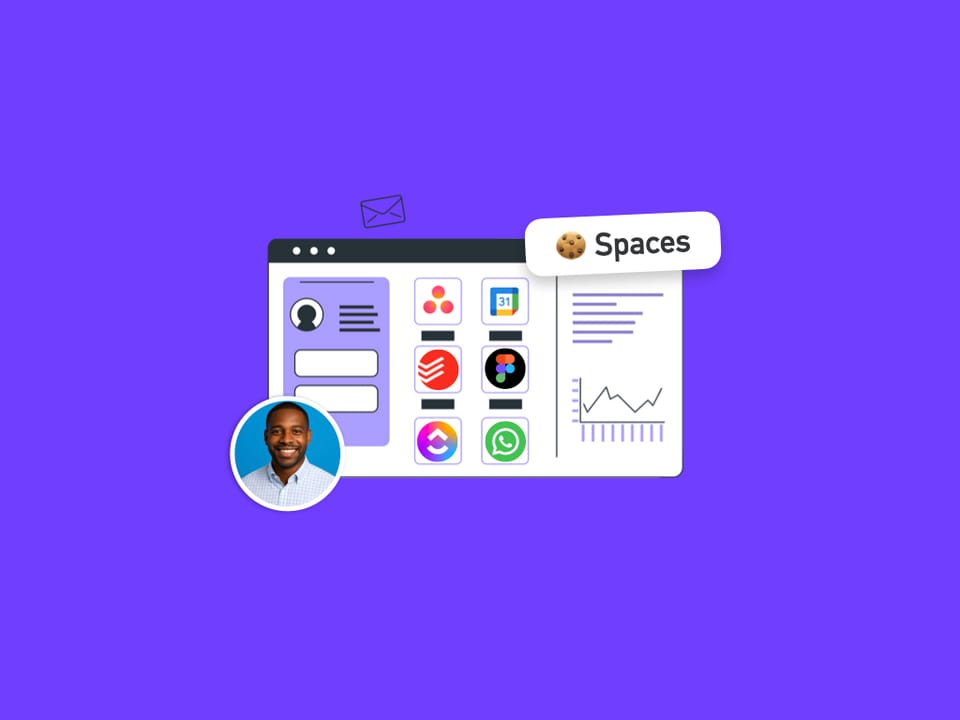
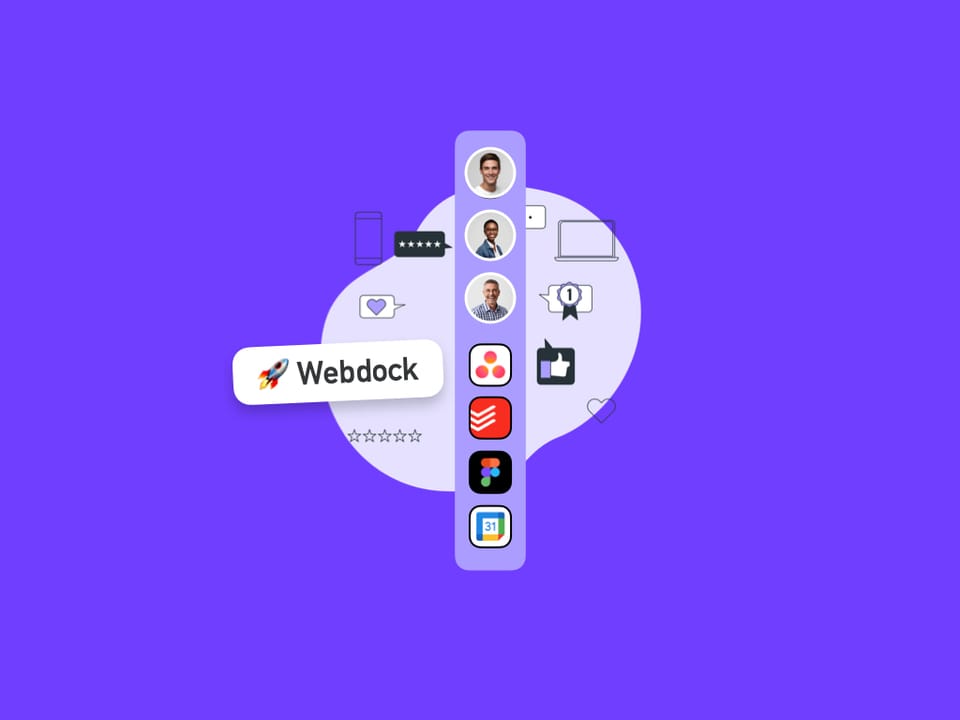
Webdock Guide: Switching Between Spaces and List Layout. When switching layouts, try both before moving groups/apps/tabs around to decide which works best for your workflow.
Organize the Webdock using the Drag & Drop Spaces Manager. If you're using List Layout, there's an easy way to organise groups using the Drag & Drop Space Manager and dividers.
Tutorial: How to Add an App to the Same Space Twice What if you want to add ClickUp as an app in multiple groups in a Space. Read this article to find out how.
👥 Multi-Client Workflow Setup - Guide for VAs and Agencies Wavebox makes handling multiple client accounts effortless, keeping each workspace isolated, organized, and secure—perfect for VAs and agencies.
🚀 Why Wavebox Spaces are Easier and More Flexible than Chrome Profiles. Wavebox spaces are like super-powered Chrome profiles that can be used side-by-side. Learn how to get setup in minutes.
Extensions: Multiple extension accounts. Stay signed in to multiple client accounts safely—Wavebox lets you lock, separate, and manage extension accounts across different spaces.
🤓 Pro Tip! Signed Into the 'Wrong' Gmail? Here's a Quick Fix! Occasionally Gmail may pick the wrong Gmail account, but this is easily fixed - find out how.
Spaces Indicator Icon Use it to see which Space you’re in at a glance and quickly switch tabs to different Spaces.
Spaces Drag & Drop Manager Learn how to change which Space a group or app is in using the Drag & Drop Manager.
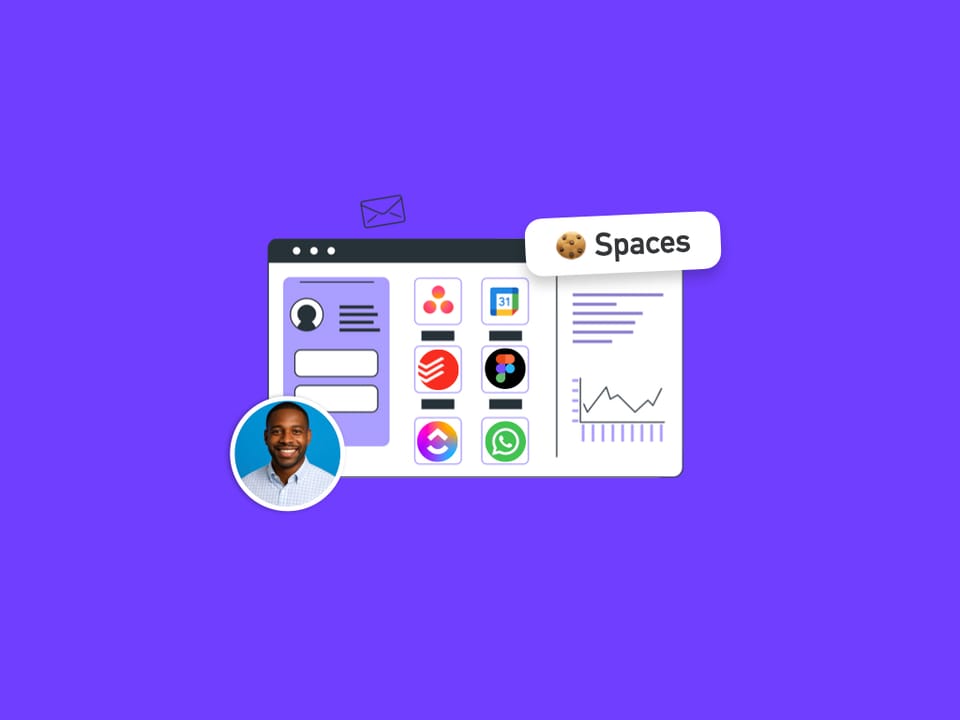
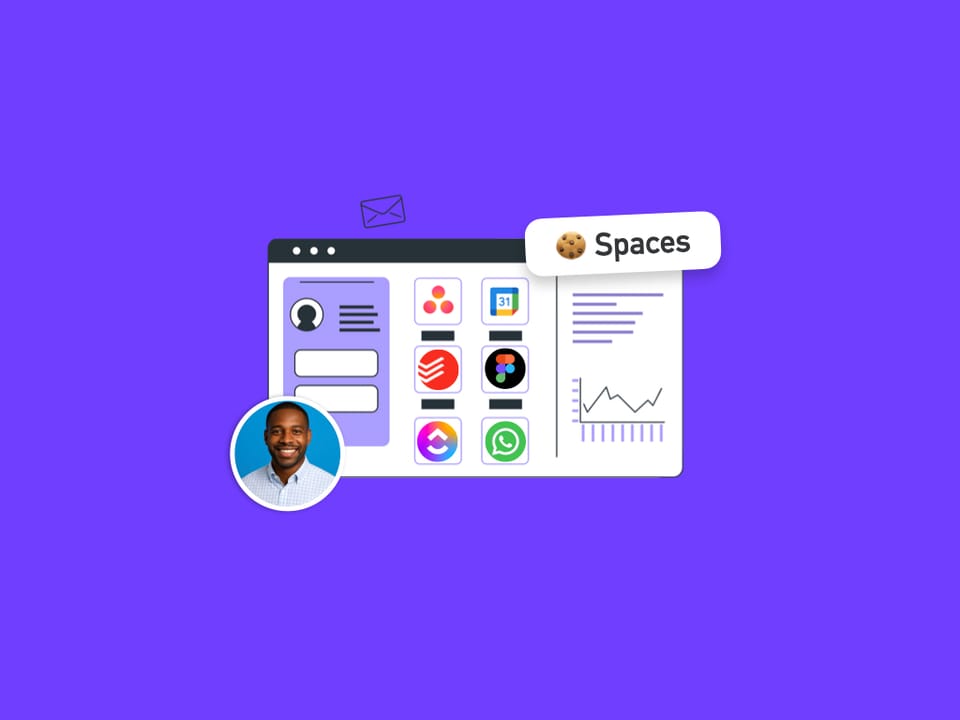
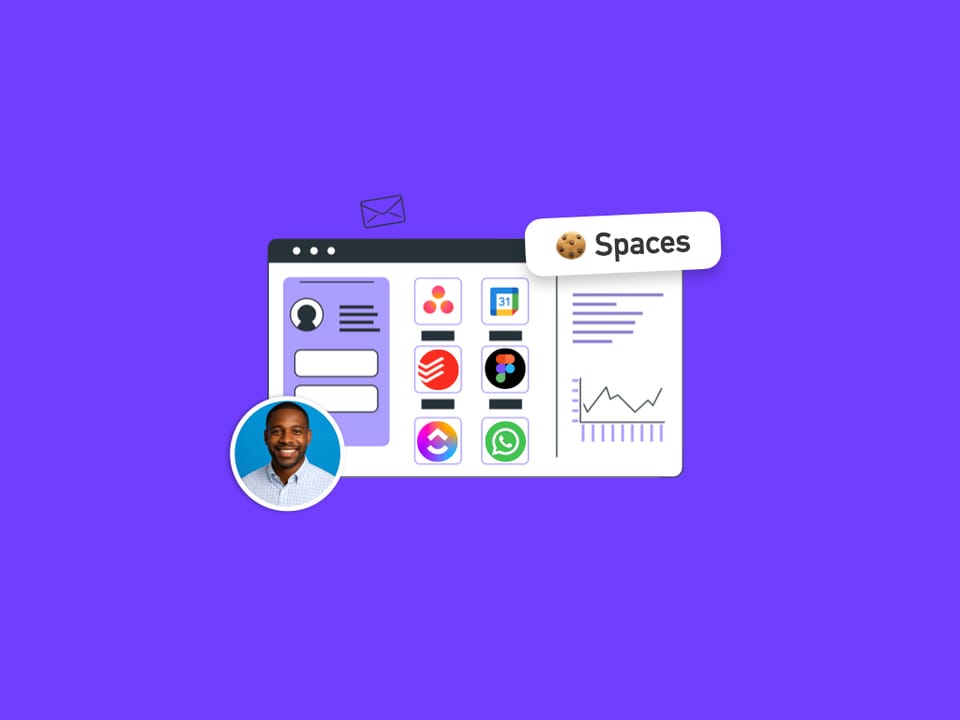
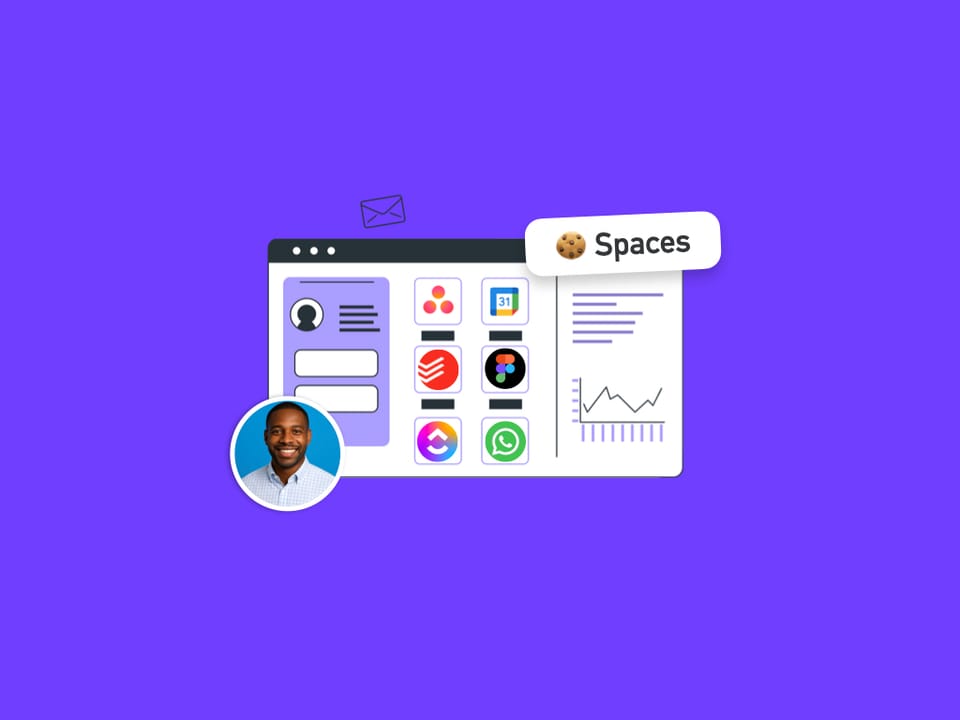
Webdock: Spaces Layout Default layout for new users. Displays groups and apps for the selected Space only.