Learn how our navigation structure helps you to organize tabs and build faster workflows
Tab Scroll
Tab Scroll allows you to navigate horizontally through a long
Tab Folders (Webdock Explorer)
Tab Folders let you group related tabs in the webdock
Templates
Learn how to create, share, and import Wavebox templates to streamline team onboarding and share pre-configured browser setups with colleagues.
🗂️ Tabs & Tabstrip
Each webdock group has it's own tabstrip, allowing you to keep your work tidy. Easily manage, customize, and navigate tabs for efficient workflows.
Tooltips (Hover Menus)
Wavebox tooltips offer instant previews, actions, and quick info when you hover over spaces, groups, apps, or tabs—easily customizable for your workflow.
Auto-Wake Apps
Auto-Wake keeps sleeping apps updated with fresh notifications and badges, saving system resources while ensuring you never miss important changes.
Desktop Notifications
Wavebox centralizes all your web app notifications—set up, manage, and troubleshoot desktop alerts so you never miss important updates.
How do I fix my Gmail unread counts?
If your Gmail isn't displaying the correct number, here are some ways to fix it.
👉 25 Ways to Become a Wavebox Tab Master.
There's so much more to tab management than bookmarks and pins. Discover 25 ways to stay organized, save time, and become a Wavebox tab master. 🥷
👍 Pro Tip: How to Change the Group Icon.
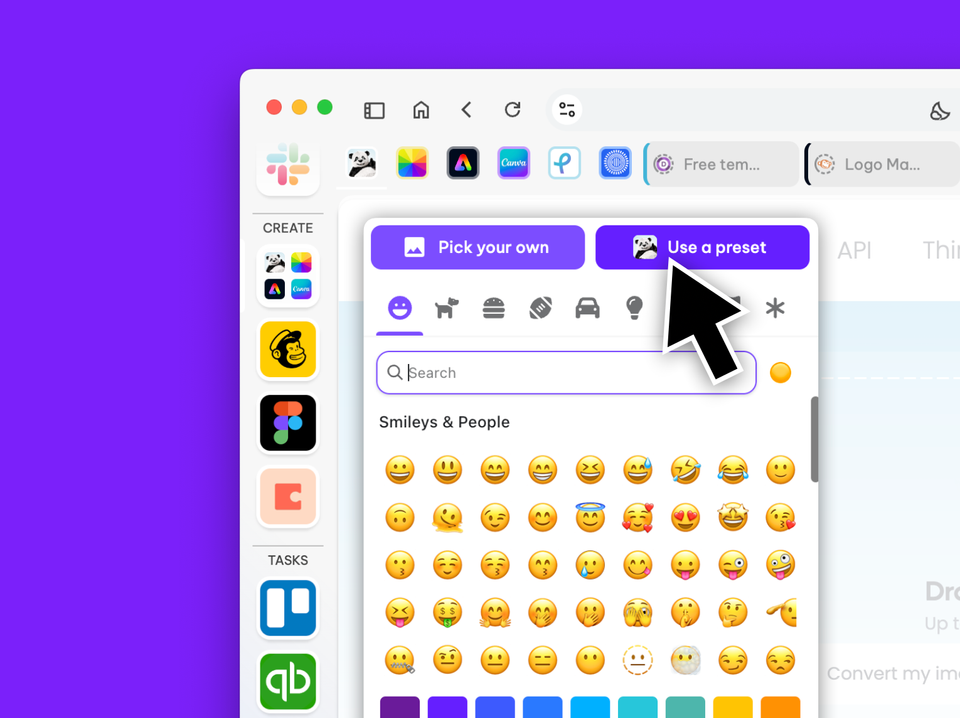
One icon or a four-icon grid? Learn how to change the group icon.