🪟 Desktop Web Apps (PWAs) Run any website as a standalone desktop application, so you can quickly access it on your computer without opening Wavebox.
Spaces Drag & Drop Manager Learn how to change which Space a group or app is in using the Drag & Drop Manager.
App Settings Customize each app’s name, icon, notifications, and sleep settings in Wavebox App Settings—tailor every app to fit your workflow perfectly.
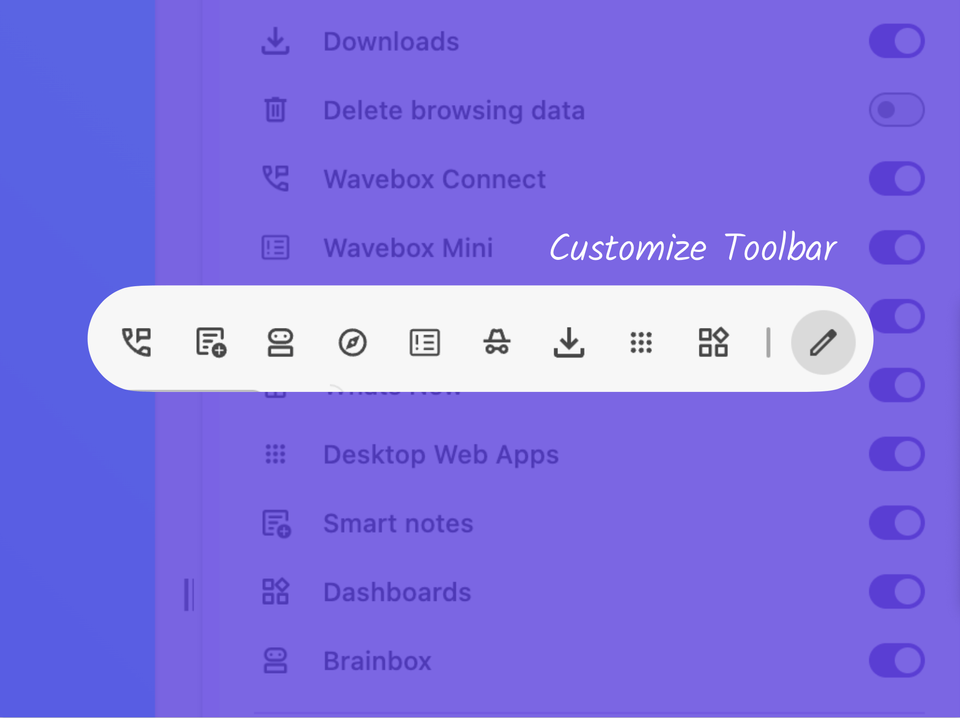
📌 Pin your Favorite Wavebox Features to the Toolbar. Customize the toolbar with Connect, Extensions, Incognito, Brainbox, Smart Notes, Navigator and more.
⭐️ Bookmarks Bar & Panel Traditional bookmarks are a handy way to bring your favourite pages from another browser into Wavebox.
Tab Color Indicator Tab Color Indicator lets you instantly spot which app or group a tab belongs to—making navigation and workflow in Wavebox effortless.