Other Browsers Are Learning to Spot What Needs Your Attention - Wavebox Already Knows Attention triage is becoming a browser feature. Wavebox has been building it on apps and badges for years, and the Mini takes it to your new tab page.
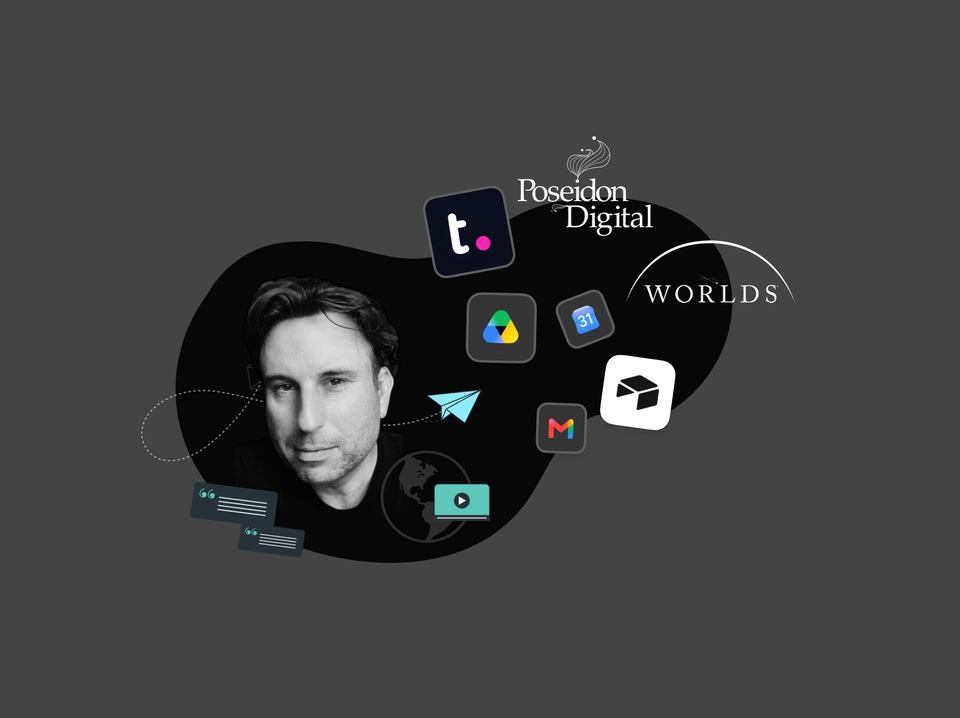
🎬 Story: How WORLDS Turned Their Browser into a Multi-Company OS for the Web. CEO Jon Cotton runs three entertainment companies in one Wavebox window: Spaces, Groups, and Desktop Web Apps replace profile juggling.
Too Many Tabs? How to Start Your Workday in Under a Minute. Start your day focused. Wavebox restores context, organizes accounts, eliminates browser hunting.
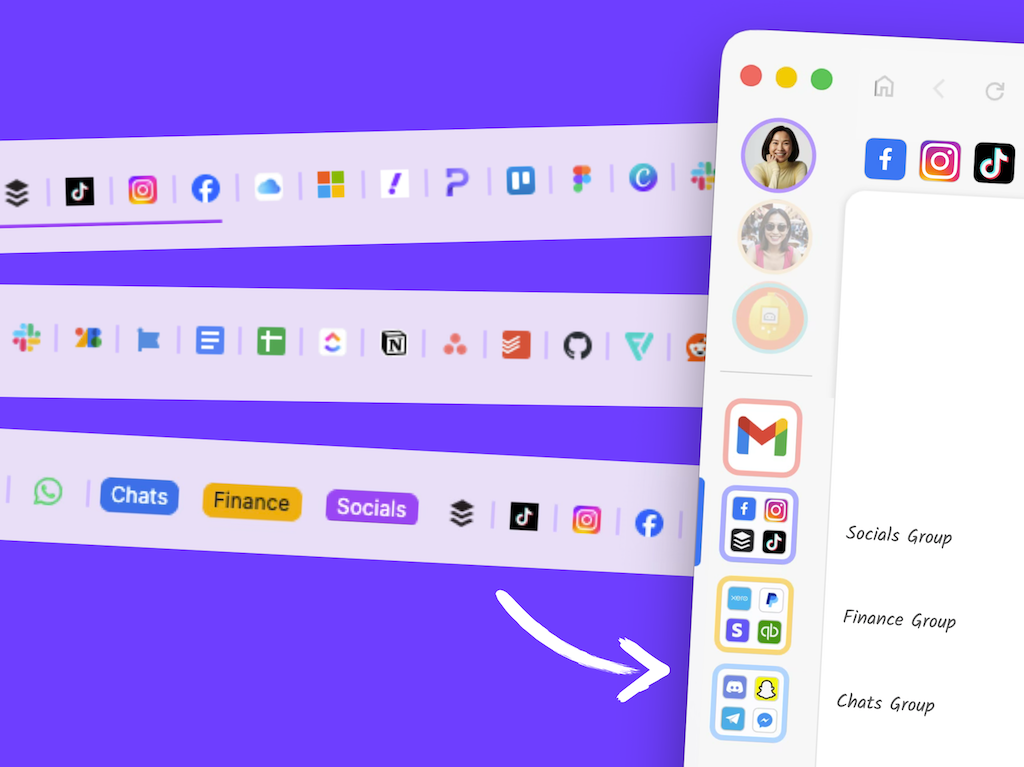
🗂️ Tutorial: From Chaos to Clarity: How to Organize your Chrome Tabs in Wavebox. Transform Chrome tab chaos into organized productivity. Map profiles to Spaces, tab groups to Groups, and pinned tabs to Apps in 6 simple steps.
🚀 2025 User Survey Analysis: Wavebox App Usage Trends. From the dominance of Gmail to surprising correlations between tools, here's what productive professionals are actually using every day.
📌 Tutorial: Build a Weekly Planner Dashboard in Wavebox Use Dashboards and widgets to create a fully customized new tab page.
Split & Dock Dock & Split View are powerful multitasking features that let you view multiple apps and tabs simultaneously in the same window.
Dock (Apps & Tabs) Dock lets you pin any app or tab view to the left/right/top/bottom of your window while you work in other apps, groups and spaces.
Split View (Tabs only) View two tabs side-by-side in a Group. Perfect for comparing documents and referencing information while working!