Effortlessly organize your Wavebox workspace by dragging and dropping groups, apps, tabs, files, widgets, and more—making customization and navigation fast and intuitive.
Webdock: Spaces Layout
Default layout for new users. Displays groups and apps for the selected Space only.
Webdock (Vertical Sidebar)
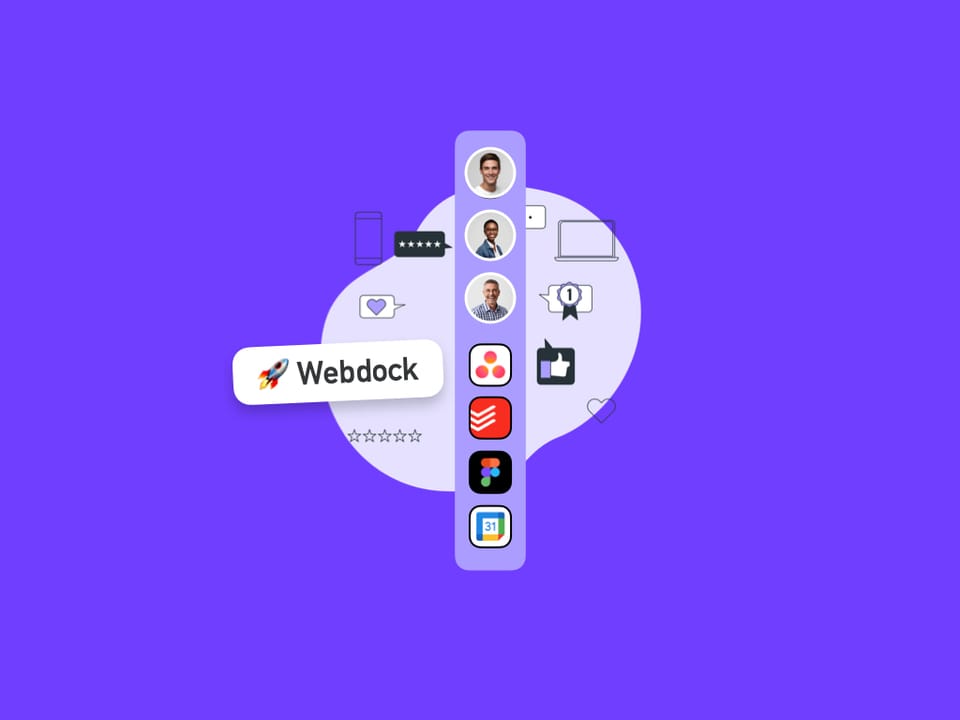
Enjoy quick access to all your spaces, groups, and apps with the webdock. The webdock is central to all Wavebox navigation.
Dividers
Dividers in Wavebox help visually organize your webdock and tabstrip—separating groups, collapsing sections, and reducing distractions for a tidier, focused workspace.
Split-Screen
UPDATED: Please visit Split View instead.
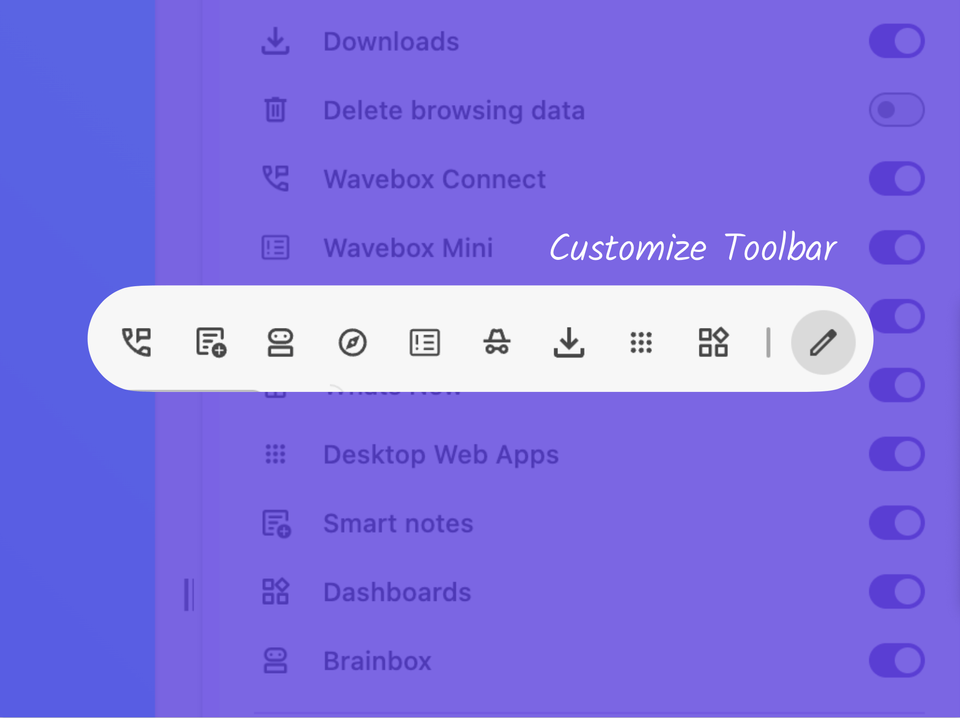
📌 Pin your Favorite Wavebox Features to the Toolbar.
Customize the toolbar with Connect, Extensions, Incognito, Brainbox, Smart Notes, Navigator and more.
Wavebox Dock Icon (macOS)
The Dock Icon in Wavebox for macOS shows unread counts, lets you switch profiles, and can be customized or hidden easily.
Themes
In Wavebox, you can customize the browser’s appearance to
✅ System Tray (Windows, Linux)
The Tray—also called the system tray on Windows or
Menu Bar (macOS)
Check notifications and switch Profiles instantly using the customizable Wavebox Menu Bar icon on macOS—no need to open the main app.