Learn how our navigation structure helps you to organize tabs and build faster workflows
🗂️ Tabs & Tabstrip
Wavebox organizes tabs into Groups in the webdock, keeping your browsing tidy. Easily manage, customize, and navigate tabs for efficient workflows.
Tooltips (Hover Menus)
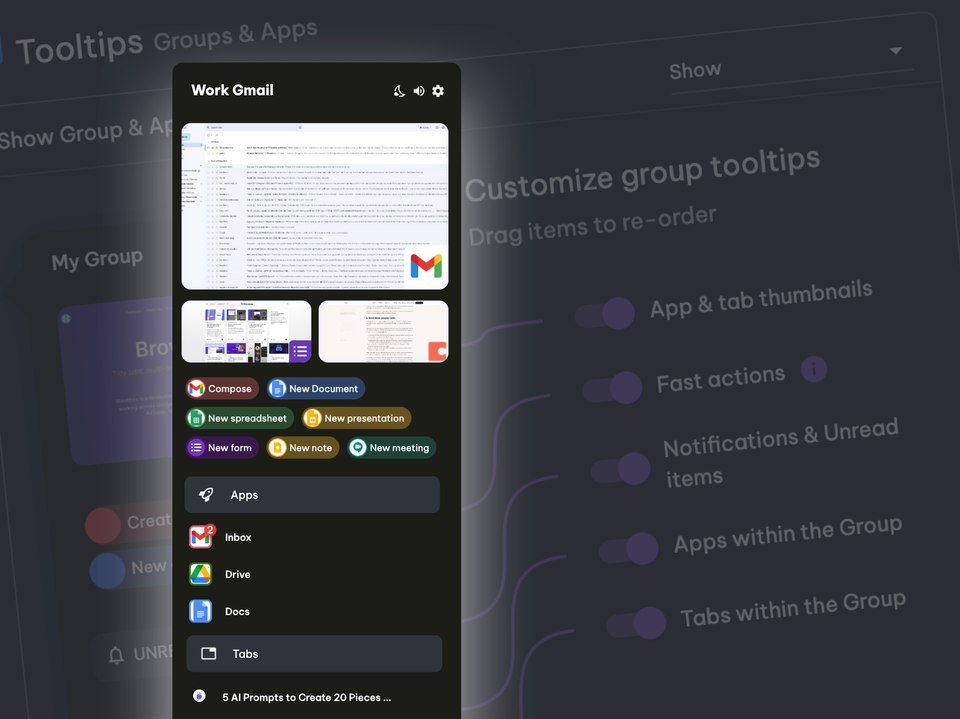
Wavebox tooltips offer instant previews, actions, and quick info when you hover over spaces, groups, apps, or tabs—easily customizable for your workflow.
Auto-Wake Apps
Auto-Wake keeps sleeping apps updated with fresh notifications and badges, saving system resources while ensuring you never miss important changes.
Desktop Notifications
Wavebox centralizes all your web app notifications—set up, manage, and troubleshoot desktop alerts so you never miss important updates.
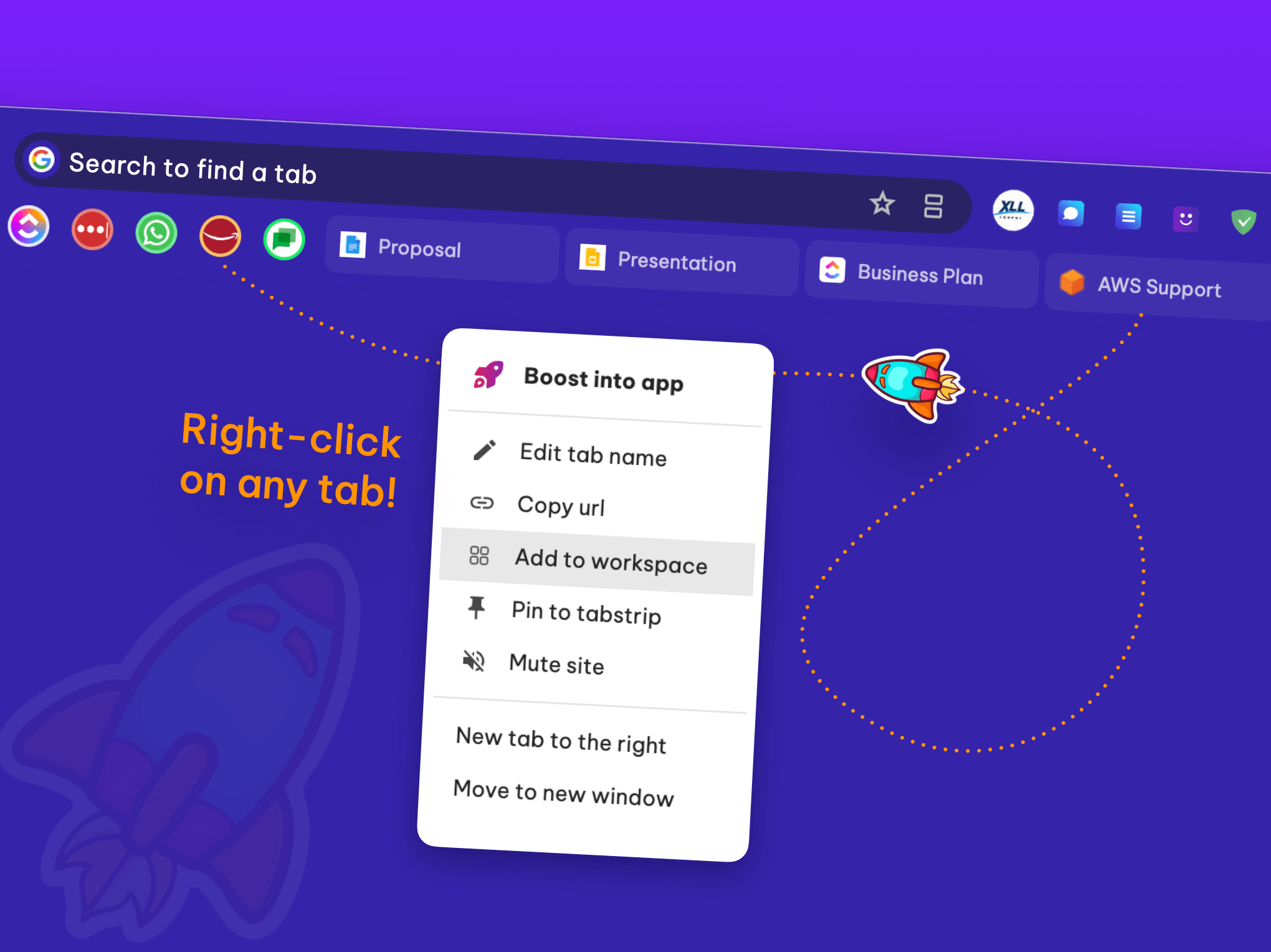
👉 25 Ways to Become a Wavebox Tab Master.
There's so much more to tab management than bookmarks and pins. Discover 25 ways to stay organized, save time, and become a Wavebox tab master. 🥷
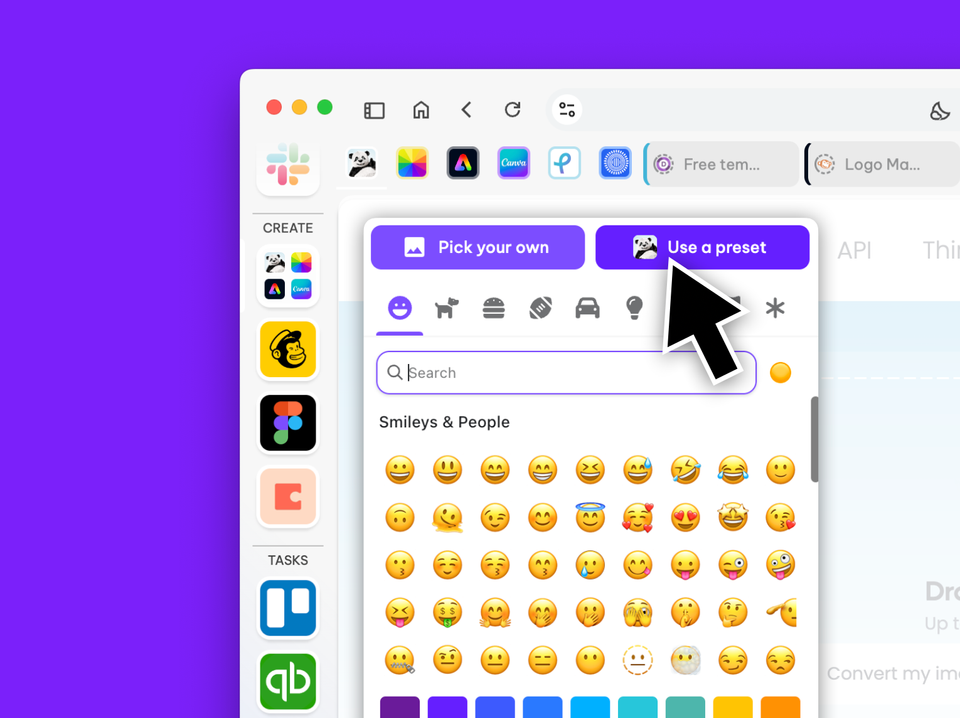
👍 Pro Tip: How to Change the Group Icon.
One icon or a four-icon grid? Learn how to change the group icon.
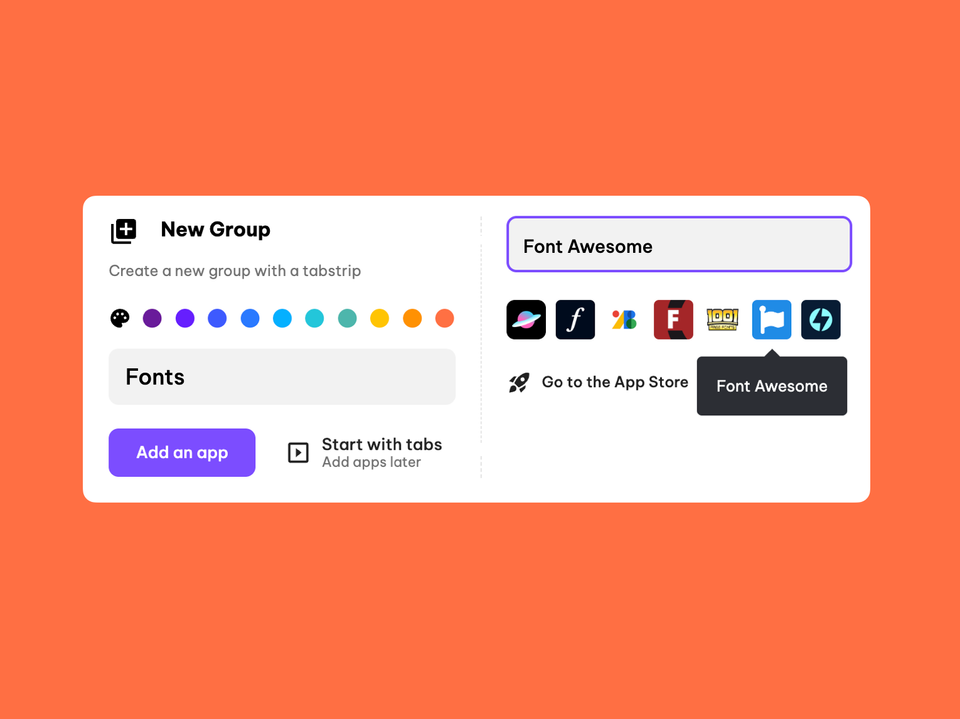
✨ Save time when creating Groups and adding apps.
Save time when creating new groups, with new app suggestions.
More Ways to Customize the Tooltip Menus.
These handy little guys can be used to keep stuff organized, build workflows, and act as a springboard to start a new task.
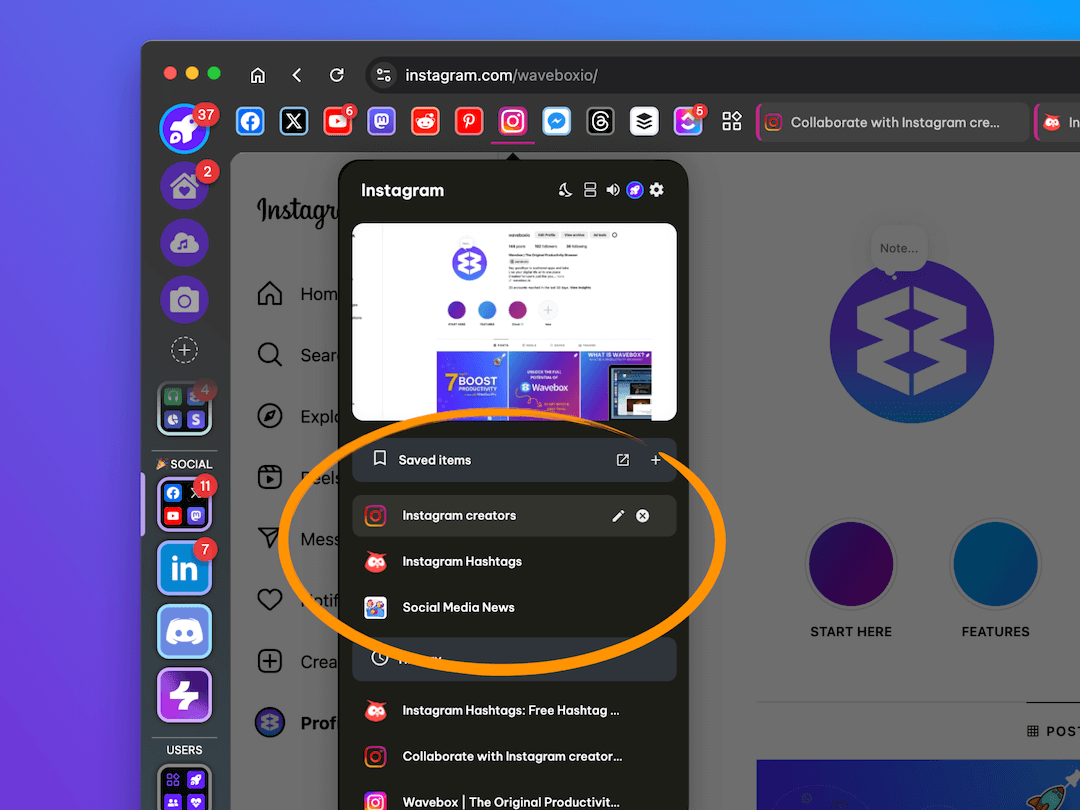
🪄 Use 'Saved Items' in the app tooltip to stay tidy and organized.
Saved Items in the tooltip are a great way to streamline workflows and keep on top of your tabs.
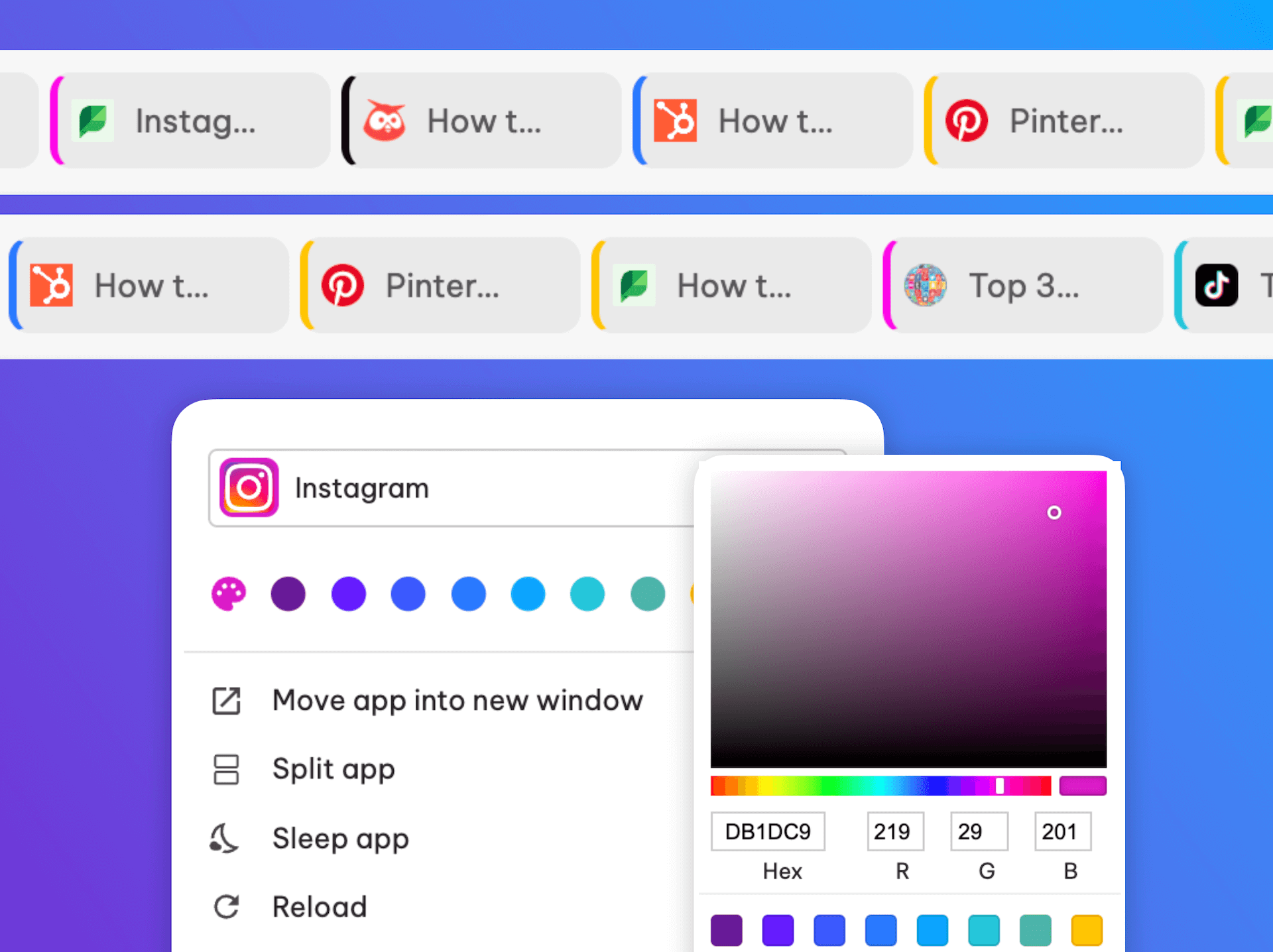
⭐️ New: Colour indicators on tabs for faster workflows.
Power up your group workflows by enabling color indicators in tabs for easier navigation.