Catch up with the latest new, releases and tutorials.
🚀 Wavebox for ARM on Windows — Now in Beta!
If you're using a Windows device with an ARM processor, you can now experience the full power of Wavebox by joining our Beta release.
Survey 2025: Win Exclusive Tees and Laptop Stickers!
Whether you’re a power user or just getting started, let us know what you think about Wavebox so we can do better!
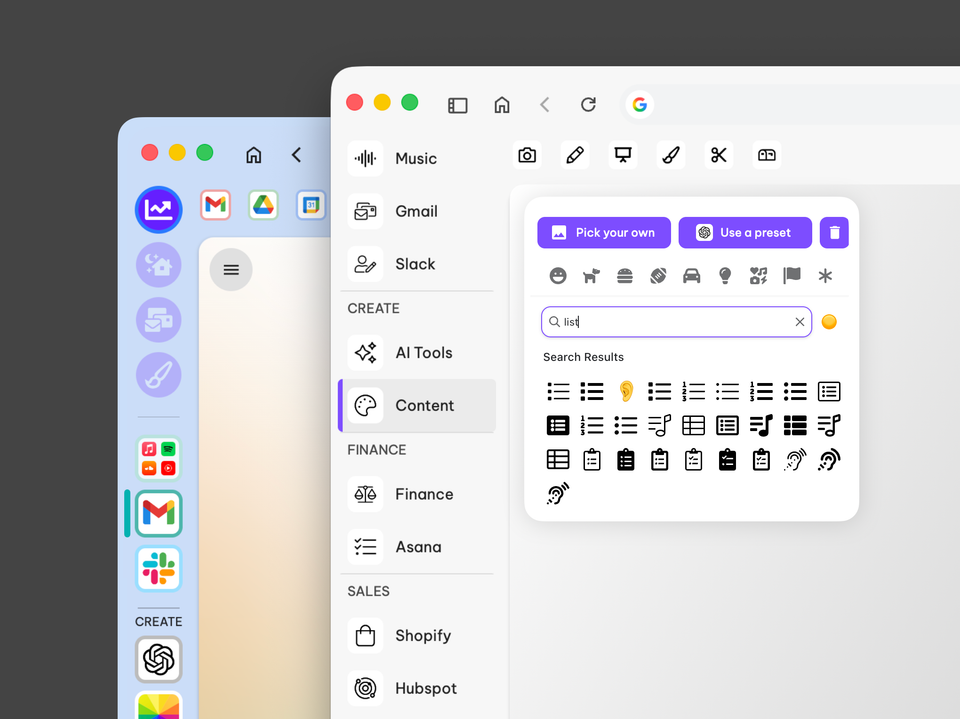
How to Give your Wavebox a macOS Tahoe Makeover
Give Wavebox a Tahoe-inspired minimalist refresh in 20 minutes. Switch to list layout, simplify group icons and refine indicators for a clearer workspace.
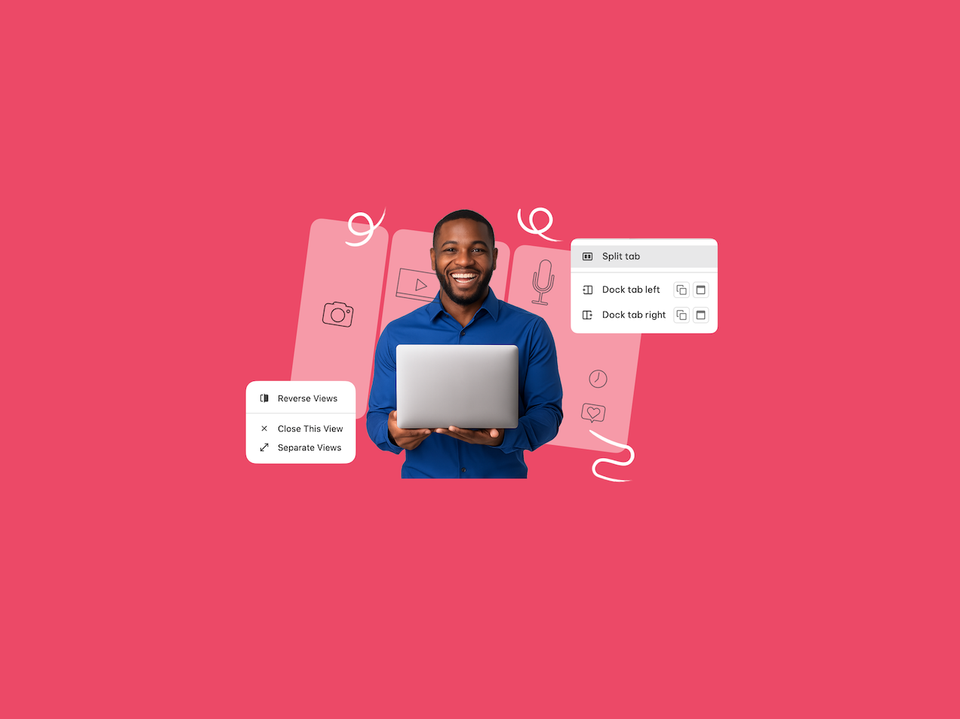
↔️ 🎉 Level Up Your Multitasking: Say Hello to Dock & Split View 🚀
Exciting news! The way you multitask in Wavebox just got a major upgrade.
🆕 Wavebox AI Assistant Now Available in Brainbox.
Introducing the Wavebox Assistant— your built-in AI guide for instant answers, onboarding tips, and troubleshooting.
🆕 Brainbox Update: GPT5, Claude & 1 Million Free Monthly Tokens.
Brainbox now features faster, affordable GPT-5 Mini AI and the new Wavebox Assistant, plus expanded support for custom OpenAI and Anthropic API keys.
🤖 How to Control Wavebox Browser with Claude Using the MCP Server.
We're experimenting with recent AI developments, including the growing use of MCP Servers to control third party apps.
📣 Catch Me at Pixel Pioneers: Talking About Browser Choice
I'm looking forward to speaking at the upcoming Pixel Pioneers conference in Bristol, on June 20th.
😎 Rest Easy: How to Back Up and Restore Your Wavebox Setup.
Whether you prefer live syncing, automated cloud backups, or local copies, Wavebox's restore tools have got you covered.
🎨Tutorial: Brighten up your Browser with Color Tints for Spaces and Groups.
Brighten up your day with Window Background Tint for Spaces and Groups.