A visual/spacial view of all your apps and tabs in Wavebox. Try Navigator to manage how your Wavebox is performing.
Webdock: Spaces Layout
Default layout for new users. Displays groups and apps for the selected Space only.
Webdock (Vertical Sidebar)
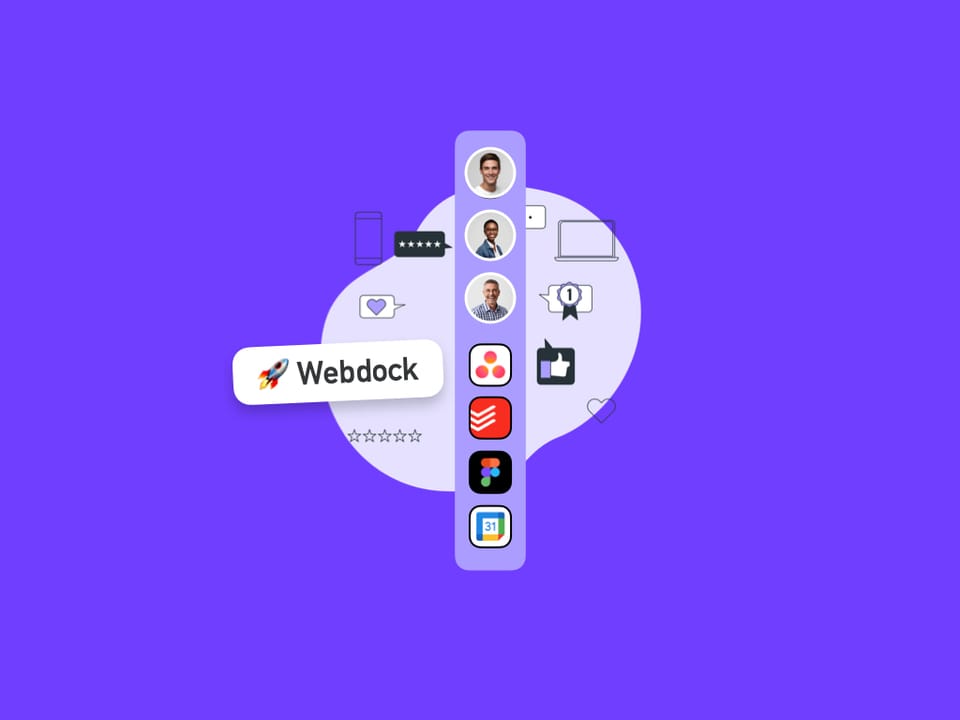
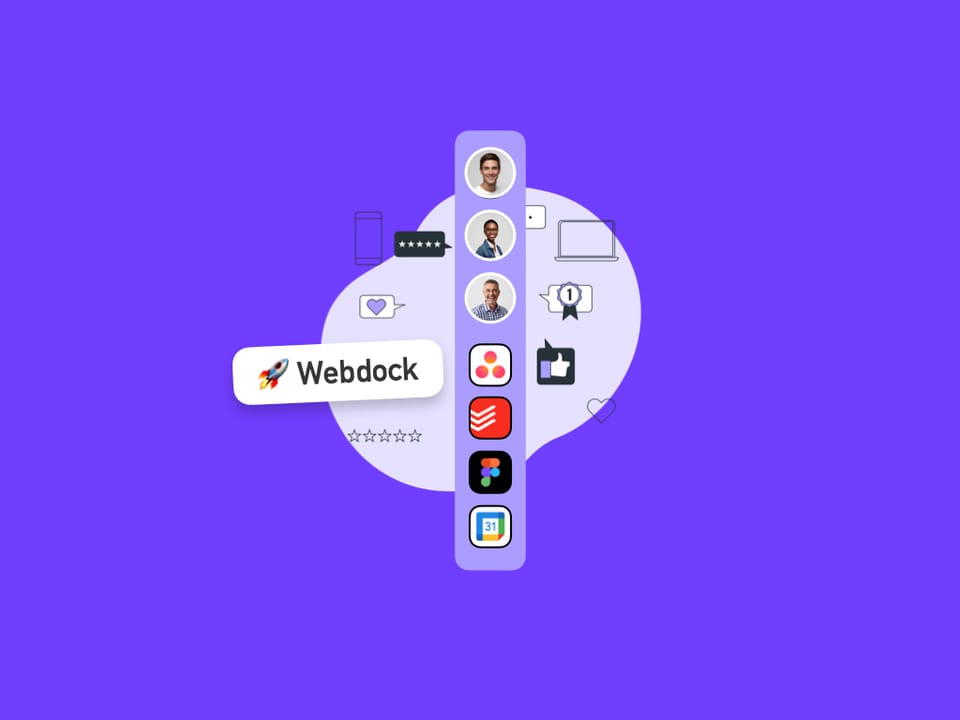
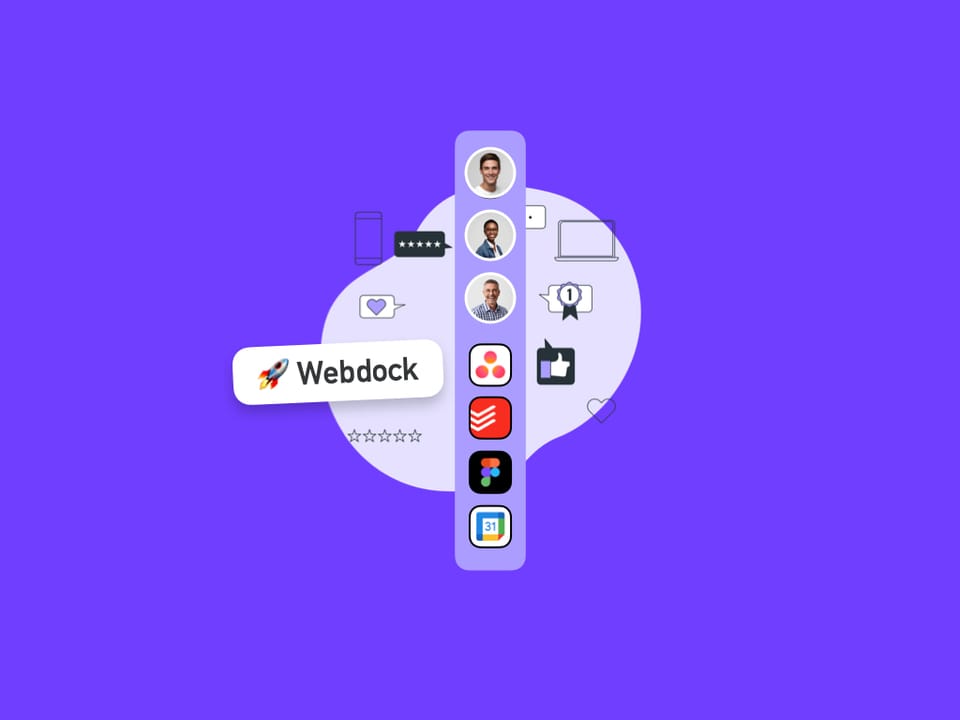
Enjoy quick access to all your spaces, groups, and apps with the webdock. The webdock is central to all Wavebox navigation.
Dividers
Dividers in Wavebox help visually organize your webdock and tabstrip—separating groups, collapsing sections, and reducing distractions for a tidier, focused workspace.
Focus Mode
Focus Mode helps you reduce distractions in Wavebox by turning
Split-Screen
UPDATED: Please visit Split View instead.
Brainbox AI Overview
Brainbox is an AI assistant built into Wavebox that helps you get more done without switching apps or tabs.
🚀 Apps
Apps are boosted tabs with extra features including tooltips, badges and notifications.
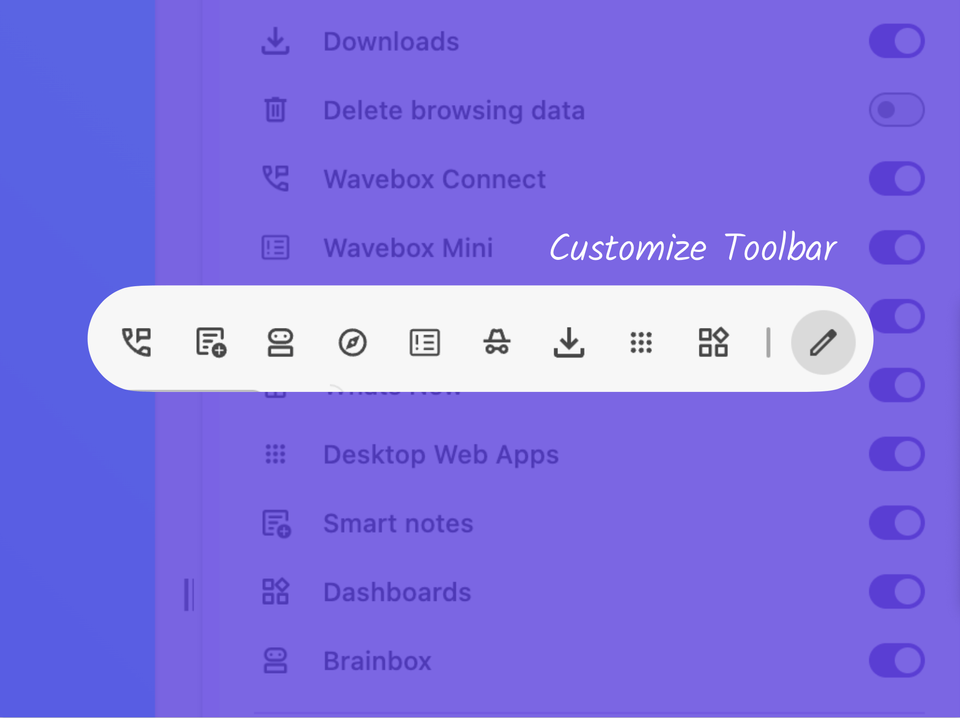
📌 Pin your Favorite Wavebox Features to the Toolbar.
Customize the toolbar with Connect, Extensions, Incognito, Brainbox, Smart Notes, Navigator and more.
Proxy Servers
Wavebox lets you set custom proxy configurations per Space—useful for region-specific apps or separate networking needs, beyond your computer’s default settings.