How the CEO of Fitness Marketing Machine Uses Wavebox to Streamline Client Workflows
Wavebox helps this CEO manage client tools like Zapier and ActiveCampaign with ease—turning chaos into a high-efficiency command center
How Wavebox Transformed Nia's Workflow and Solved Tab Overload.
Wavebox helped Nia streamline workflows, tame hundreds of tabs, and boost productivity managing clients across ClickUp, Canva, and Slack.
How Wavebox Helped Thrive Epic Reclaim 2 Hours a Day and Simplify Digital Workflows.
Struggling with app overload, Erica found focus and saved hours daily after discovering Wavebox—her customizable, efficient digital workspace solution.
Where to Download Wavebox
Wavebox is a desktop only browser that is built on Chromium and can be installed on MacOS, Windows and Linux platforms.
Install / Uninstall (Linux)
Easily install Wavebox on Linux, create spaces for work and home, import your data, and get organized in minutes.
💬 Get Help and Chat with our AI Support Assistant
Chat with our AI Assistant to get instant help and advice on all things Wavebox.
📌 What's the Difference Between Apps, Saved Items, Tabs & Pinned Tabs?
Wavebox gives you the flexibility to organize your work exactly as you want. Start exploring different setups today to find what works best for you!
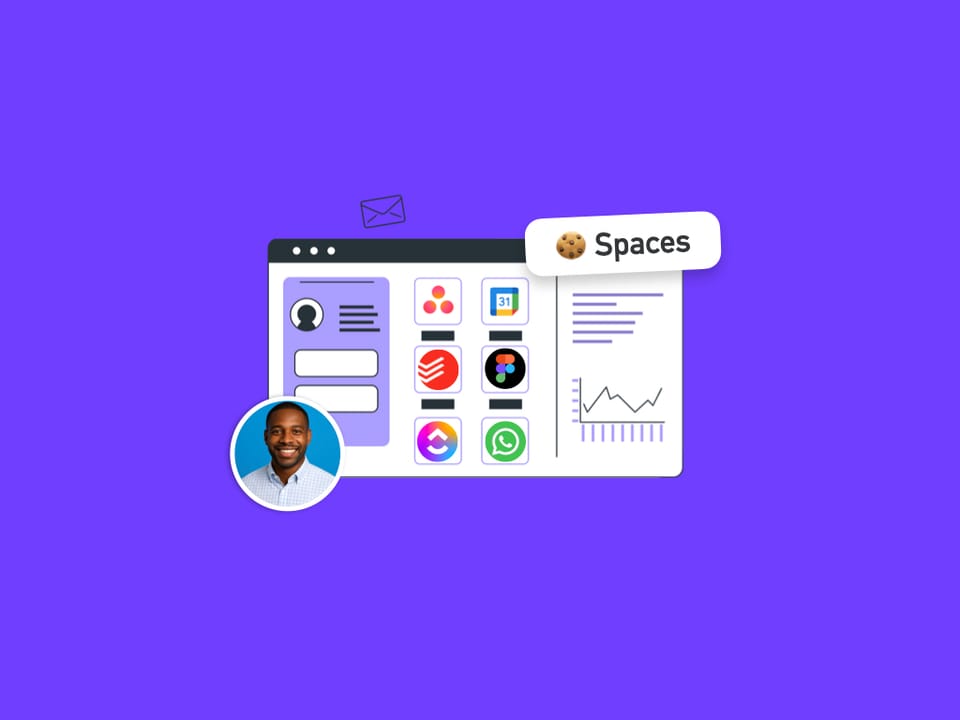
🚀 Why Wavebox Spaces are Easier and More Flexible than Chrome Profiles.
Wavebox spaces are like super-powered Chrome profiles that can be used side-by-side. Learn how to get setup in minutes.
Extensions: Multiple extension accounts.
Stay signed in to multiple client accounts safely—Wavebox lets you lock, separate, and manage extension accounts across different spaces.
🚀🙏 5 Essential Wavebox Browser Hacks I Can't Live Without.
I haven’t used Chrome or any other browser since 2016! Here are 5 hacks I use in Wavebox to run Wavebox.