Too Many Tabs? How to Start Your Workday in Under a Minute.

I used to lose 15–20 minutes every morning to my browser — hunting tabs, switching profiles, and rebuilding lost tab groups. That felt like handing away focus before I’d done anything that mattered. Most people I talk to tell me the same thing.
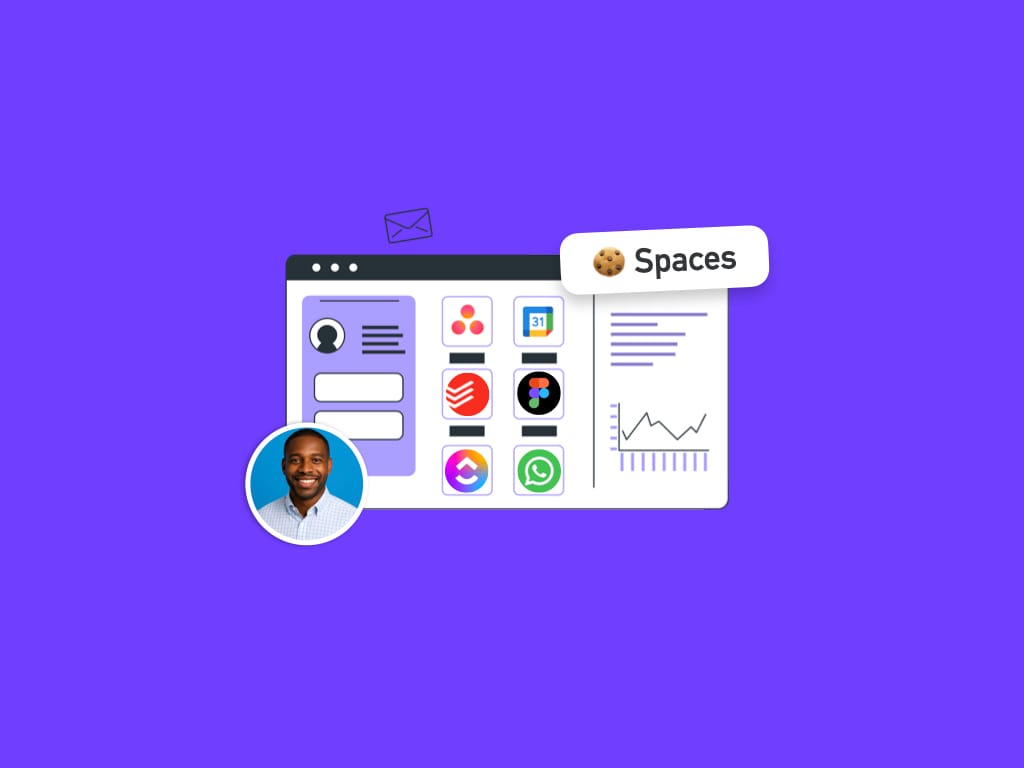
With Wavebox I open the app and get straight to work. Spaces keep related apps and tabs together, accounts stay signed in, and notification badges tell me where to look. No profile juggling, no lost tabs, and usually I’m productive in under a minute.
🐌 The typical user's morning
You open Chrome or Edge hoping to start fresh and immediately spend a chunk of time on admin instead of work. A common sequence looks like:
- Open browser to find 30–50 tabs from yesterday
- Try to find a client email — is it in Work or Personal profile?
- Switch profiles, then realize you need the other Gmail too
- Open an incognito window for another account
- Lose track of which window has which tab
- Miss a notification because you’re in the “wrong” profile
- Accidentally close a tab group and lose everything
- Give up and start reopening everything from scratch
Time wasted: 15–20 minutes (at least).
🚀 My Wavebox morning
This is what I actually do now:
- Open Wavebox — everything is where I left it
- Work Space shows Support Ticket system and Admin Database all signed-in with unread badges
- Visible badges for other apps like my Gmail and Socials. I know exactly where I'm at in terms of workload
- Use Global Search to navigate across recent apps and tabs
- Split-screen: Slack on the left, Wavebox Hub on the right
- All accounts remain signed-in, all notifications summarised in the Wavebox Mini even when I'm not using Wavebox
Time to start working: typically under a minute.
Why those first 30 minutes matter
Those first minutes shape your energy and focus for the rest of the day. When you spend them on navigation, logins and tiny decisions, you use up willpower and context. People commonly tell me it takes 10–15 minutes to rebuild context each time they lose it, leading to lost momentum, repeatable across the day.
Wavebox is built around context: Spaces, Groups and Apps keep things organized by the work you’re doing so you don’t have to recreate context every morning.
How Wavebox keeps you in flow
- Spaces: like Chrome profiles, but side‑by‑side. Each Space keeps related apps and tabs together and stores its own cookies so sign‑ins stay separate.
- Groups: organize apps and tabs by project or workflow, each with its own tabstrip.
- Apps: create icons in a group's tabstrip for the services you use most, for one‑click access and persistent sign‑ins.
- Global Search: find tabs, groups, apps, bookmarks and Smart Notes fast.
- Split‑screen: work with two views side‑by‑side without juggling windows.
- Notifications and badges: see what needs your attention at a glance.
No hunting, no profile switching, no lost tab groups — just less friction getting started.
The real cost
If you spend 15–20 minutes per workday on browser setup and you work roughly 260 days a year, that adds up to about 65–87 hours a year (15/60260 = 65; 20/60260 ≈ 86.7). That’s a rough estimate — people’s routines vary — but it’s the kind of time people tell me Wavebox helps get back.
Switching browsers? It’s easier than it sounds
Switching is a real decision, and you don’t need to flip everything at once. Start small — try one Space for a week and import only what you need. A quick migration approach I recommend:
Migrate from Chrome to Wavebox: 6 steps to tame tab chaos
- Download and install Wavebox (Mac, Windows, Linux).
- Import Chrome data you care about — bookmarks and passwords; many Chrome extensions work in Wavebox.
- Create Spaces for your main profiles (Work, Personal, Client A) and name them.
- Create Groups inside each Space for projects or clients; drag tabs into Groups or add apps directly.
- Pin essential sites as Apps in the webdock so they stay signed in and easy to open.
- Tweak notifications, try Global Search (Ctrl/Cmd+K) and use split‑screen. Start simple and add more structure over a few days.
If you’d rather, you can map profiles to Spaces and tab groups to Wavebox Groups over time — you don’t have to do it all at once.
Need a hand?
If you have questions while setting up, tell the support team — I read and respond to tickets personally and I’m happy to help you get set up.
— Susan 😊
Download Wavebox free for Mac, Windows, or Linux. 7-day free trial, no credit card required. You can always add more as you go.
 Susan Davies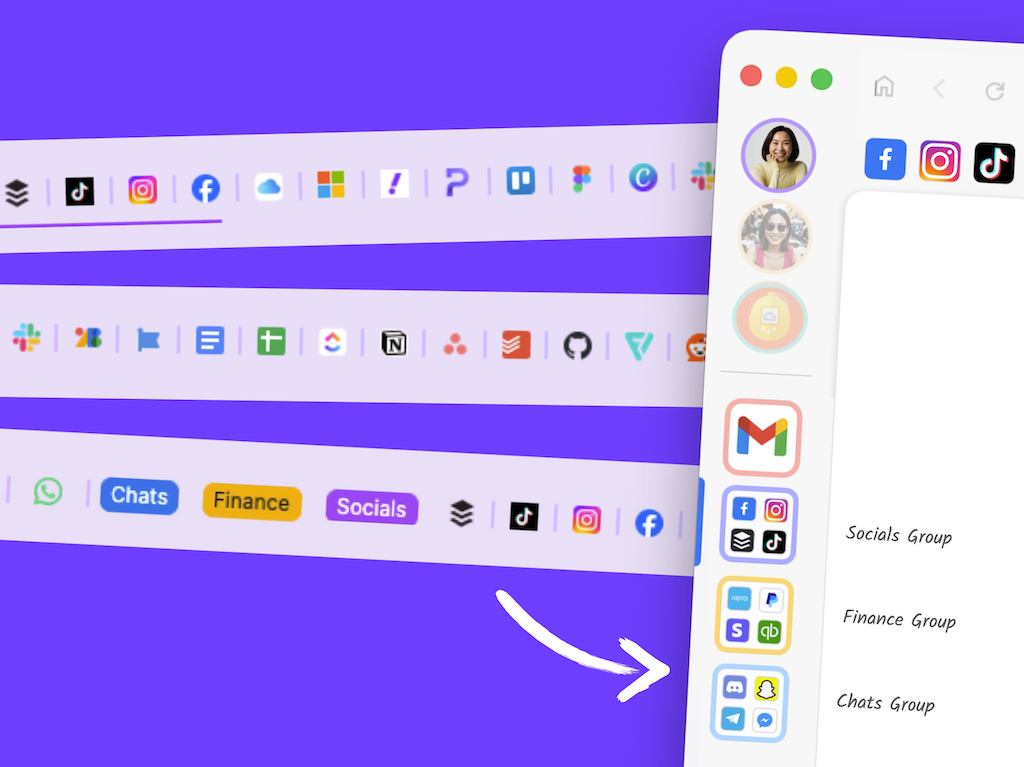
 Susan Davies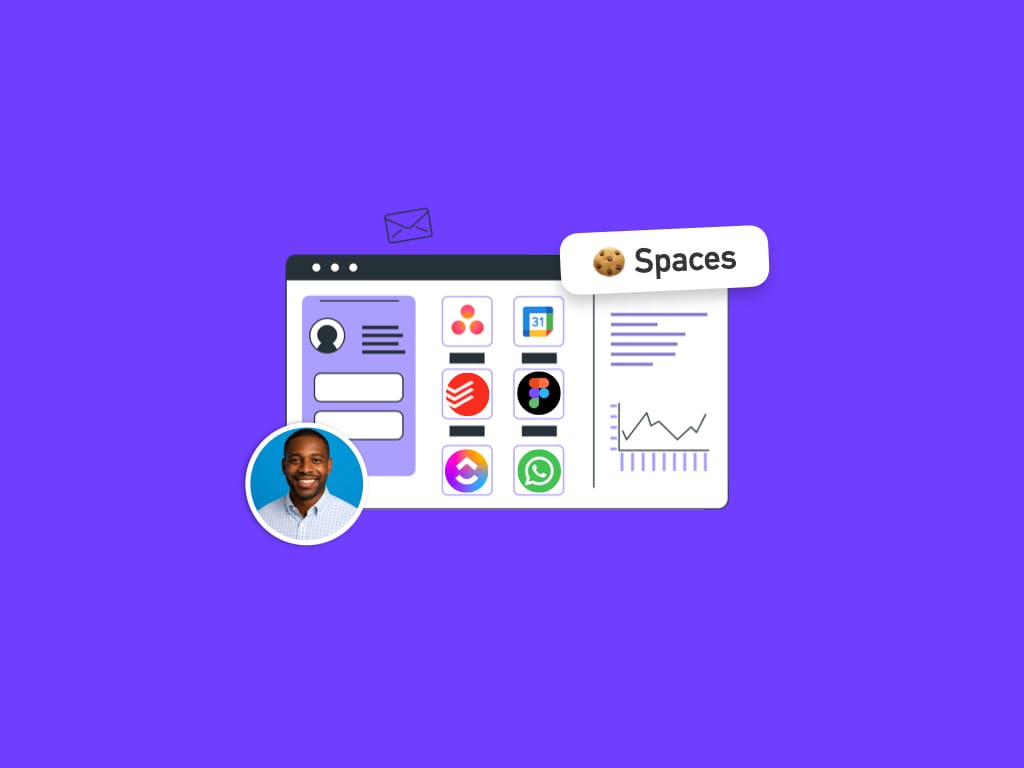
 Susan Davies
 Susan Davies