
Discover
New to Wavebox? Or an existing user who wants to get more from your Wavebox subscription? Here are links to some of Wavebox's favourite features:
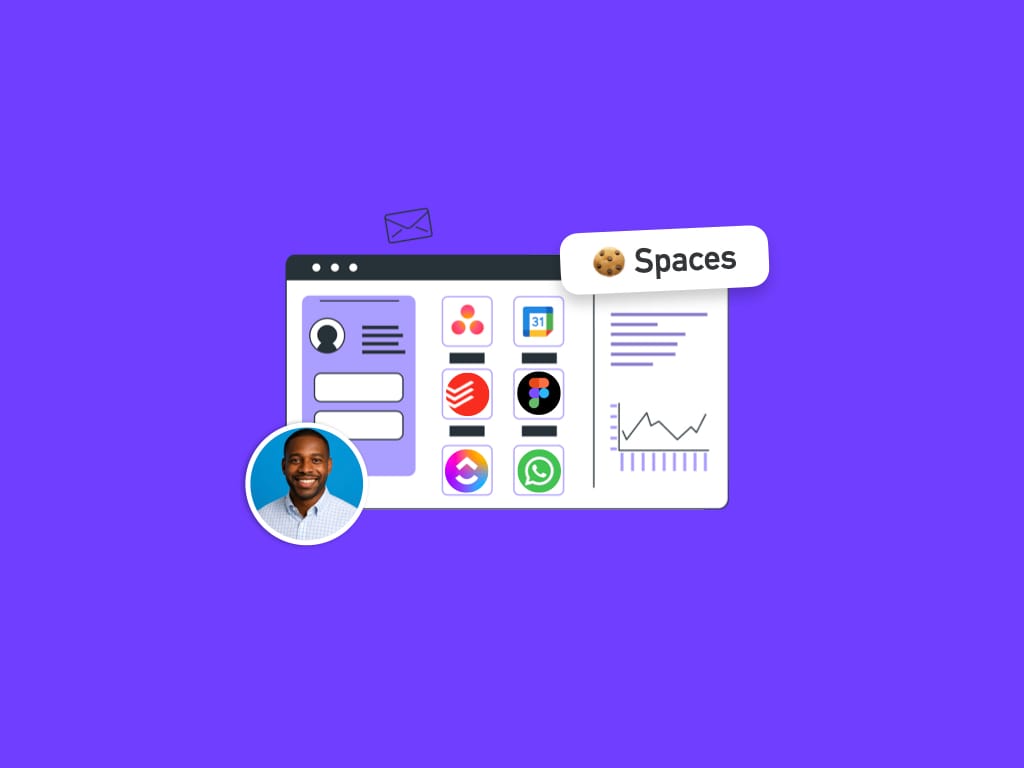
Spaces
Spaces (previously known as cookie containers or cookie profiles) allow you to stay signed-in to multiple app/website accounts and use them side-by-side without conflicts.
Link Engine
The Link Opening Engine gives you full control over how/where links open in Wavebox.
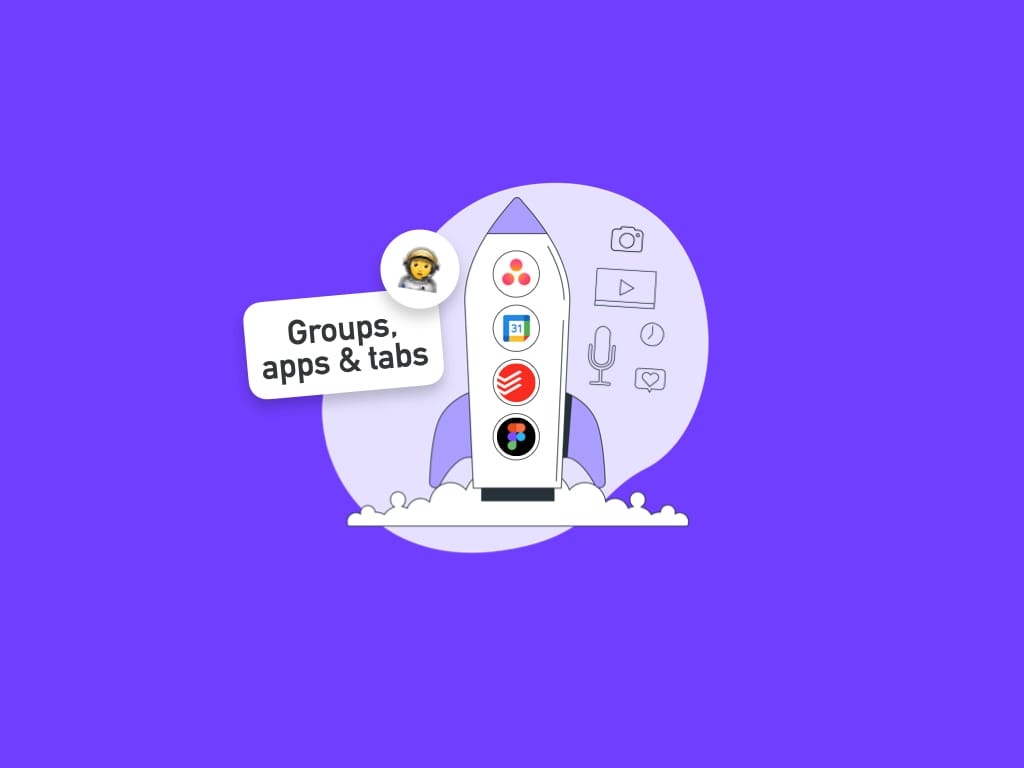
Groups & Apps & Tabs
Learn how our navigation structure helps you organize tabs and build faster workflows.

Navigator
Navigator provides a visual overview of all your open apps, tabs, and windows.
Tabs & Tabstrip
In Wavebox your tabs live in Groups (rounded squares) in the webdock (sidebar). Each group has its own tabstrip with app icons on the left and tabs on the right.
Global Search
Use Global Search to quickly navigate all your web resources or perform multi-account searches in Gmail and Google Drive.

Quick Switch
A powerful keyboard shortcut that cycles through your most recently used apps and tabs quickly. It works in the same way as Command+Tab on macOS and Alt+Tab Windows.
Profiles
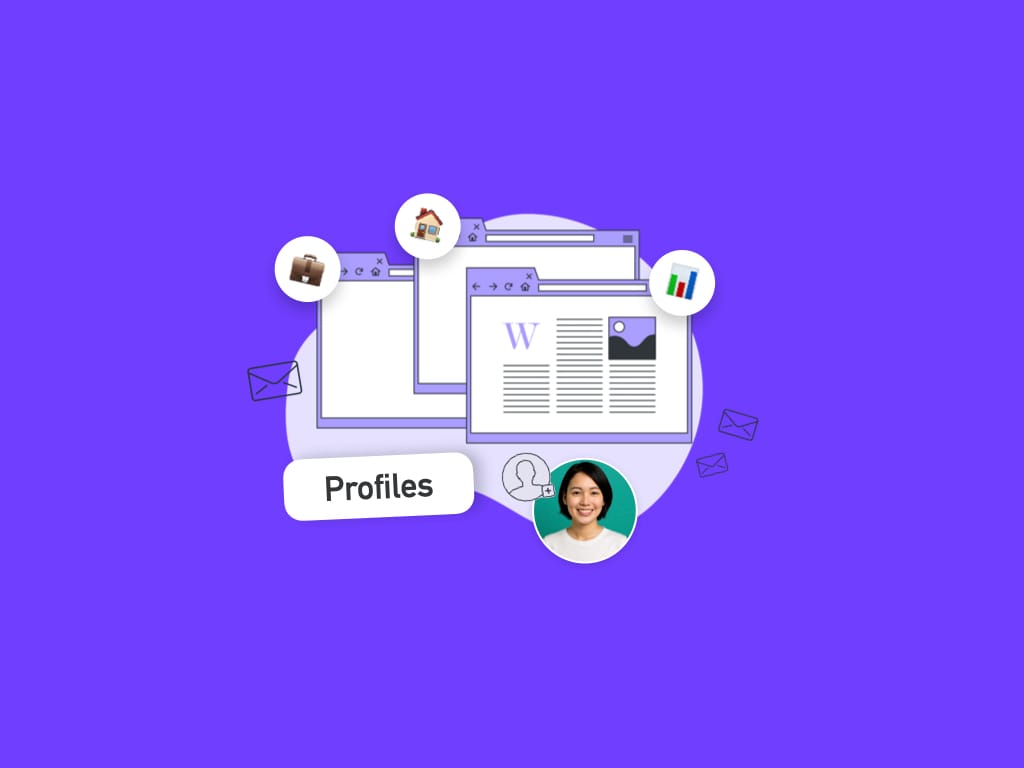
Profiles in Wavebox let you create completely separate browser environments. Each profile has its own webdock, spaces, groups, apps, tabs, cookies, extensions, and settings.
Dashboards
Like custom start page Chrome extensions, enabling you to access web resources quickly without leaving the browser.
Widget Library (Dashboards)
The Wavebox Widget Library lets you quickly add mini-apps (widgets) to your dashboards and new tab pages. Our Library contains 19 widgets for notes, tasks, links, feeds, and more—all in one place.
Wavebox Mini
A summary of all your unread items and notifications in one handy list. Pop-out to your desktop to stay updated all day long—event when not in Wavebox—and add to any dashboard.
Smart Notes
Use Smart Notes in Wavebox to jot down ideas, create to-do lists, or save important snippets without leaving the tab you are on. Smart Notes are linked to specific URLs, making them easy to find whenever you revisit a page.
Brainbox
Brainbox is an AI assistant built into Wavebox that helps you get more done without switching apps or tabs. Chat, summarize pages, draft emails, translate text, and more — all from one convenient panel.
Desktop Web Apps
Desktop Web Apps (DWAs) let you run any website as a standalone desktop application, so you can quickly access it on your computer without opening Wavebox.
Focus Mode
Focus Mode helps you reduce distractions in Wavebox by turning off notifications, hiding unread badges, and muting audio.
Split Screen
Split & Dock are powerful multitasking features that let you view apps and tabs side by side in the same window.
Desktop Privacy Lock
Privacy Lock prevents others from seeing your open apps and tabs in Wavebox when you are away from your desk. When enabled, it hides everything behind a PIN, password, or biometric login (e.g., Touch ID/Windows Hello).
Wavebox for Teams
Wavebox doesn't replace your awesome collaboration apps - it provides a platform for consolidating your team tools in one place, keeping them correctly signed-in, and making it easier to do work and onboard new people.
Connect (Calls & Screenshare)
Wavebox Connect is a built-in messaging, calling and file transfer tool in Wavebox. Use it to DM/chat, voice/video call, and screenshare from any Wavebox window.
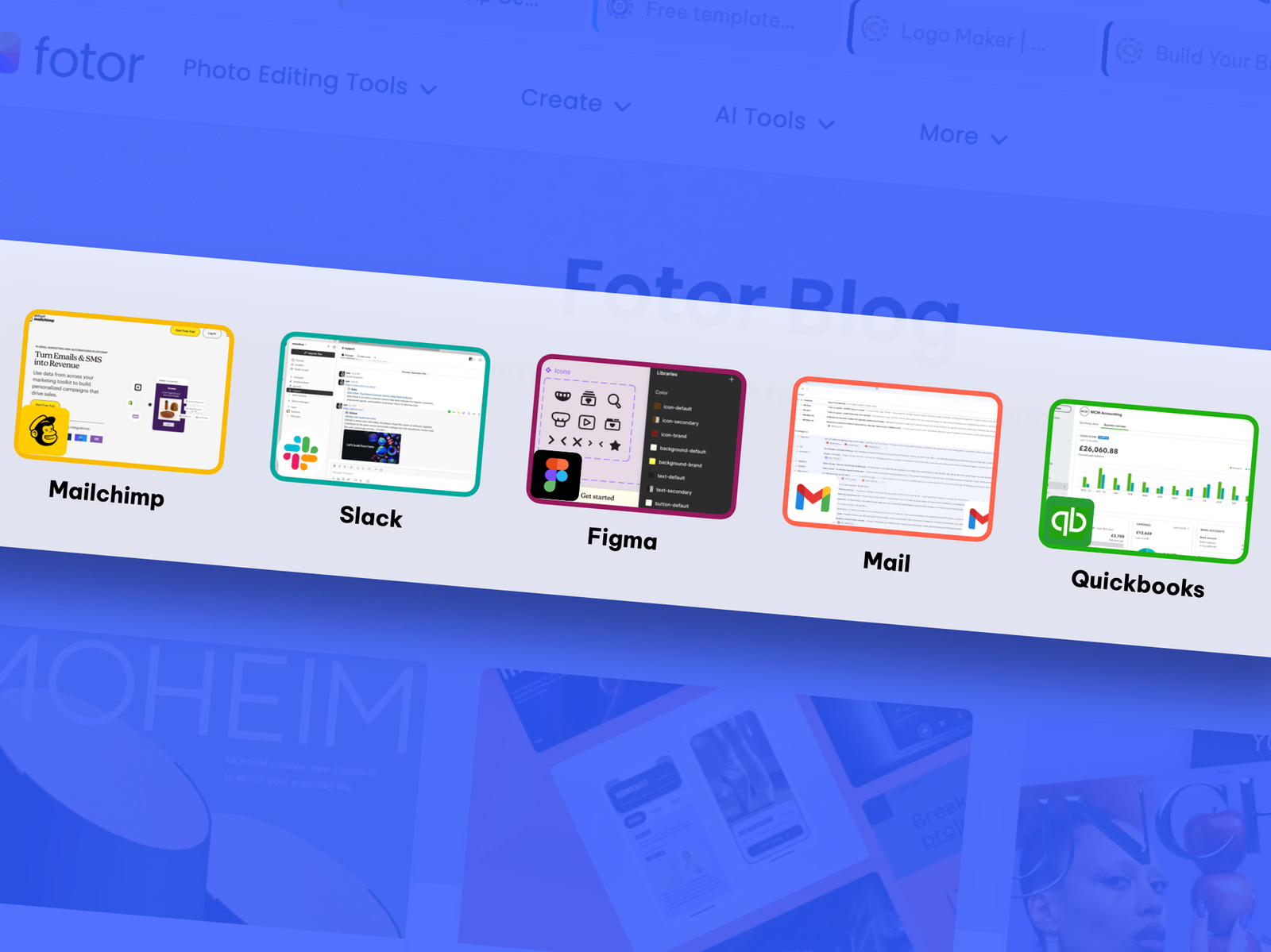
All Feature Summary
Many features are unique to Wavebox, while others replace common, and often paid, Chrome extensions.