Individual and team subscriptions are managed through the My Wavebox admin portal, which can be accessed via the app.
Diagnostics
You've been asked to generate diagnostics from support. Here's what to do.
App Settings
Customize each app’s name, icon, notifications, and sleep settings in Wavebox App Settings—tailor every app to fit your workflow perfectly.
Navigator
A visual/spacial view of all your apps and tabs in Wavebox. Try Navigator to manage how your Wavebox is performing.
Webdock: Spaces Layout
Default layout for new users. Displays groups and apps for the selected Space only.
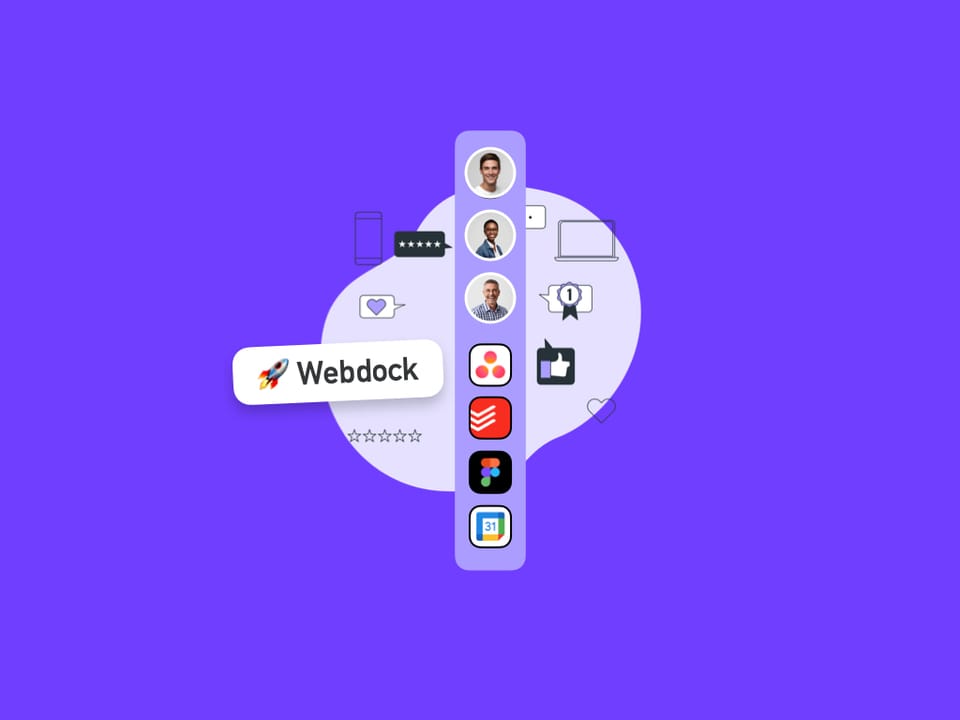
Webdock (Vertical Sidebar)
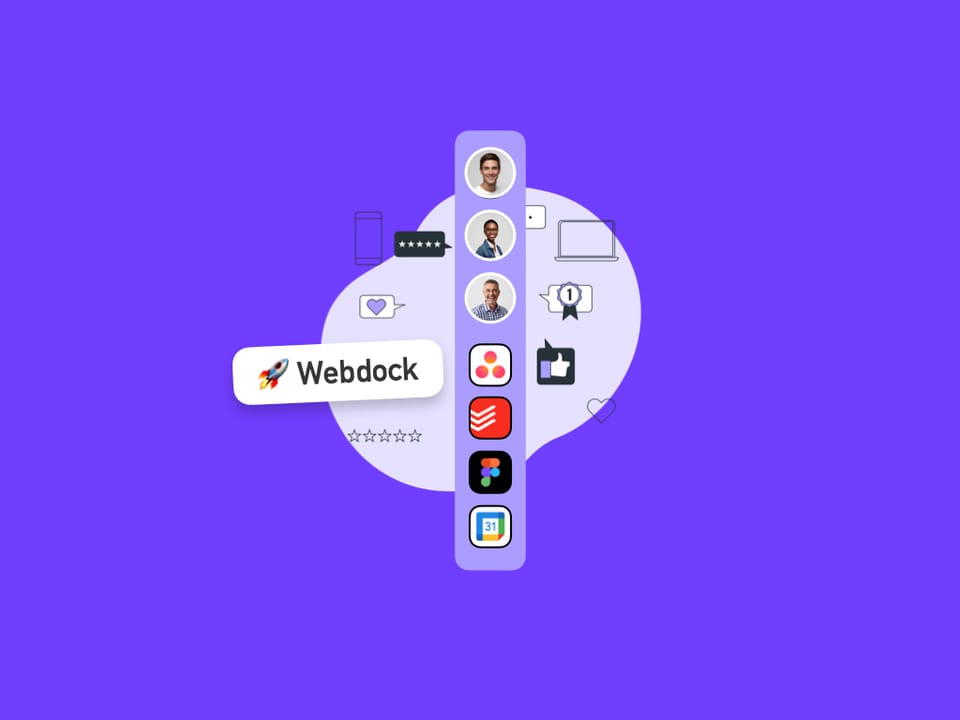
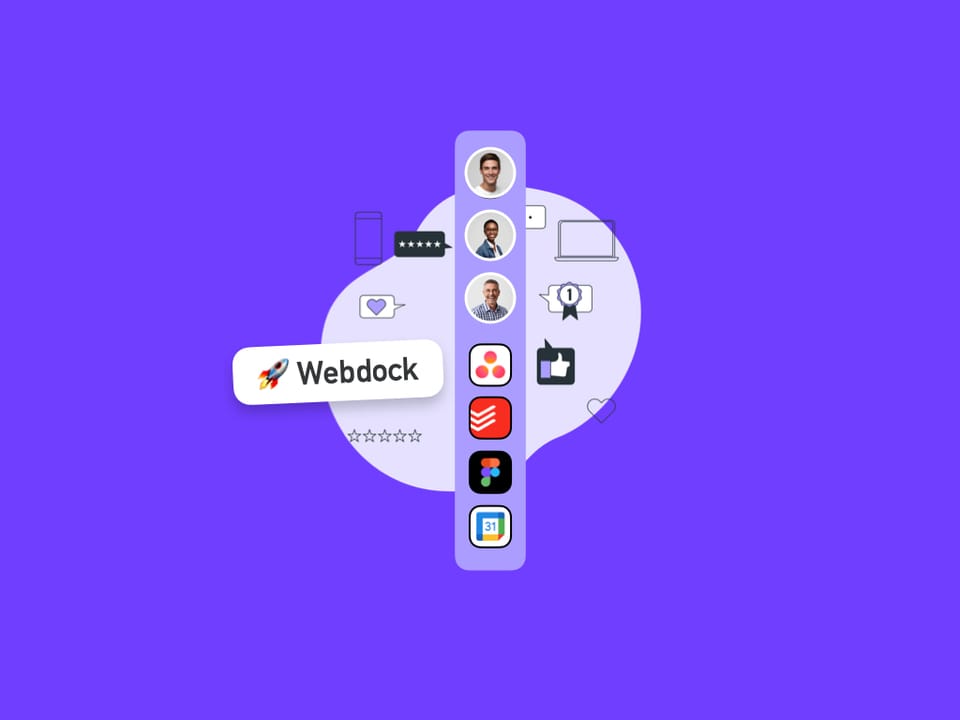
Enjoy quick access to all your spaces, groups, and apps with the webdock. The webdock is central to all Wavebox navigation.
Dividers
Dividers in Wavebox help visually organize your webdock and tabstrip—separating groups, collapsing sections, and reducing distractions for a tidier, focused workspace.
Focus Mode
Focus Mode helps you reduce distractions in Wavebox by turning
Split-Screen
UPDATED: Please visit Split View instead.
🚀 Apps
Apps are boosted tabs with extra features including tooltips, badges and notifications.